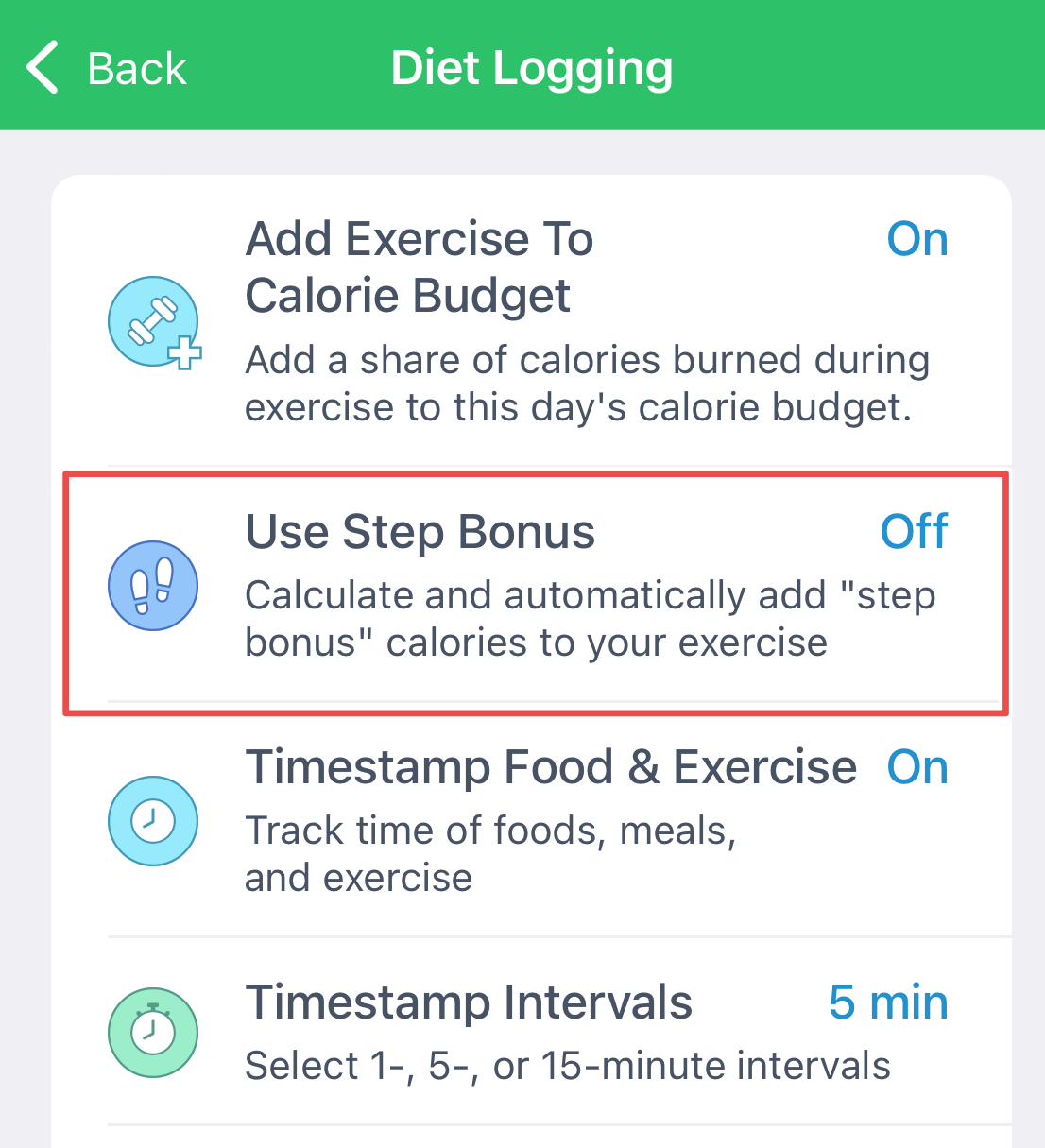
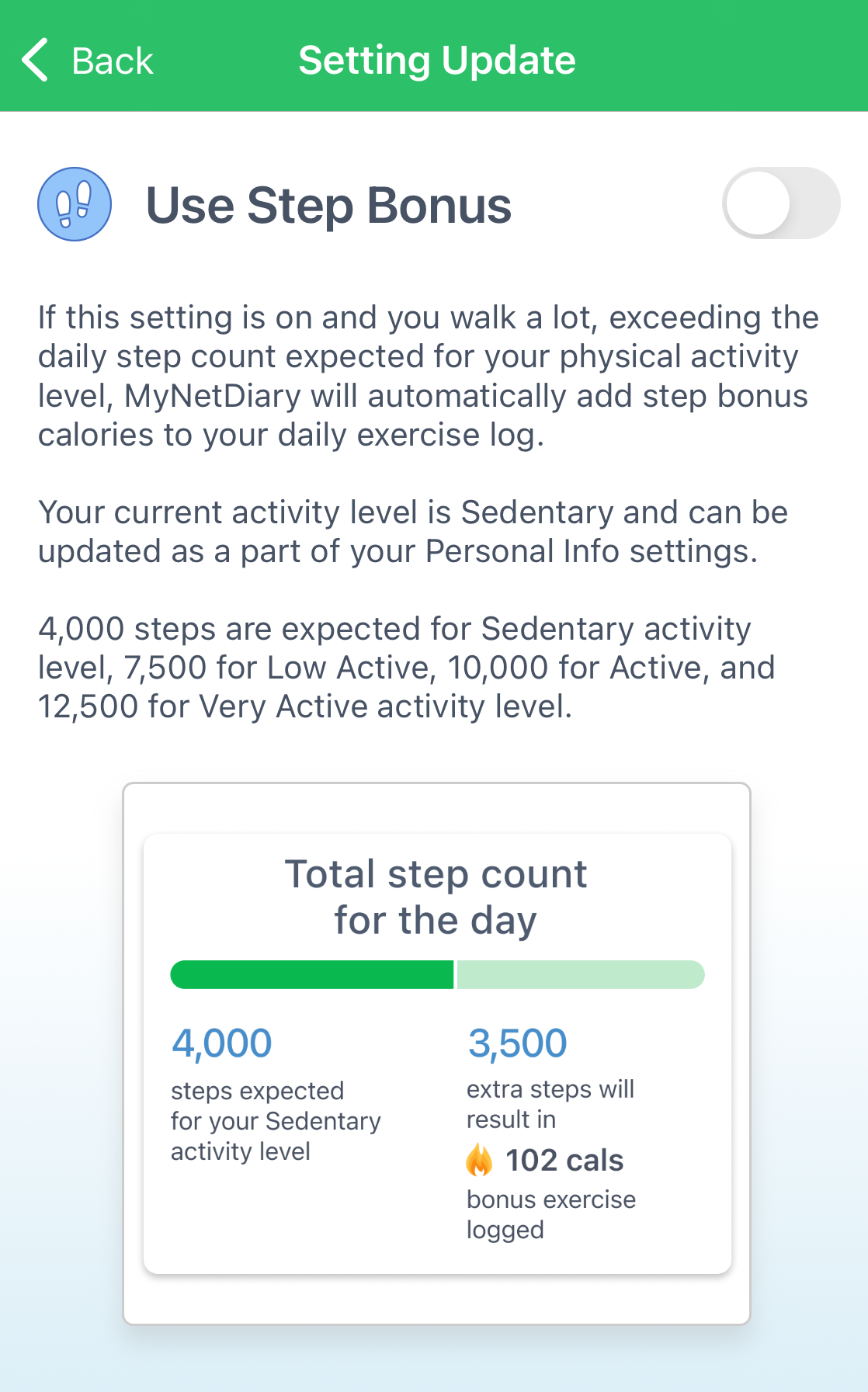
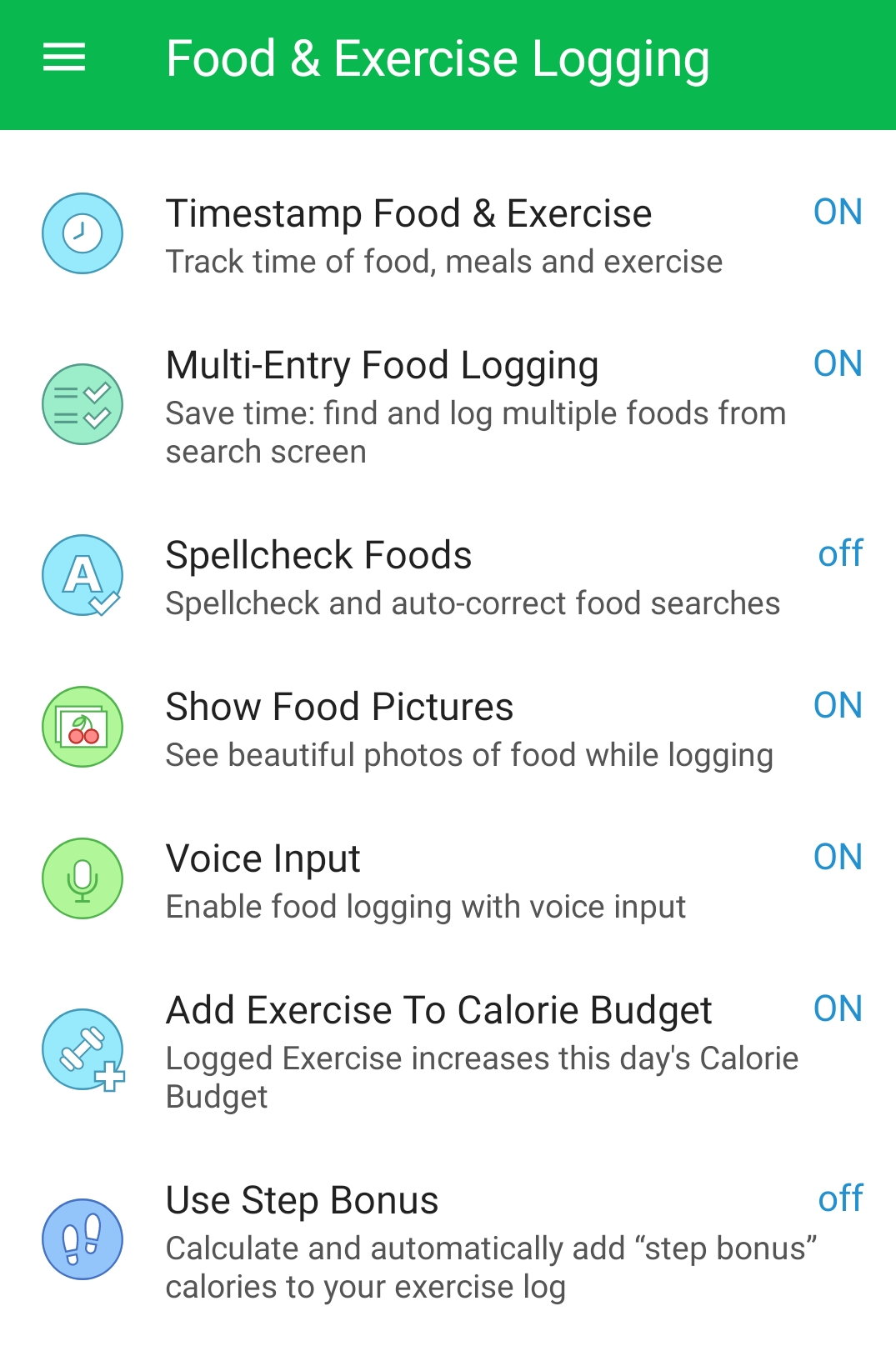
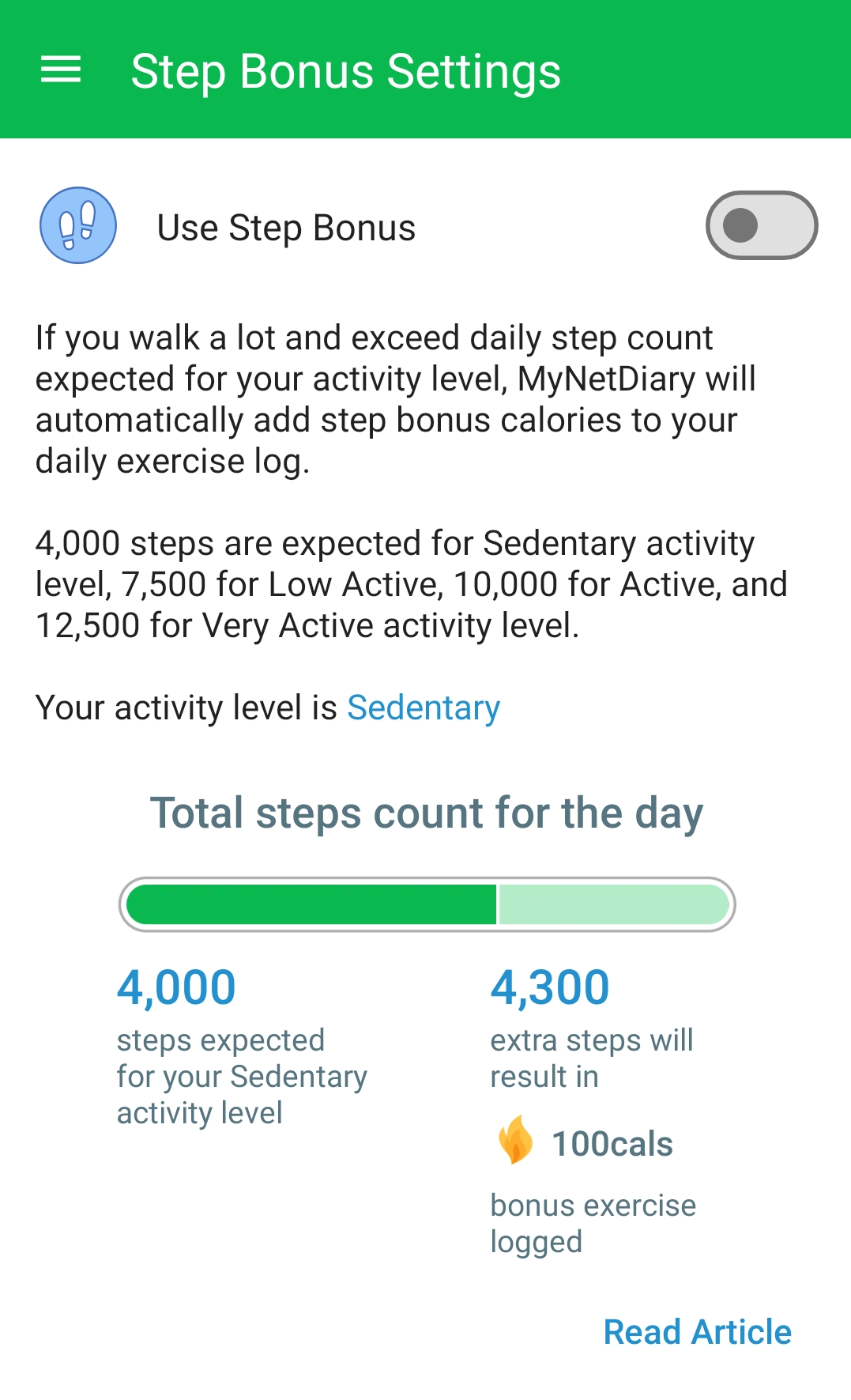
If you are a MyNetDiary or PlateAI Premium subscriber, you can turn on Step Bonus calories in App Settings (on iOS, proceed to Diet Logging, on Android, to Food & Exercise Logging), which automatically logs walking exercise for you by adding the calories burned for a number of steps above your activity level. If you walk more than expected for your Activity Level, you get a Step Bonus, and those calories will be added to your Exercise. This helps to estimate your daily calorie in/out balance more accurately. Please see Step Bonus - Your Reward For Moving More blog post for more details!
iOS:
Android:
Step Bonus calories appear in the Exercise section. The feature is enabled when you log daily steps manually and disabled when you get step data from an activity tracker, as activity trackers account for calories burned while walking.
Please note the user will not see the Step Bonus when the steps data is synced from another source, such as Fitbit, Withings, or Garmin. There is no need to convert steps to caloric expenditure if the activity tracker accounts for these calories while sending the data about your active calories.
Also, your Step Bonus can get subtracted when you are entering some exercise manually.