Wear OS App
What can I do with the smartwatch app?
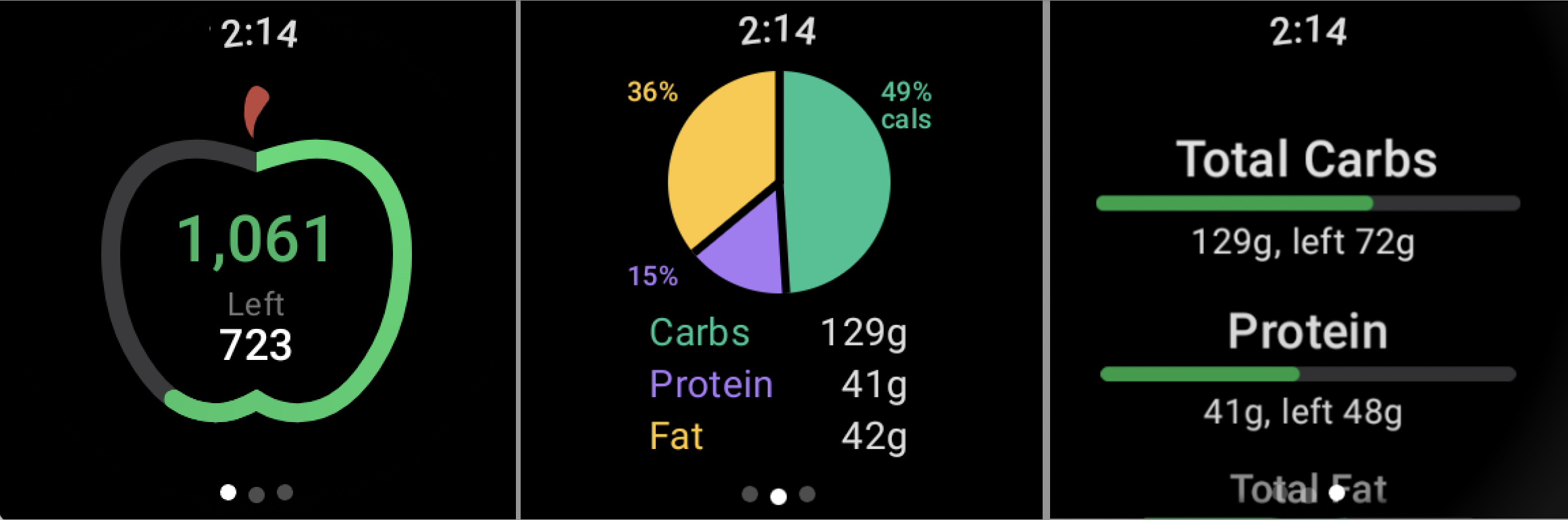
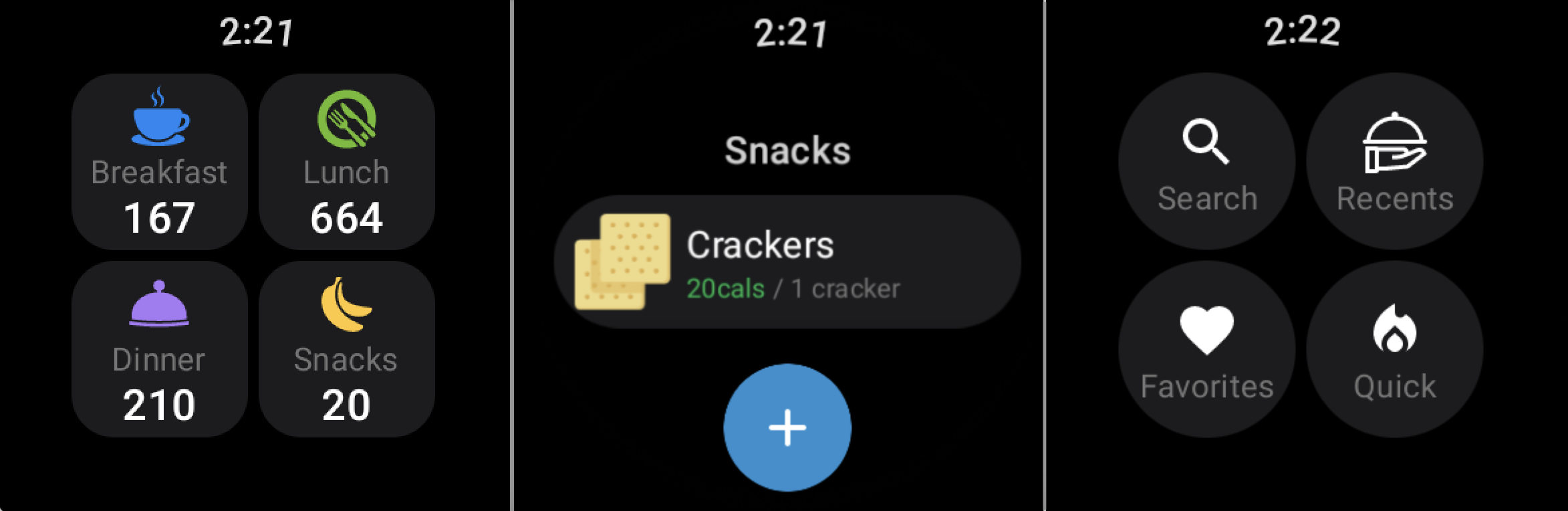
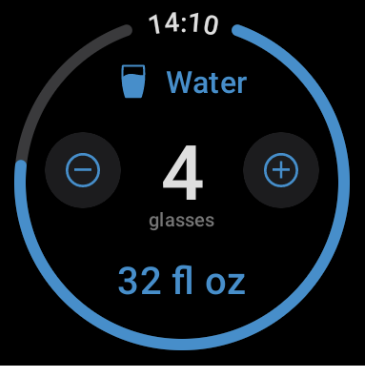
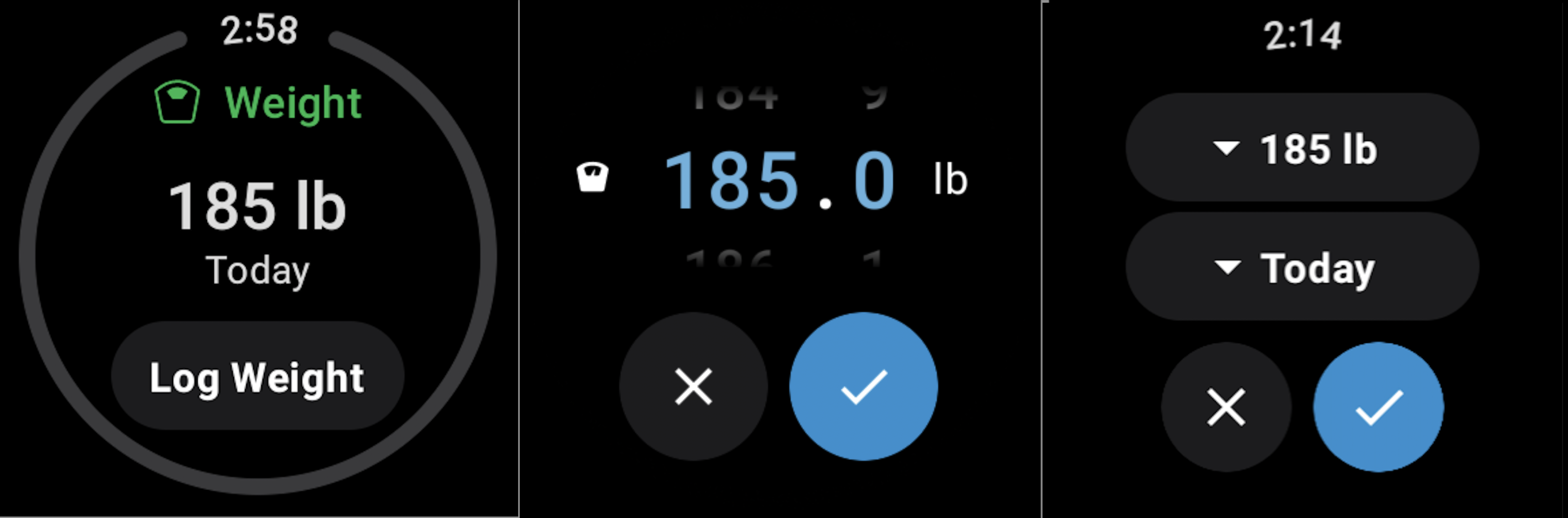
How do I install our app app for Wear OS?
- Install MyNetDiary or PlateAI on your Android phone from Google Play Store;
- Complete setup in the Android App;
- On your watch go to Play Store > Search for MyNetDiary app > Tap Install;
How can I change my water goal?
- Go to Settings -> Water Tracking -> Water Containers;
- Tap “Glass” container and set Volume.
How can I change the water glass size?
This feature is available only for Premium users.
- Go to Settings -> Water Tracking -> Water Goal;
- Set your custom goal.
How do I add more nutrients to track on my smartwatch and phone?
This feature is available only for Premium users.
- Go to Weight Plan -> Nutrient Targets -> Select Nutrient you need to track;
- Activate setting “Show on Dashboard”.
Can I track intermittent fasting with your app installed on my Galaxy Watch or Pixel Watch?
Yes, you can. The Wear OS app on Galaxy Watch and Pixel Watch includes a built-in fasting timer, along with meal and hydration logging— features that can help you stay on track with your intermittent fasting routine.
How quickly is my diary synced between the phone and smartwatch?
Once opened, the app can take up to 30 seconds to update your information so please be patient if you do not see your newly added information immediately.
What is the minimum Wear OS version required by our smartwatch app?
The Wear OS app (MyNetDiary smartwatch app) is compatible with/supported by Wear OS 2 and Wear OS 3.