We support both metric and US (imperial) units, and lets you choose Monday as the first day of the week for weekly charts and reports.
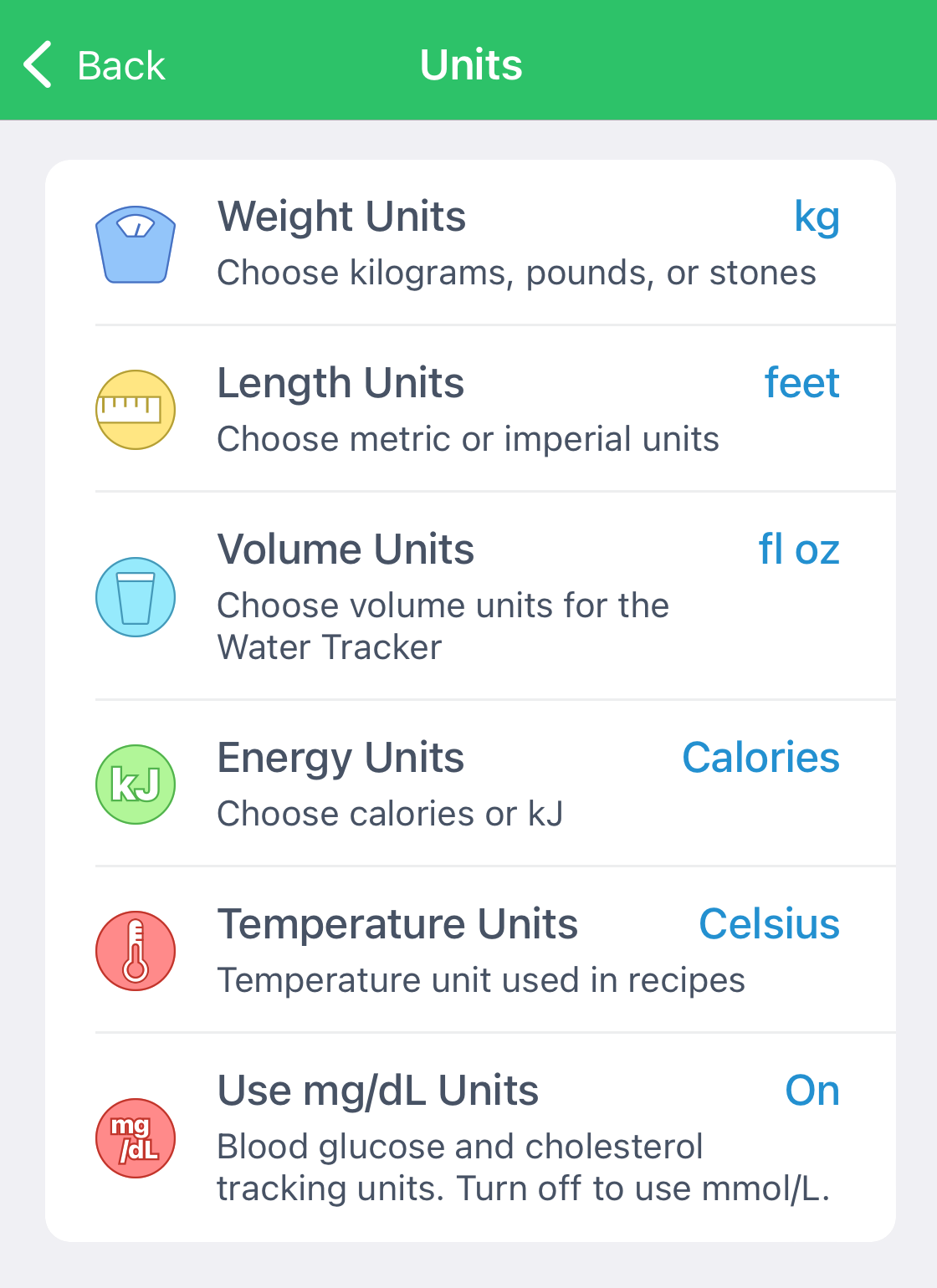
In the mobile apps, go to App Settings > Units & Conventions.
From there, you can:
- Choose metric units for weight, length, and volume
- Switch to kilojoules (kJ) instead of calories
- Use mmol/L instead of mg/dL for blood trackers
- Choose food labeling standard as USA, Canada, EU, UK, or Australia.
iOS:
Android:
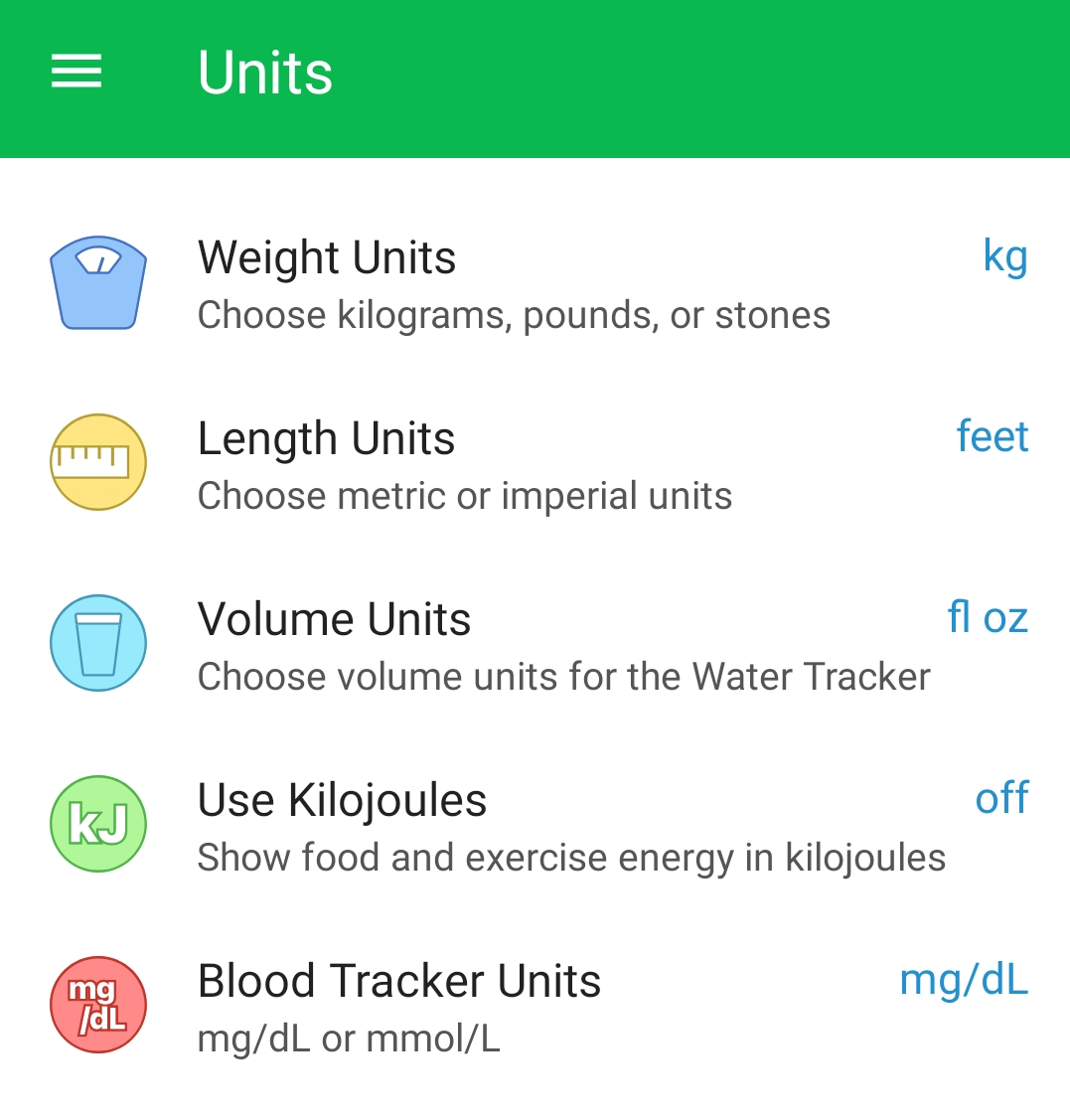
Note: The iOS app also lets you change temperature units for recipes (Fahrenheit/Celsius), which may be missing on Android.
On the website, you can change body weight units (kg vs. lbs) in the Settings > General page, and blood tracker units (mg/dL vs. mmol/L) in the Settings > Logging page. Please note that kilojoules (kJ) are not supported on the website at this time.