Sometimes users need to change the email address or password associated with their account. This is possible if the account was created through the mobile app or the web version of the service.
Please note: We highly recommend registering an account, even if you do not plan to change your email or password. For more details, see the following article: How to Register an Account.
After signing into your account on the web, go to Settings > My Account to update your email address or password.
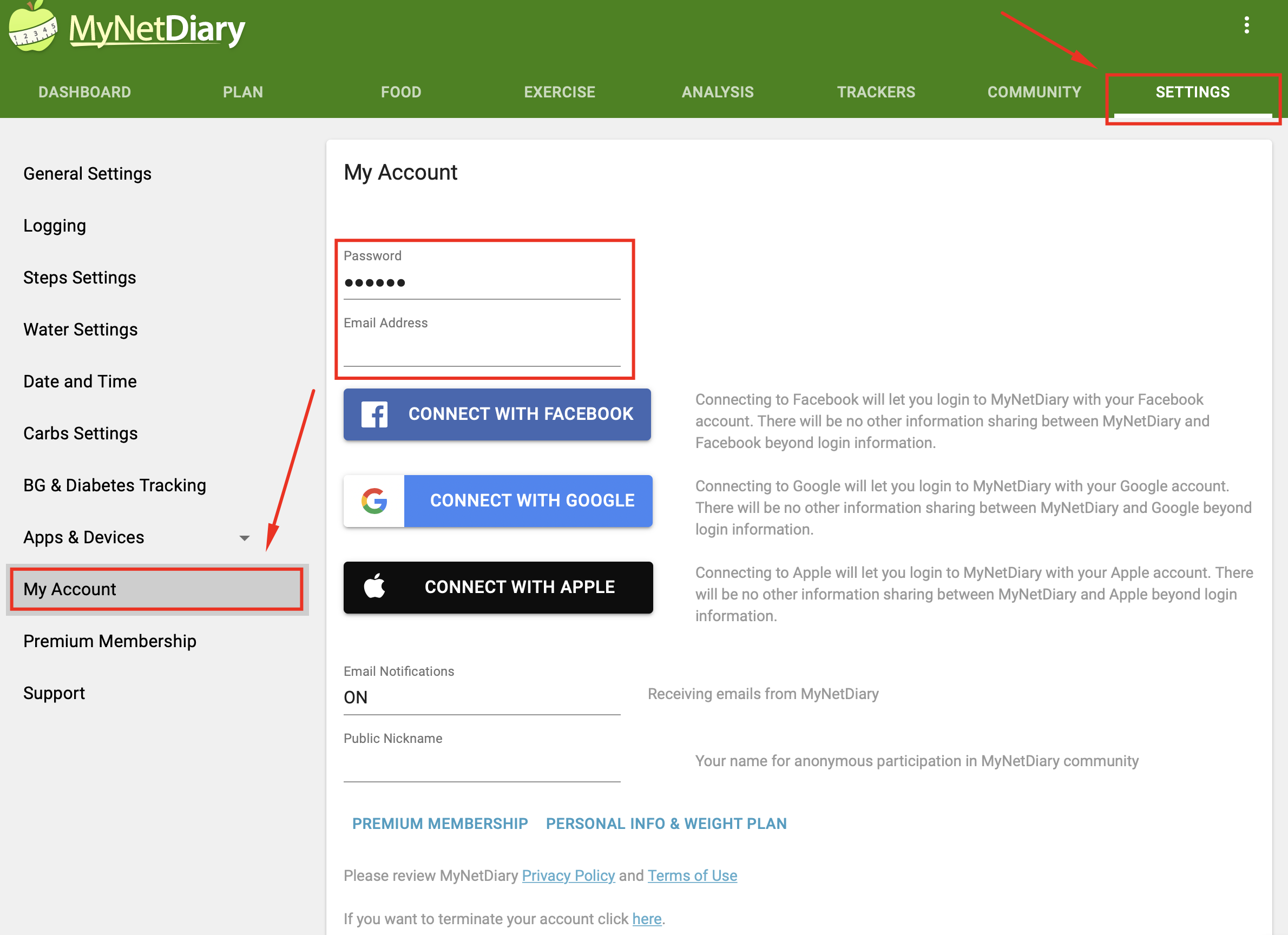
Click once on either the Email Address or Password field to enable editing and apply your changes.
You can also update your email via the mobile app by going to: Me > App Settings > Account & Privacy > Email
Important: If you make changes online, please force-close ("kill") and reopen the mobile app. You will need to sign in again using your new credentials to sync both the mobile and web versions.
If you’ve forgotten your password, please refer to this article: Resetting Your Password