Among various food types, there are two main categories: custom and system foods. A user can log a custom or system food into a specific meal (e.g., Lunch) on a particular day, or they may leave it unlogged—meaning it only appears in search results without being added to the diary. In the first case, the system treats the item as important to that user and prioritizes it at the top of future search results. In the second case, if the item was never logged, it may still appear in the suggestion list as the user types, but it will be ranked lower. The item's position in the suggestions depends on its overall popularity.
Suppose a user enters specific keywords and selects a food item from the suggestion list that has never been logged in their diary. In that case, the system assigns the entered keywords as a short name for that food. In the future, the user will see this short name instead of the full food name in the suggestion list. Short names are displayed in blue, while full food names appear in black.
Suppose the user does not want to see a particular item at the top of the list because he/she no longer eats it; he/she excluded this food from his/her diet. In that case, it's possible to Remove its short name from Search Results via the My Foods catalog online or via the Manage My Foods section of the mobile app:
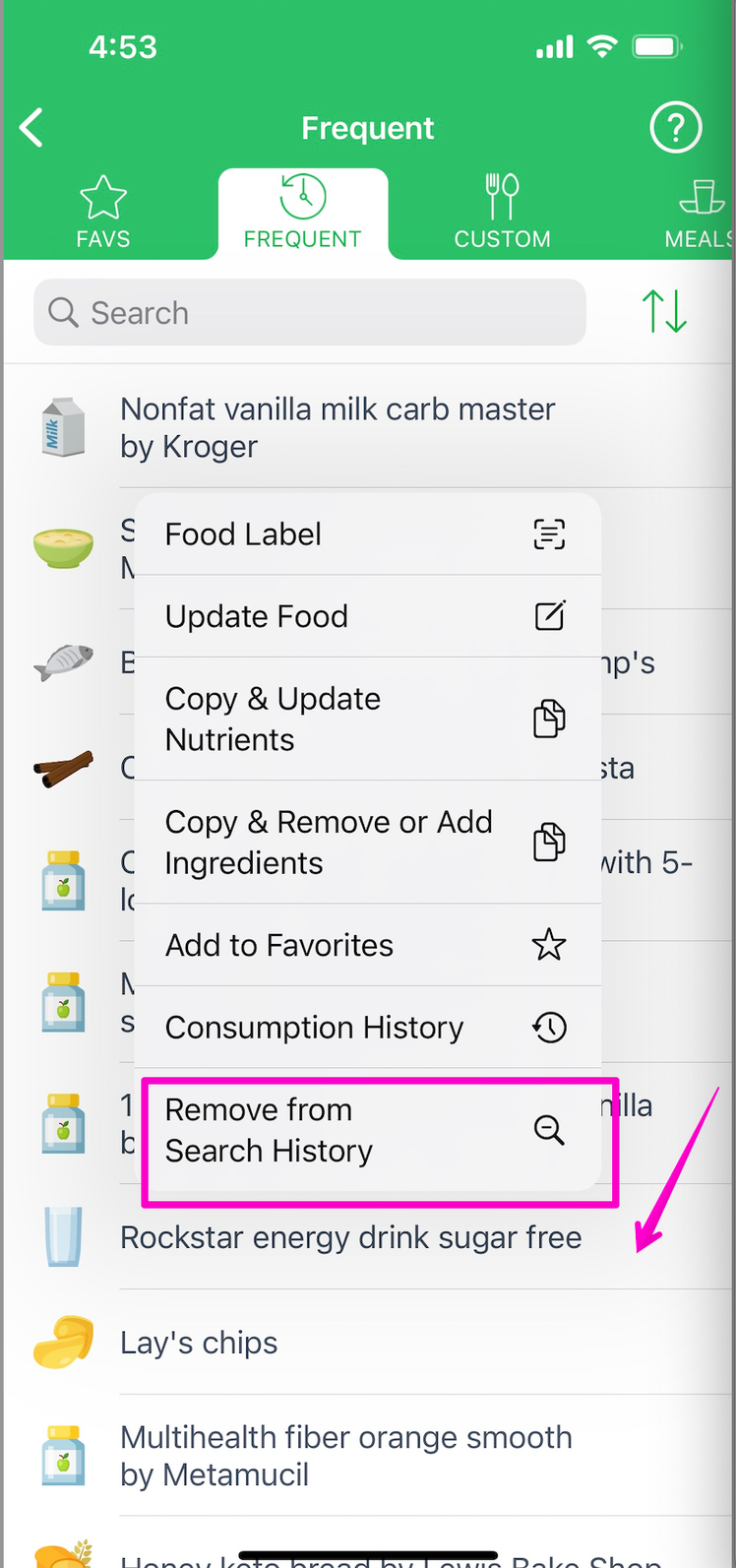
But the user cannot completely Remove any system food from the database. Suppose some system item has never been logged into the diary as a record and just appears in search results. In that case, the user has no option to Retire or Remove it from the suggestion list:
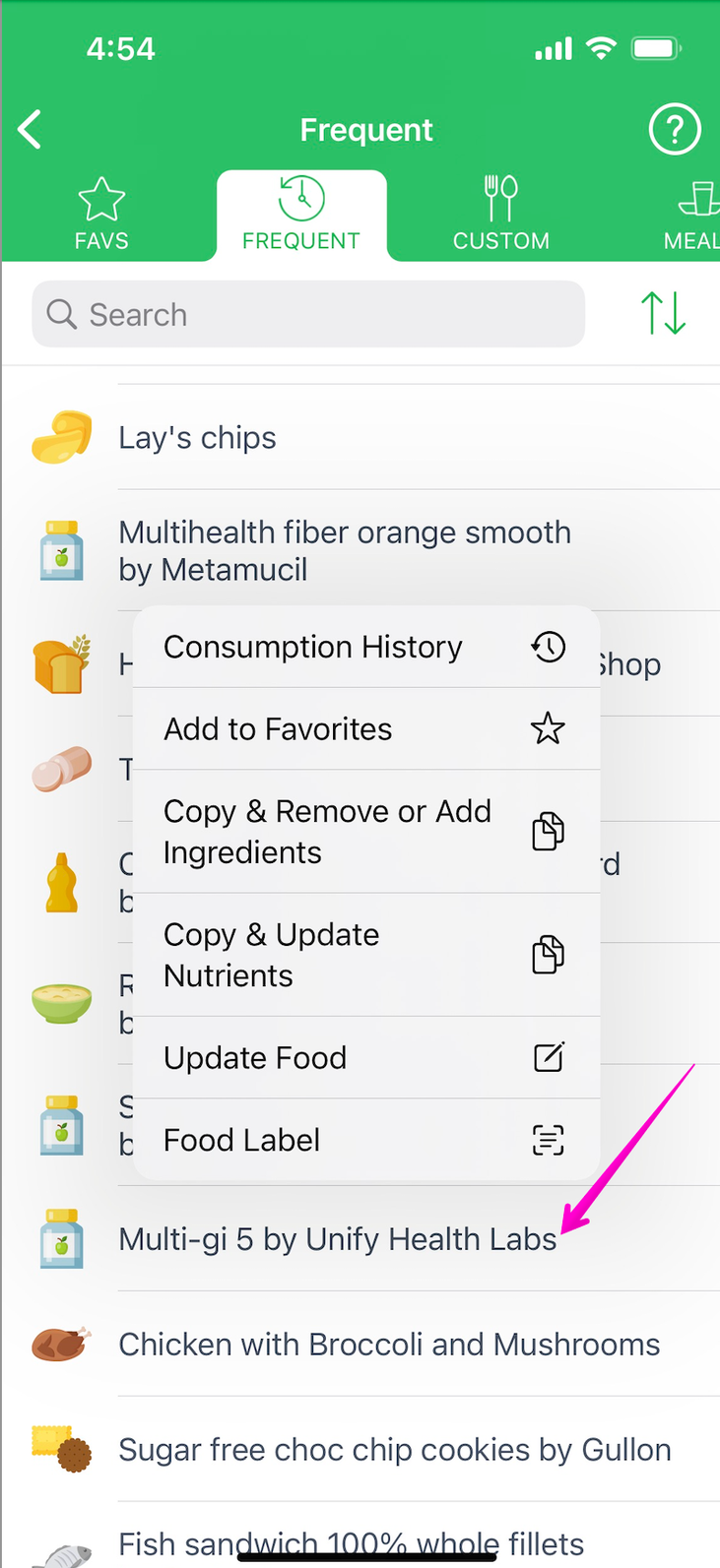
Only the Food Data Research team and admins can do it by retiring this item entirely from the database. Instead, the user can only un-assign the previously assigned short name of this system food so that it won't longer appear on the top of the suggestion list for this user. At that, the user can still find the full food name of such an item on a lower position of the suggestion list in the same way other people see it.
The user can only delete the custom foods and recipes he/she created himself/herself. It's possible by using the Retire This Item option. This option appears in the popup menu next to a specific custom item listed in the appropriate catalog of the My Foods section online or the Manage My Foods section of the mobile app.
Suppose the person no longer eats a particular food. In that case, he/she deletes/retires such an item from Custom Foods or Custom Recipes catalog. Such food will never appear in the suggestion list again. However, such an item will stay as a diary record if the user ever logged it to a particular meal (e.g., Lunch) and date in the past.