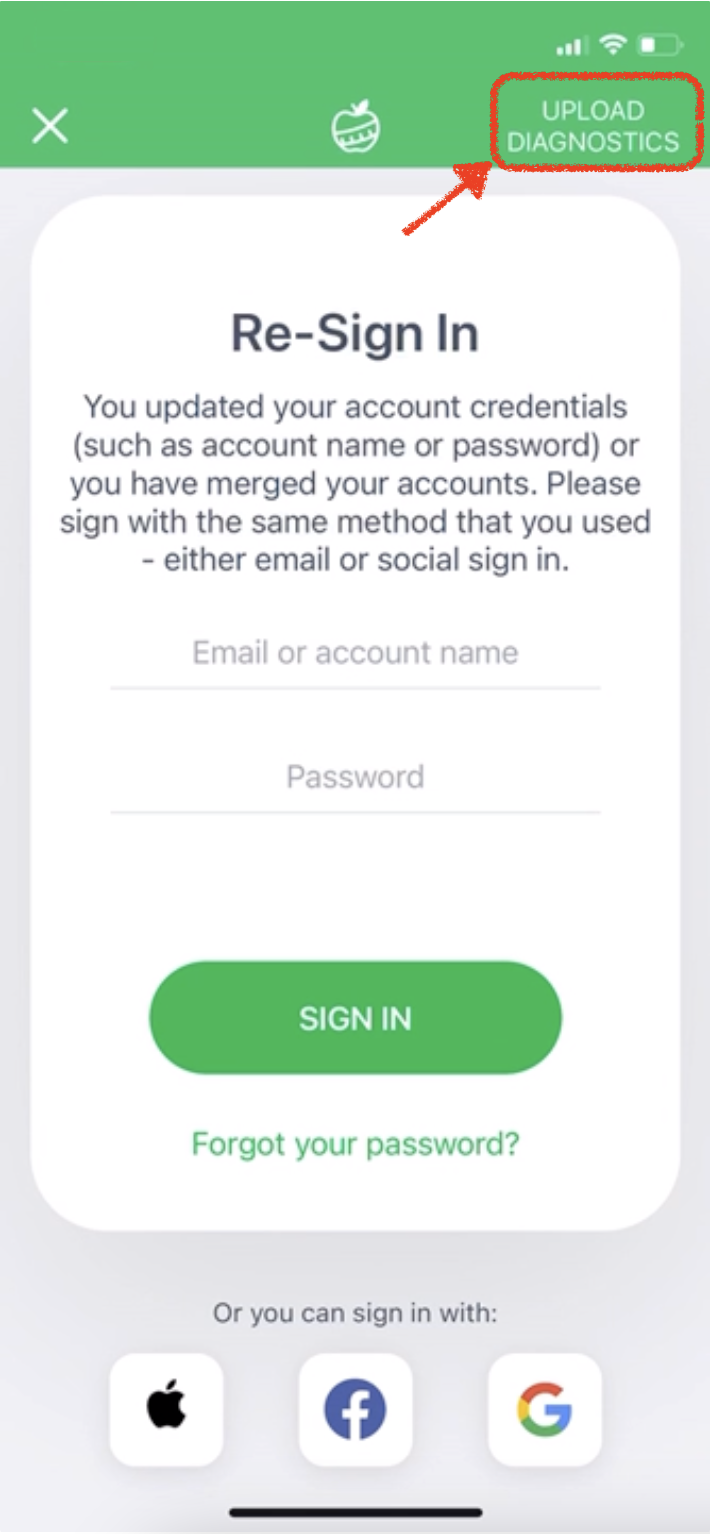
The Re-Sign In screen may appear after you change your registered email and password or merge two profiles. If you continue having trouble signing in, tap Upload Diagnostics, explain that you see the Re-Sign In screen, and tap Send to report the problem.
Such a screen may appear after the person changes the registered email and password or merges two profiles. In case of continuing difficulty with authorization, please tap the Upload Diagnostics:
type in (let us know) that you see the Re-Sign In screen, and tap Send.
Was this article helpful?
50% of 2 readers found this helpful.
Did Not Find It?
Email support@mynetdiary.com or send a request from the app under Me, then Support. Most replies within one business day.