Sign In with the Regular Email Address and Sign In with Google Account are two different ways of accessing the same MyNetDiary or PlateAI account.
Google Account
A Google Account is a username and password that can be used to log in to consumer Google applications like Docs, Sites, Maps, and Photos.
Google provides a "login" service for other companies. For example, Google allows you to use your Google account credentials to sign in to the MyNetDiary or PlateAI service. At that, Google does not disclose the email address you used for registration at www.google.com. Google encrypts this information. If you forgot your Google account credentials and cannot access your MyNetDiary or PlateAI account, we cannot help. You have to contact Google Tech Support, verify the valid credentials, and sign in with a Google account to your app.
Email-ID
MyNetDiary and PlateAI users rarely register with Google accounts. Mostly, they register the regular email addresses and use them as email IDs to log in. MyNetDiary and PlateAI email ID is the name you used to create an account. An email address is your email ID combined with the domain name of the email registrar.
Sometimes, the app user may be confused about how to sign in. A Google account and a Regular Email Address (email ID) are two different ways of registering a MyNetDiary or PlateAI account.
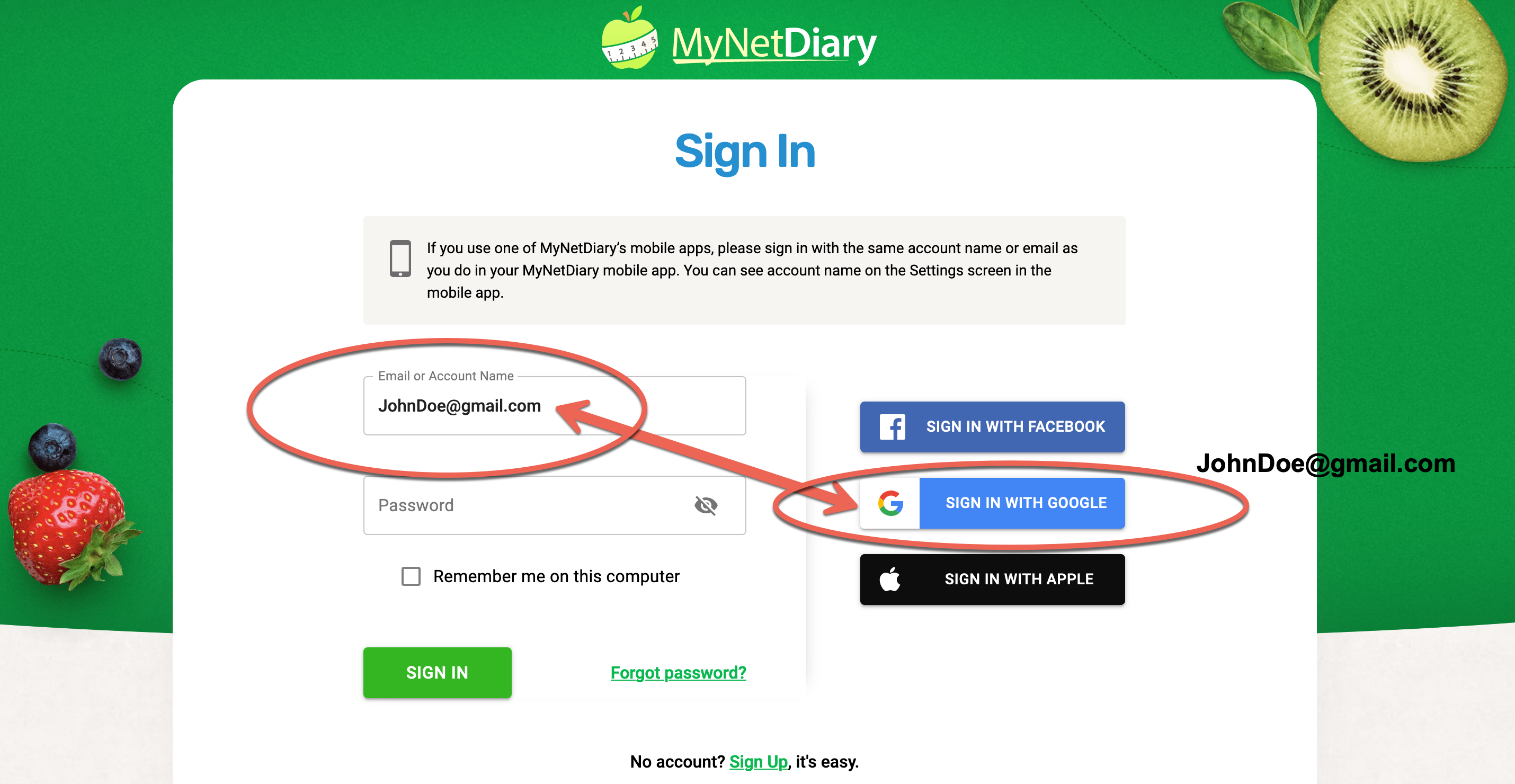
The program won't allow access to MyNetDiary or PlateAI accounts under the Google account JohnDoe@gmail.com if the user tries to sign in by entering Google account credentials into the Regular Email Address field. Similarly, the system does not give access if the user attempts to enter their regular email address by Signing In With their Google Account.
If you registered with a Google account, please use the Sign In with Google blue button. If you registered your MyNetDiary or PlateAI account with the email address, please type in your email ID in the "Email" field and enter your MyNetDiary password.