There are a few possible reasons when the user stopped receiving the Weekly Report emails:
- this feature requires subscription, so ensure you have it.
- also, ensure that the Email Notifications are enabled on the Settings > My Account web page.
- there is a chance that our emails were inadvertently marked as spam and such weekly reports accidentally get stuck in the junk folder of your email. If so, you can unmark them as suspicious to restore the future emails to get into the Inbox folder.
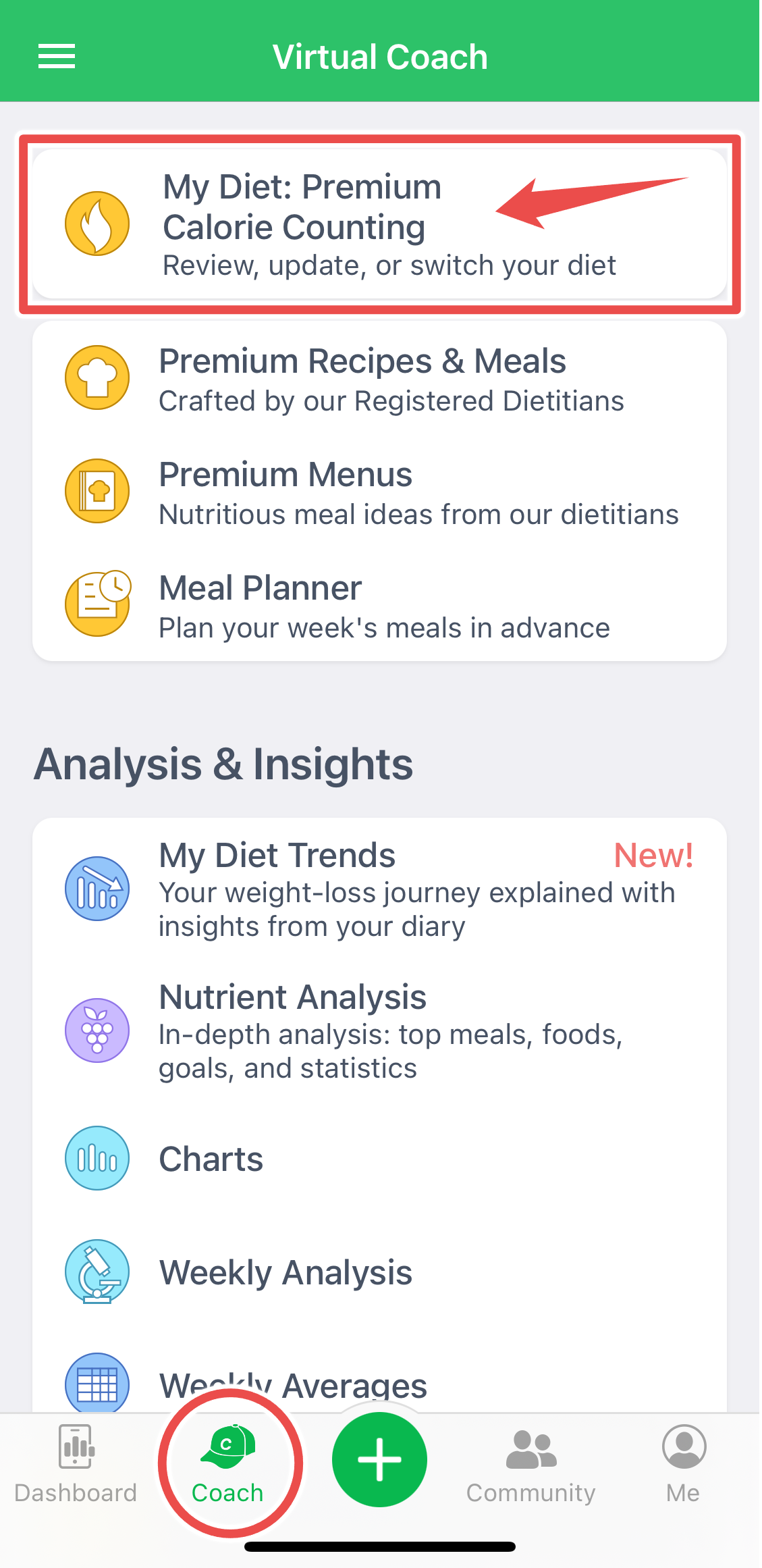
- ensure you are following the Calorie Counting diet; in the mobile app, you will see an appropriate banner on the top of the Diet Tools screen. Our servers generate the automatic weekly summary report emails for Calorie Counting Diet only.
As a workaround, the users with subscription can generate the Weekly Summary report online, save it in PDF format from the Analysis > Multi-Day Reports > Weekly Summary web page, and send this file to someone (to yourself or to a health professional like doctor, dietitian or coach.)