The macros you set in the Plan section remain the same. The Dashboard does not have to show these numbers. The purpose of the Home screen is different from showing the targets of your Plan. The Dashboard shows your actual consumption of these macronutrients. The person rarely eats the exact values of the "planned" macros, so the Home screen shows the actual intake of these macronutrients. For instance, you planned to eat 90g of Total Carbs in the Plan section:
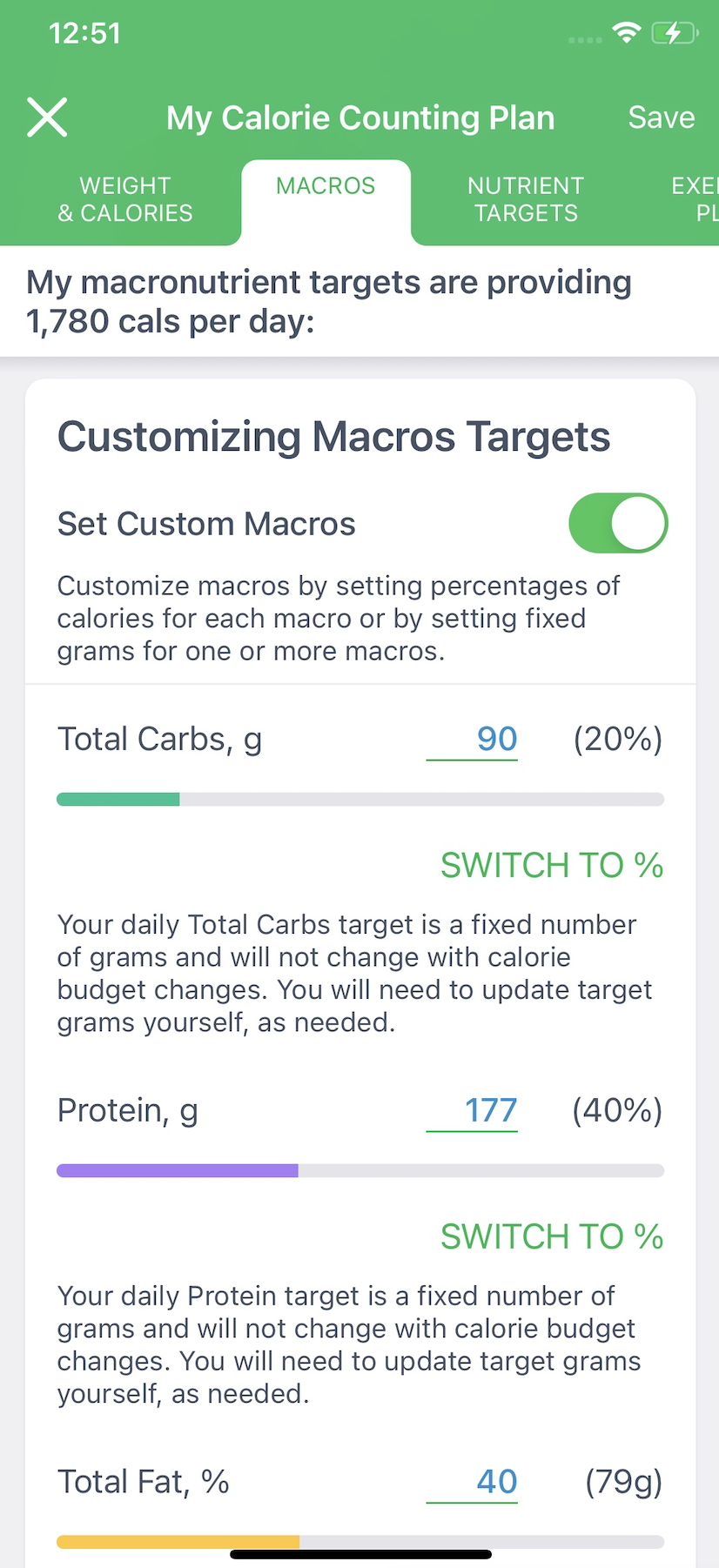
But, instead of that, you ate just 44g of Total Carbs on a particular day. So, the Dashboard will show only 44g in such a case:
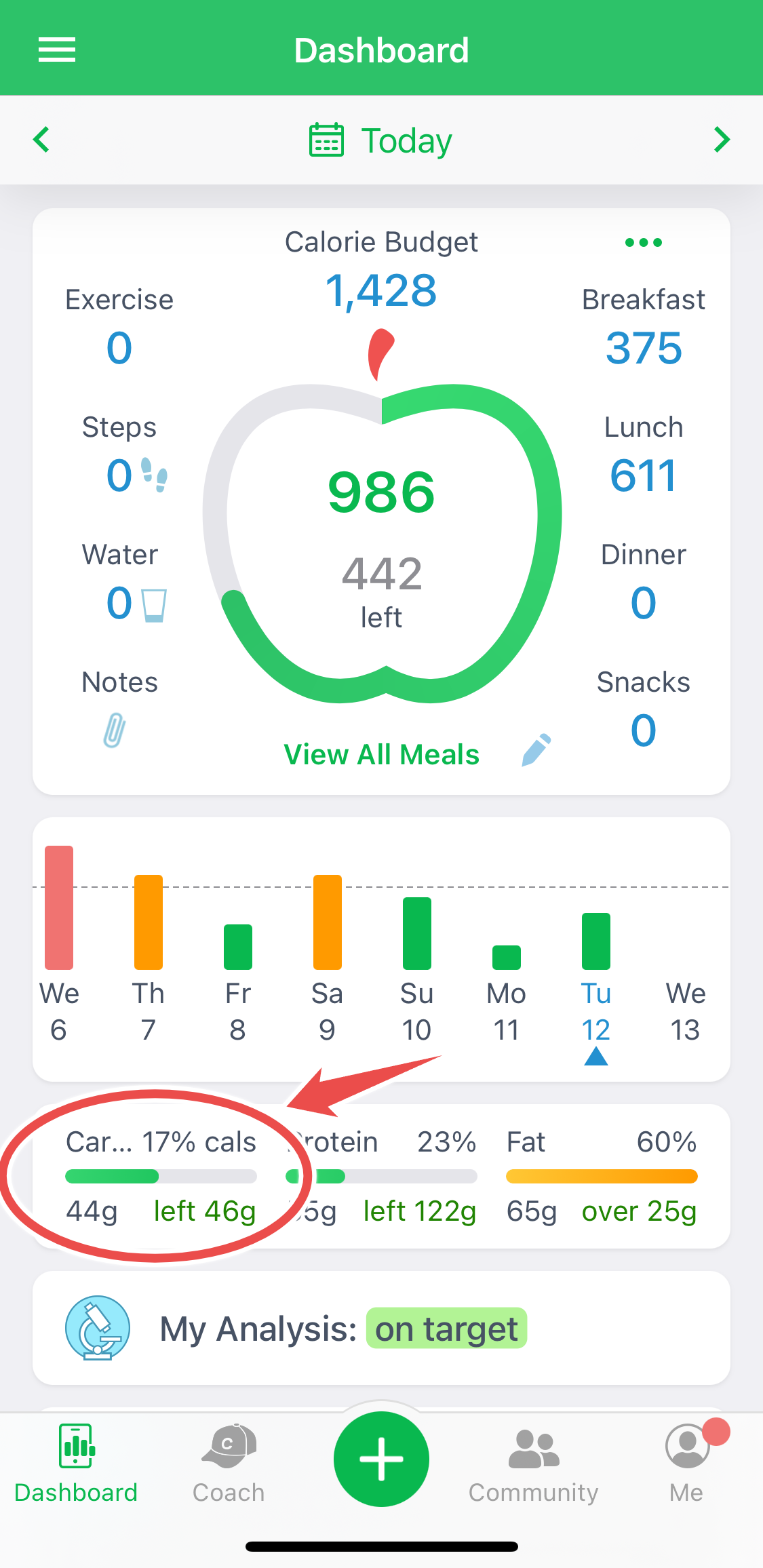
If you log more foods, the foods that contain 46g of Total Carbs, you will see 90g of Total Carbs on the Dashboard.
Energy comes from macronutrients. So, please note that your planned macros targets change when Calorie Budget changes. There are a few cases of such change:
- Macronutrient targets rise if you enable the Add Exercise To Calorie Budget feature. Calorie Budget will increase on the day when you exercise.
- Macronutrient targets change if you enable the AutoPilot feature. Calorie Budget changes along with remaining lbs to lose on the days left. It happens when you enter the new bodyweight or when the new day has come.
- Macronutrient targets change if you enable the Calorie Cycling feature, and calories vary every weekday.