How Sync Works
Tracker vendors provide access to tracker data via their websites. Each kind of tracker or body scale, being it Fitbit, Garmin, or Withings, has to upload first its data to its website, such as www.fitbit.com, or www.garmin.com, and so on. Next, MyNetDiary and PlateAI website periodically downloads data from the tracker websites. After the data is downloaded, it's displayed in your online diary at www.mynetdiary.com and also sent to our mobile apps.
As you can see, it's a complex, multi-step process, with many moving parts, so there are many things that could go wrong.
Troubleshooting
If you don't see the data downloaded in your online diary or in your MyNetDiary or PlateAI mobile app, please check first that your tracker has uploaded data to its website.
For example, for Fitbit you need to go to www.fitbit.com with your internet browser. It's important to use a browser, not Fitbit's mobile app, because even if the app has the latest data, it might have not been uploaded to www.fitbit.com. So, please use the browser and login with your Fitbit account name and password and check what you see on your Fitbit Dashboard. It should display daily steps and recent sync time, something like the screenshot below.
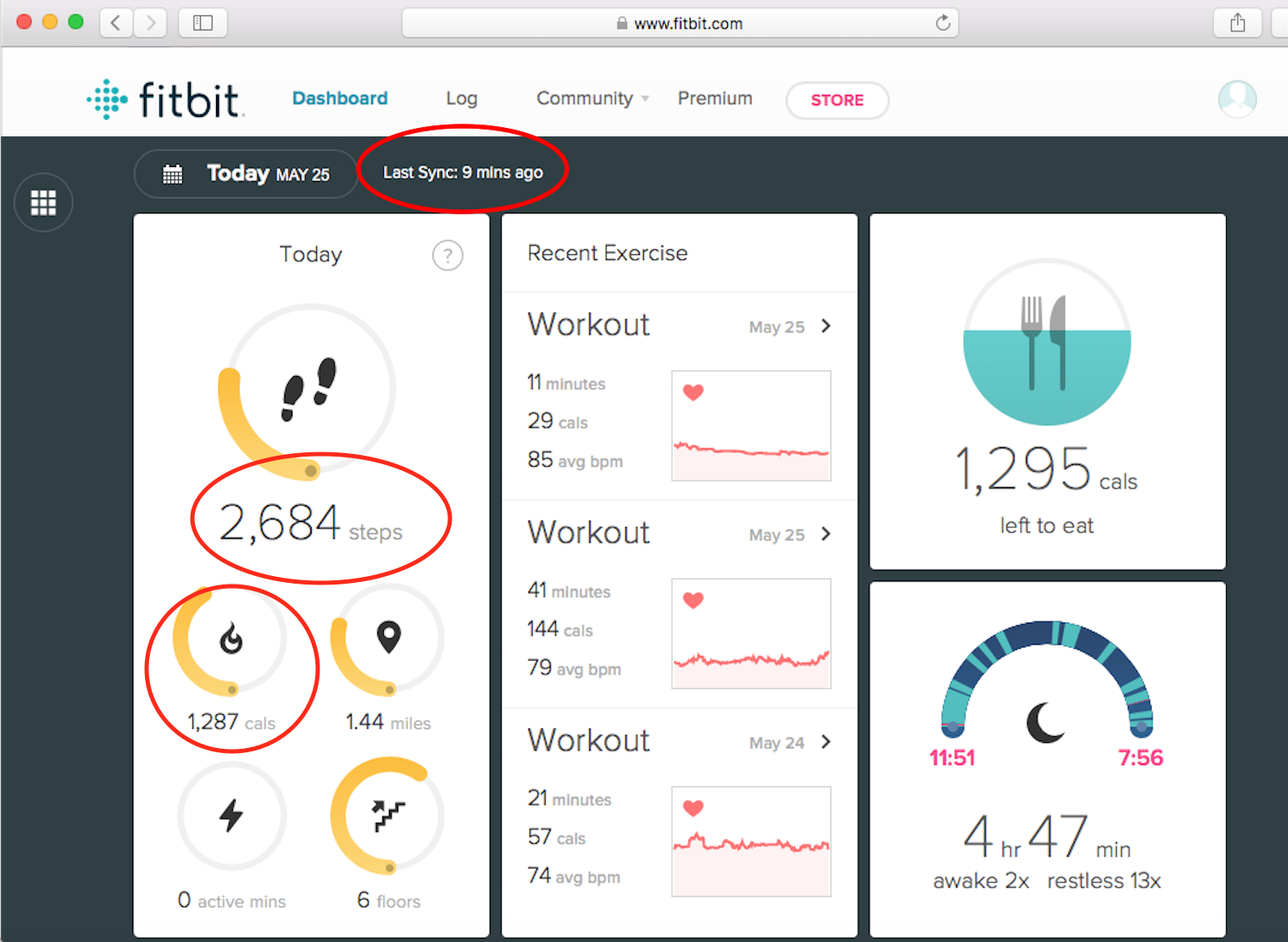
If there was no recent sync on the tracker website, you need to sync your tracker first.
If there was a recent sync, then please check link status page or link status screen in MyNetDiary or PlateAI mobile app. A sync with the vendor's website could be already scheduled in our app, so the data should arrive then. If the link is disconnected, please reconnect again.
If after these checks you are still having problems with sync or something does not work right, please send us a support request, we will be glad to help you.