Peloton is a popular workout app, allowing people to take classes, track, and improve their training.
While there is no way to directly connect Peloton with MyNetDiary or PlateAI, it is possible to establish a one-way connection between the apps via Health Connect. Peloton can write data into Health Connect app which can be subsequently read by our apps.
To set up Health Connect with your Peloton App, start by downloading the Health Connect app from the Google® Play Store on your Android® device. Once Health Connect has been successfully downloaded, please follow the steps below to continue the set up process:
- Open the Peloton App on your Android® mobile device or tablet.
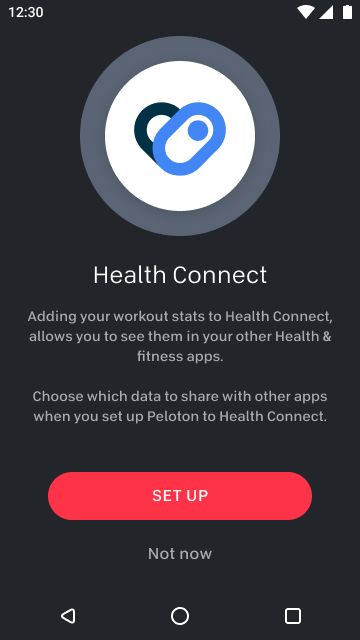
- Tap "Set Up" to connect the Peloton App with Health Connect. If you have not yet downloaded the Heath Connect app, tapping “Set Up” will bring you to the Google® Play Store where you can do so. Once downloaded, go back to the Peloton App and tap on “Set Up”.
Assuming the connection is established between MyNetDiary or PlateAI and Health Connect you should be receiving the data from Peloton.
Please Note: our apps will only be able to import the data that is importable via its connection to Health Connect app. Please consult the linked article if you are unsure about what data can be imported.
For any further questions regarding Peloton functionality and it's sync with Health Connect App, please reach out to Peloton Support.