If you have a Withings body scale and several members of your family use both the scale and our app, then separate Withings accounts are needed to link with each account.
First, you need to sign in to the Withings website with the existing Withings account and then "make independent" other Withings scale users. Please see the screenshot below and follow Withing's instructions Making a User Profile Independent for detailed steps.
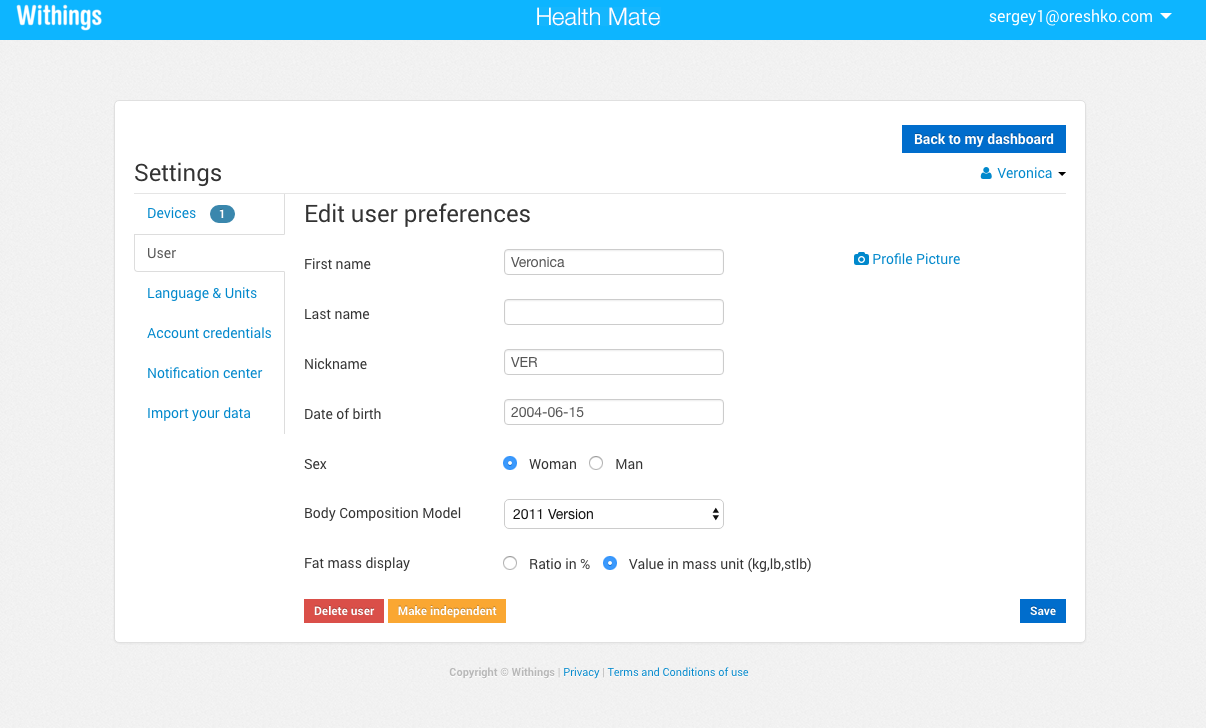
Then make sure that each member of your family that has a account is able to sign in to the Withings website with his or her newly created Withings account.
Finally, each member of your family that was made "independent" and uses MyNetDiary or PlateAI has to link to his or her Withings account either from the Settings screen in mobile apps, or from our website's Account/Withings tab.