You can use Manage My Foods screen, available on the Me tab.
There, you can select the tab corresponding to the kind of food you want to update - either Custom, Recipes, or Meals, and locate the food in the list displayed.
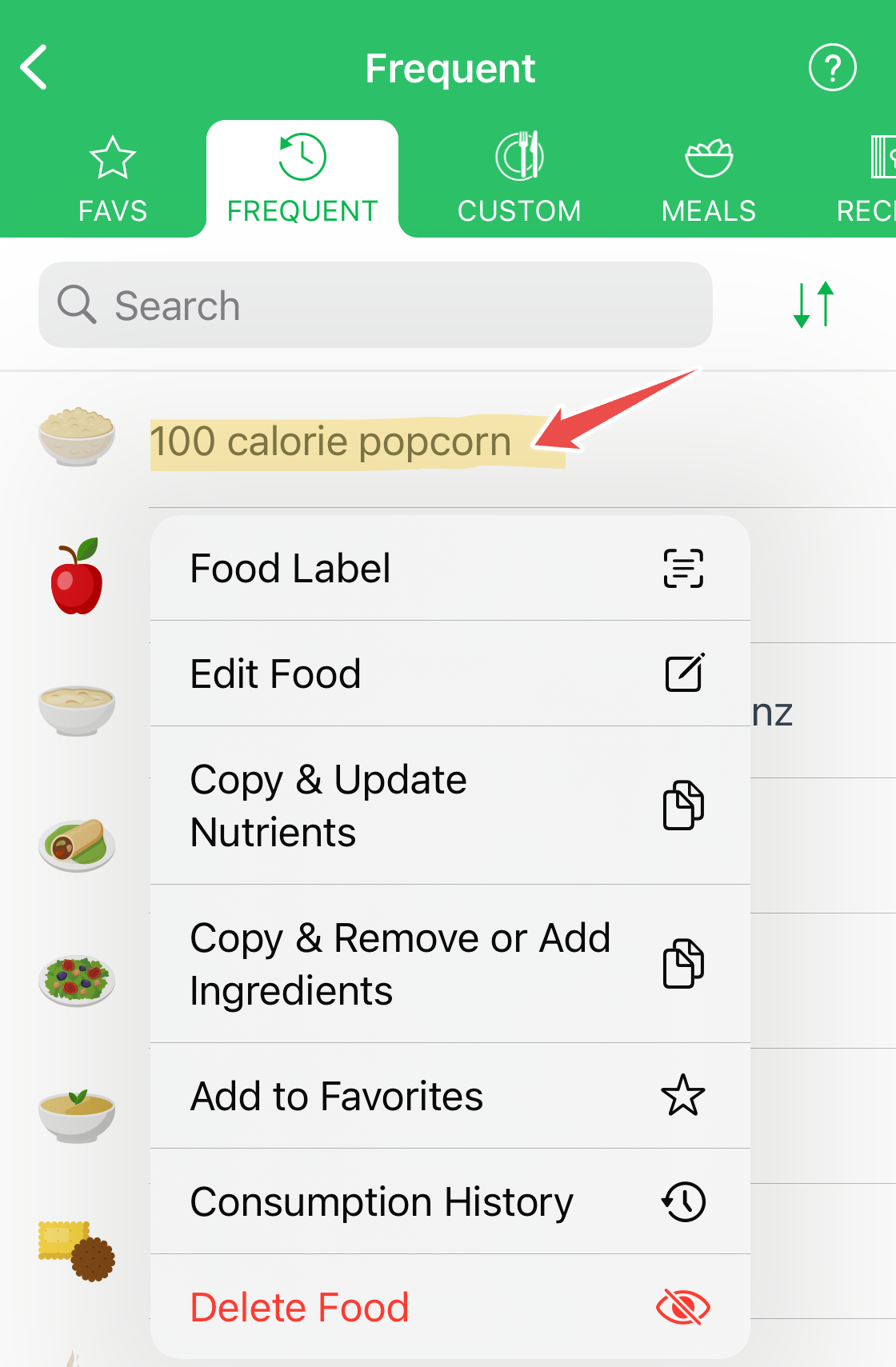
Tap the food, and then, in the displayed popup menu, tap one of the actions. You can edit or update foods and recipes.
MyNetDiary and PlateAI do not delete foods completely as they might be used in a food log already. Still, you can "delete" a food, hiding it from future food searches (On the Android, the option is named Retire). Only custom foods or recipes can be deleted/retired:
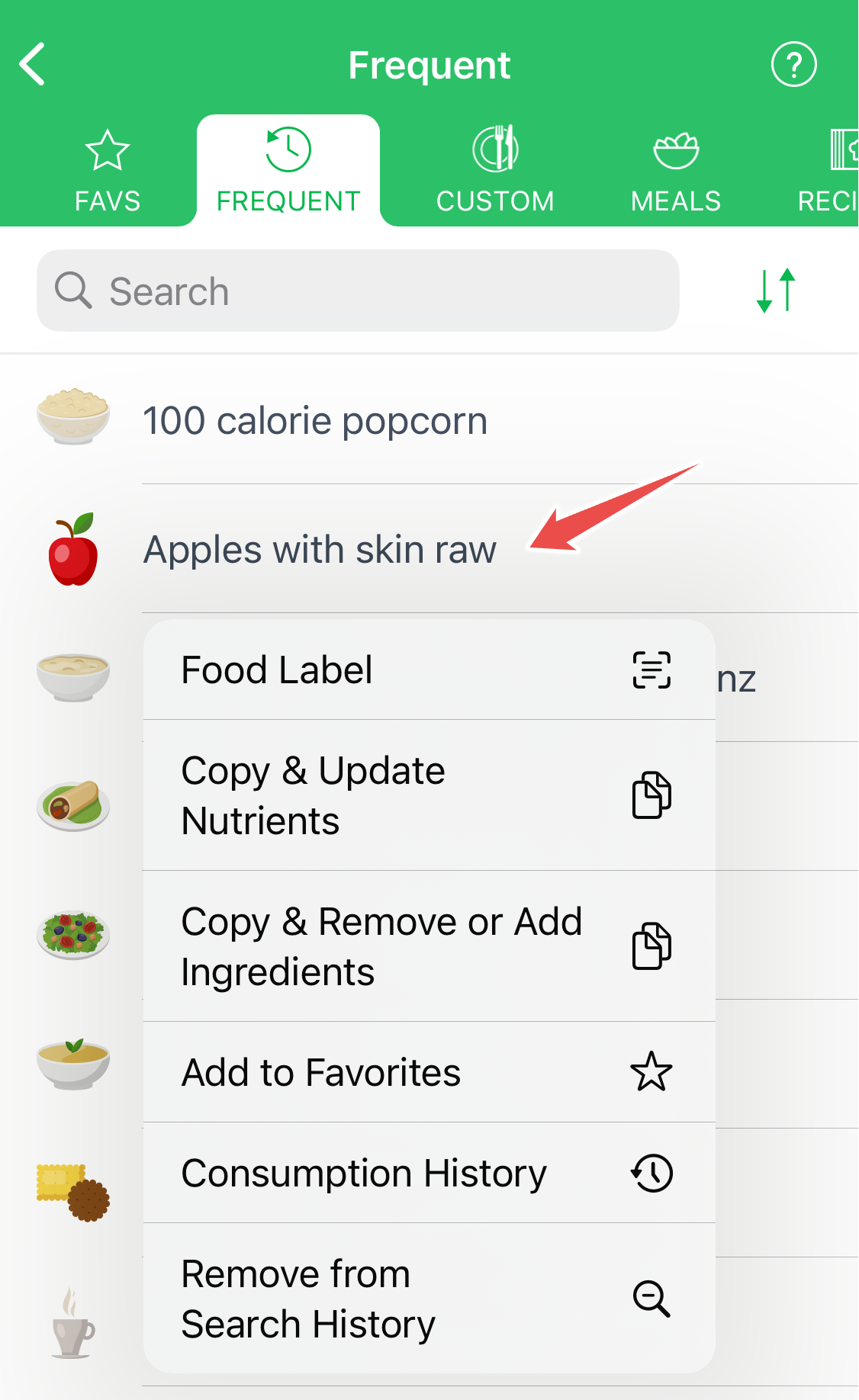
What is Search history? Аfter you search for food and log it, this food will be displayed in future search results with these words, e.g., if you enter search "whole milk" and select "Milk whole 3.25% fat", in future search results, you'll see "whole milk" for food "Milk whole 3.25% fat". You can remove system food searches from history, so they do not appear instantly with the attached short names of your previous logs (you can find them anyway with their original names).
For more guidance, please check our Recipe Editor video.