To let Multi-Day-Analysis and Weekly Summary reports pull up the latest (current) and more relevant (relevant/authentic) data, the MyNetDiary iOS and Android apps (partly, website) display/show Calorie Analysis and Single Nutrient Analysis only for "Completed Days" (or "Considered as Completed Days.") You can see the note that the analysis took into account only the "completed days" information if you tap a particular bar inside the specific analysis section. This rule does not apply to the Meal Analysis tab inside Calorie Analysis, as it analyzes information on specific meals, not days:
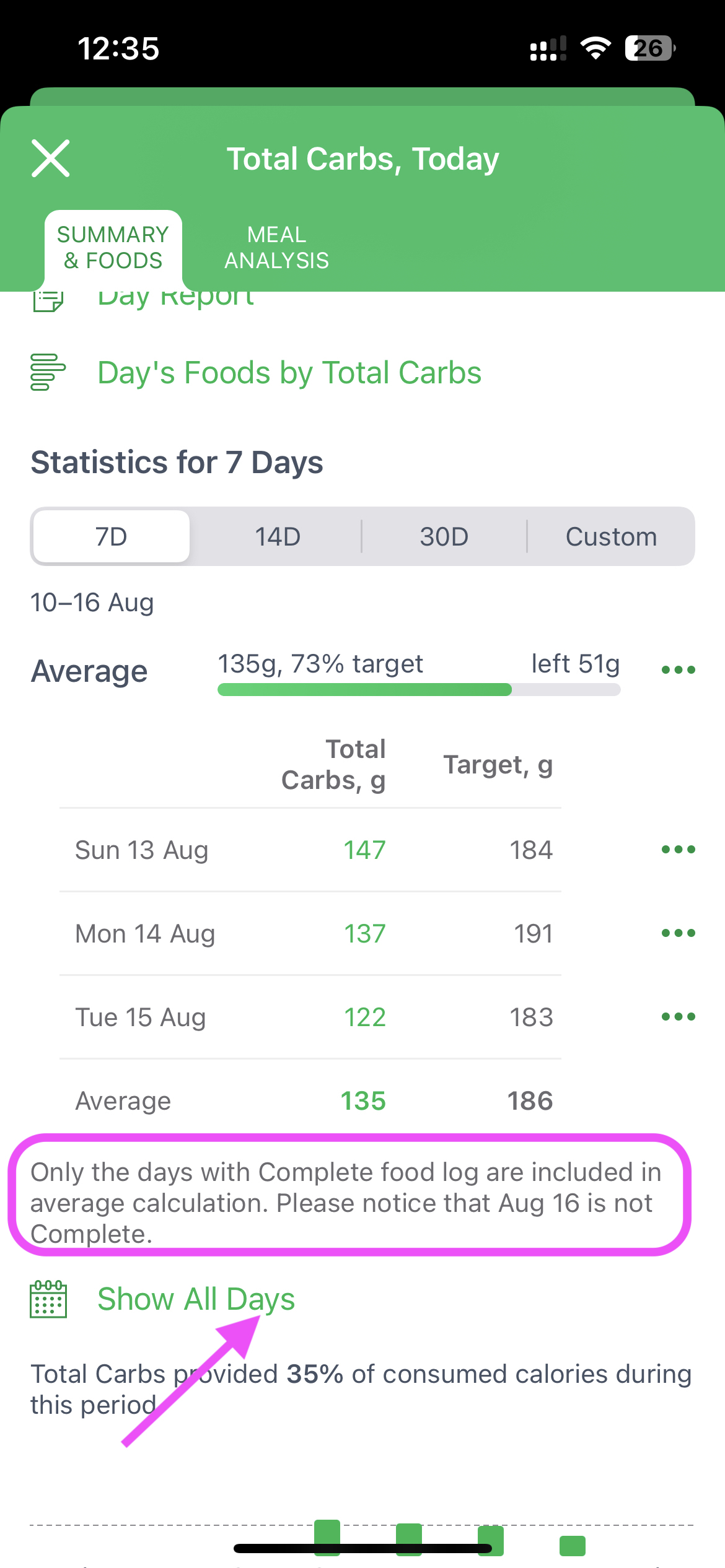
The Show All Days option does not affect the calculation, but only allows you to view the table for all days, and not just the complete ones.
Diet Tools > Nutrient Analysis > Calories > Meal Analysis section uses info about particular meals, not days, so the "Complete day" rule doesn't affect this tab.