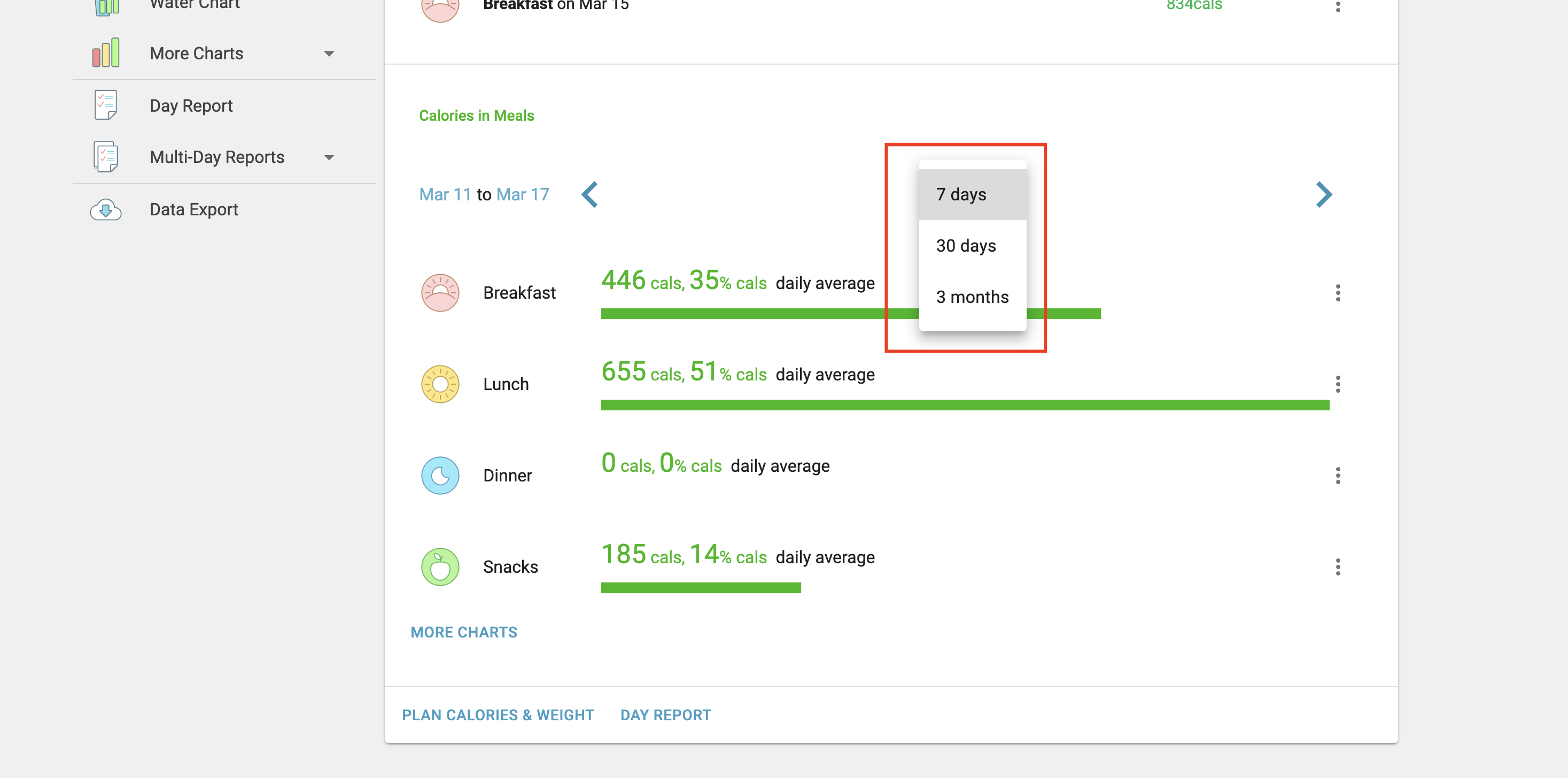
Yes. On the website, sign in at mynetdiary.com, open the Analysis tab, select Calorie Analysis, then choose Meal Analysis. Scroll down to see detailed calories for snacks or any other meal category over the period you selected, such as a week or a month.
Yes, you can indeed run reports by meal, including snacks, to see your total calorie consumption for a week, month, or any other selected timeframe using our website.
Here's how you can access this feature:
Visit mynetdiary.com and sign in with your account credentials.
Once logged in, navigate to the 'Analysis' tab.
Select 'Calorie Analysis' and then choose 'Meal Analysis' from the options.
Scroll down to find detailed information about your snack calories (or any other meal category) over your selected period.
Was this article helpful?
88% of 8 readers found this helpful.
Did Not Find It?
Email support@mynetdiary.com or send a request from the app under Me, then Support. Most replies within one business day.