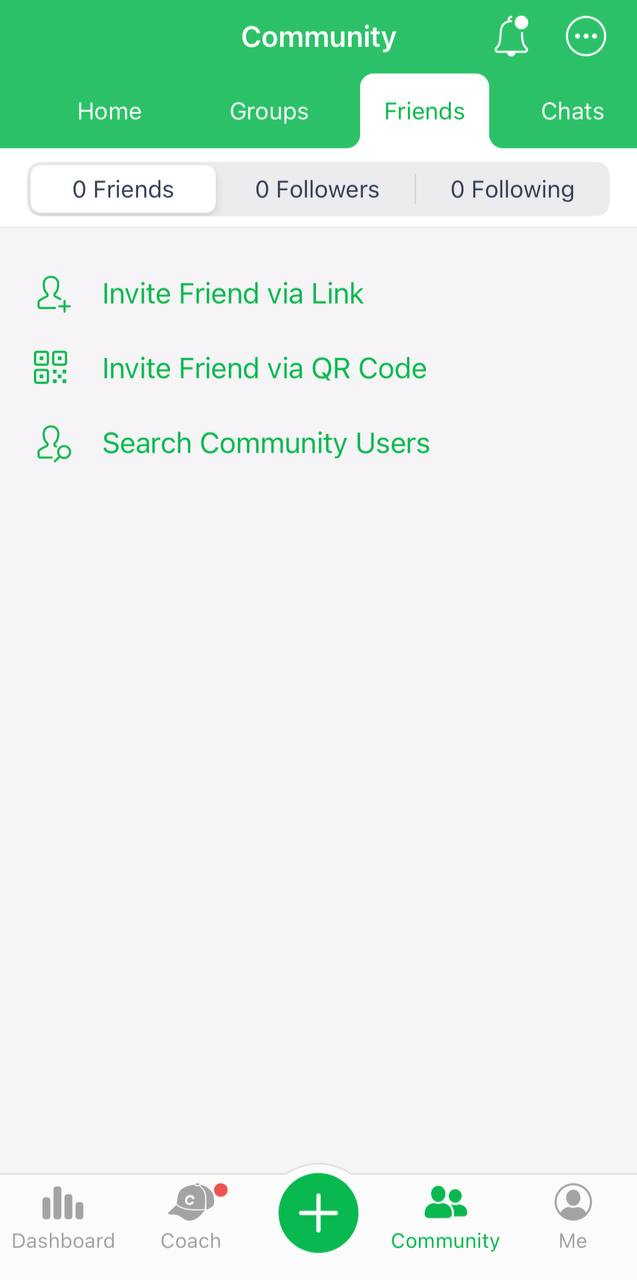
Open the Community tab, choose the Friends subtab above, and an option that suits you:
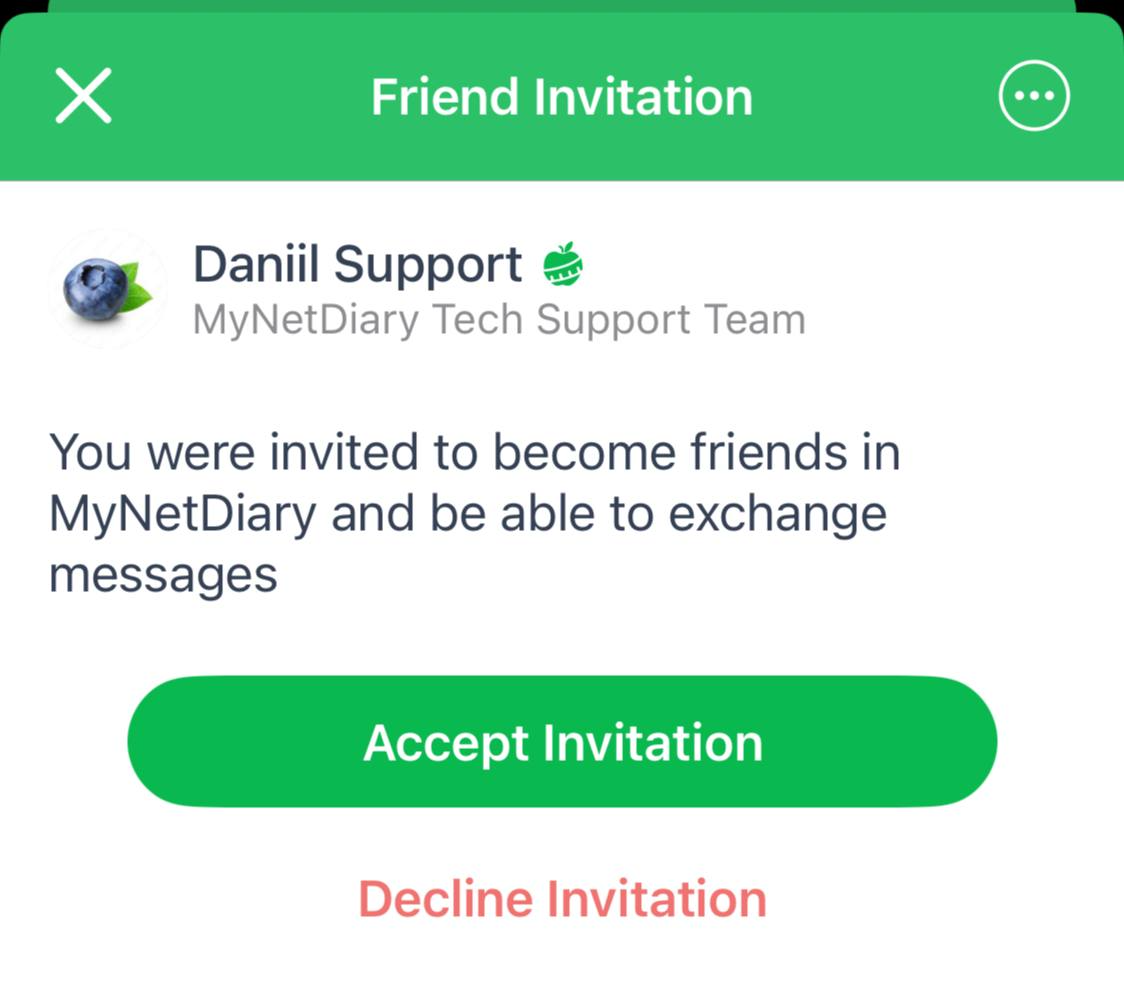
Once you send the invite through the appropriate method, your friend will see it like that:
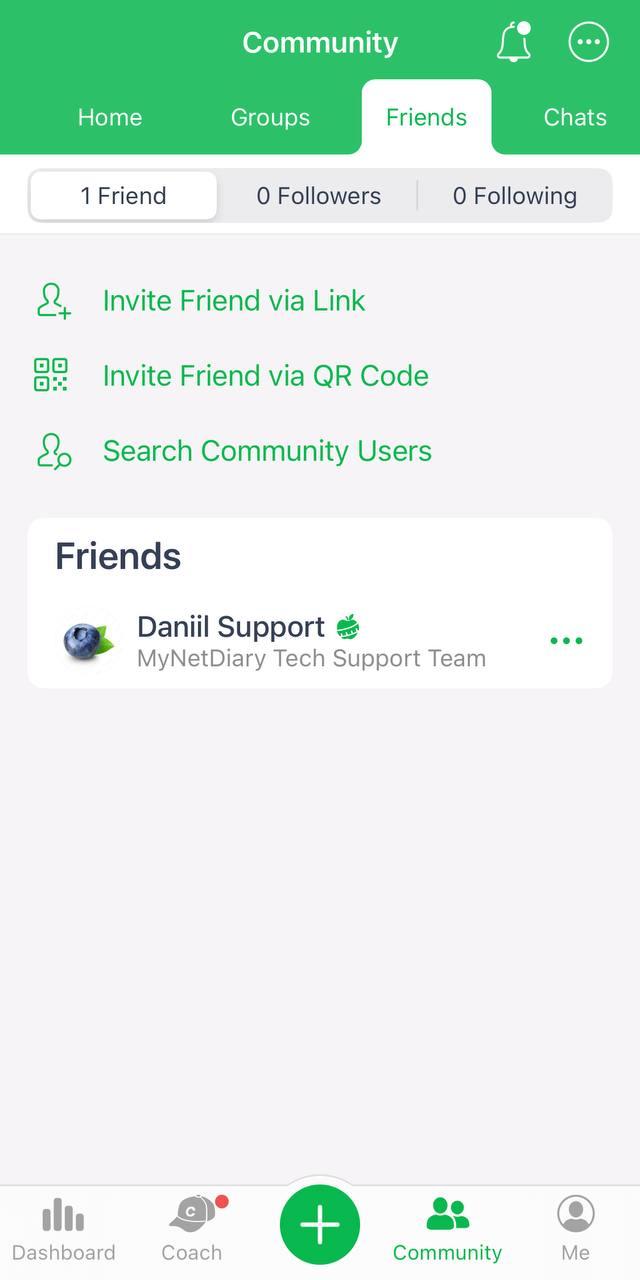
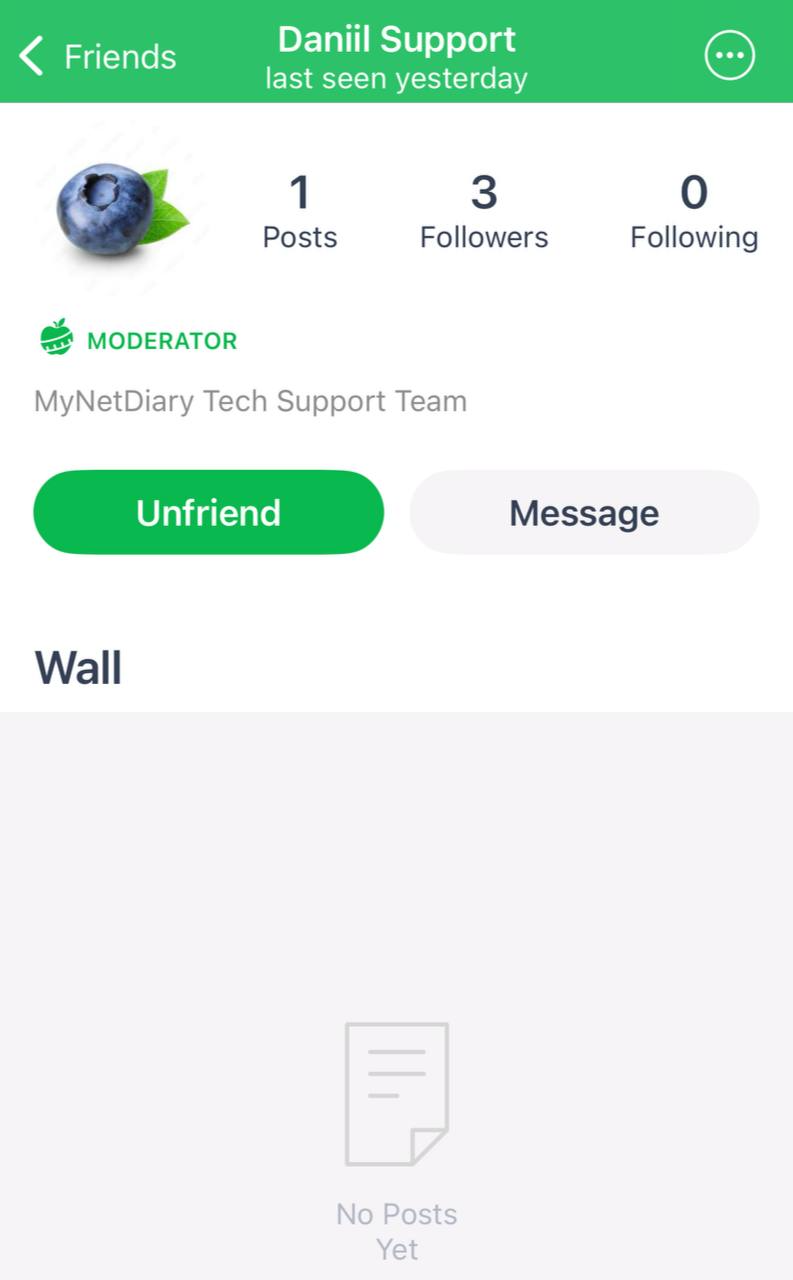
To create a chat with a friend, open his page and tap Message.
Open the Community tab, choose the Friends subtab, and pick the invite option that suits you. Once you send the invite by that method, your friend will see the invite. To start a chat with a friend afterwards, open their page and tap Message.
Open the Community tab, choose the Friends subtab above, and an option that suits you:
Once you send the invite through the appropriate method, your friend will see it like that:
To create a chat with a friend, open his page and tap Message.
29% of 21 readers found this helpful.
Email support@mynetdiary.com or send a request from the app under Me, then Support. Most replies within one business day.