Your manual input might be overridden by the iOS Health app or some third-party app that "writes" the "weight" data to MyNetDiary or PlateAI via the iOS Health app. If so, it can happen every time our apps sync with iOS Health.
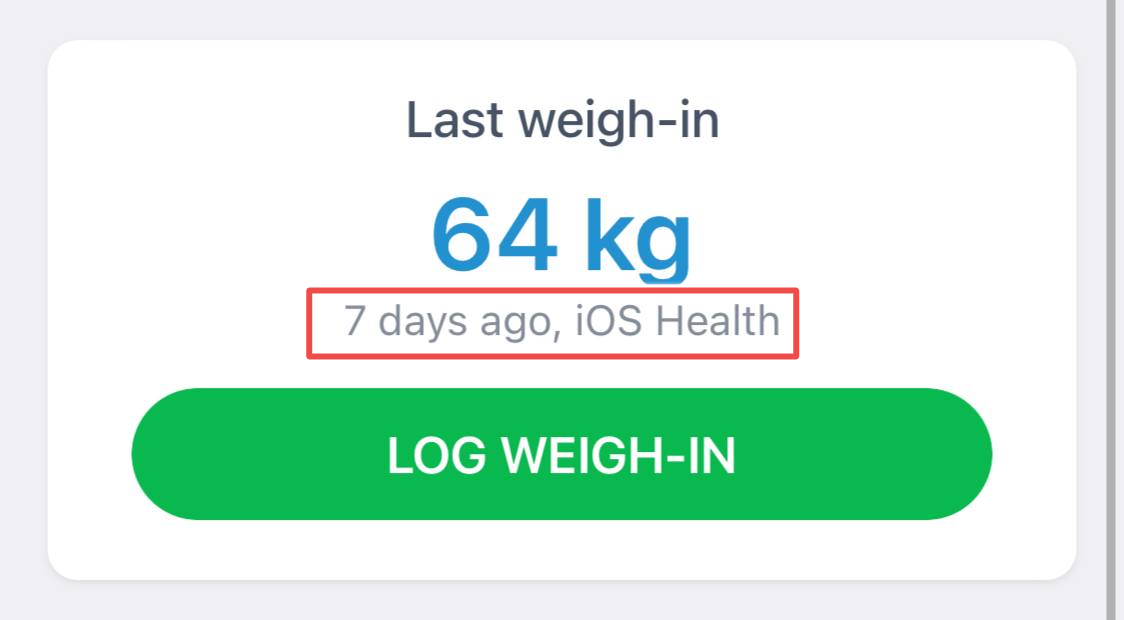
MyNetDiary and PlateAI do not support both ways of recording weight data - manual and automatic - simultaneously.
If you do not want the app to "read" your weight data from iOS Health, you can disable the "Body Weight" slider in the current link with iOS Health. Below are the steps:
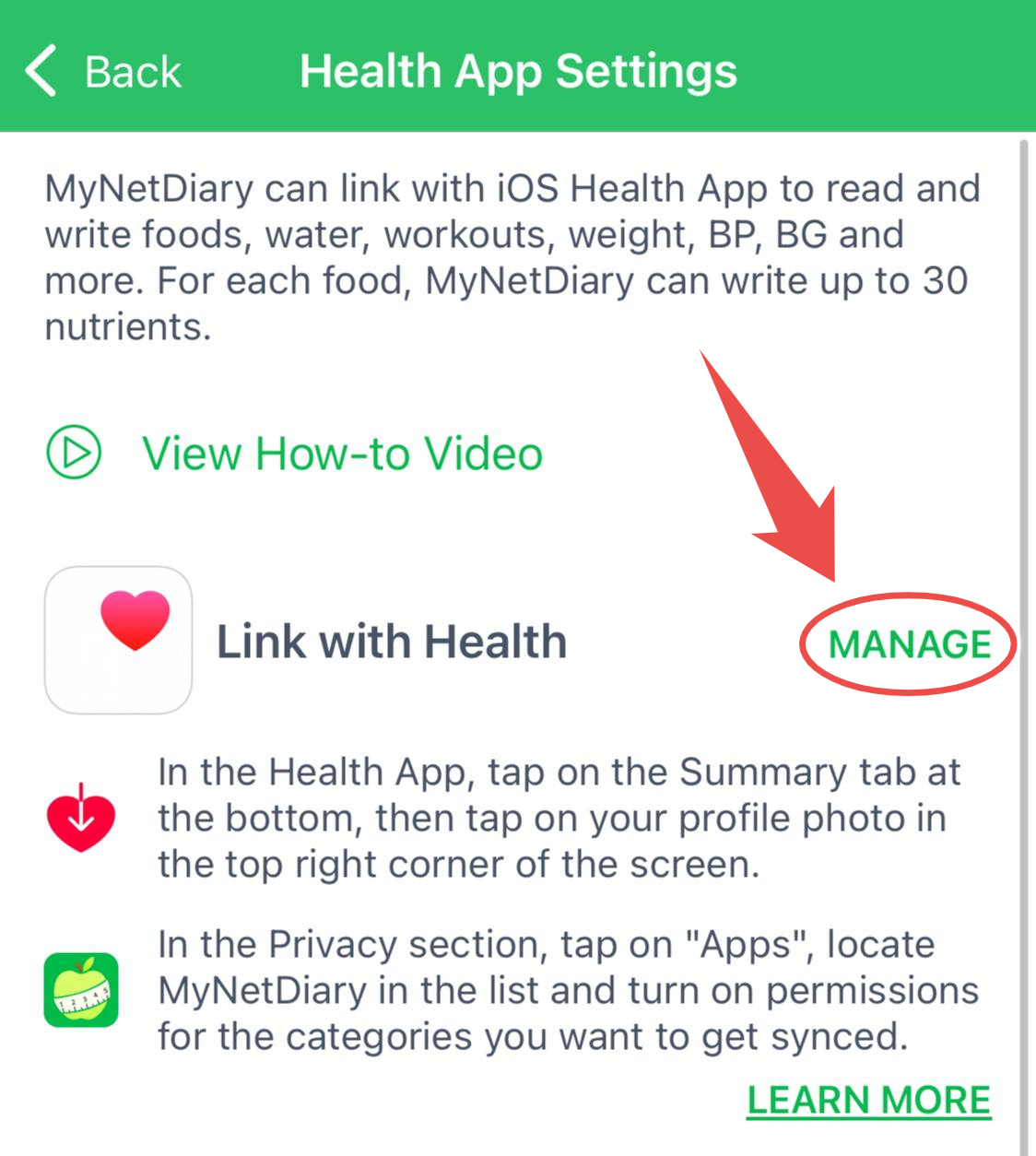
Open the app, tap the Me tab on the lower-right corner of the Home screen, and tap the Apps & Devices. Then, tap the iOS Health App Link, tap the Manage and you will see that MyNetDiary or PlateAI opens the Health app.
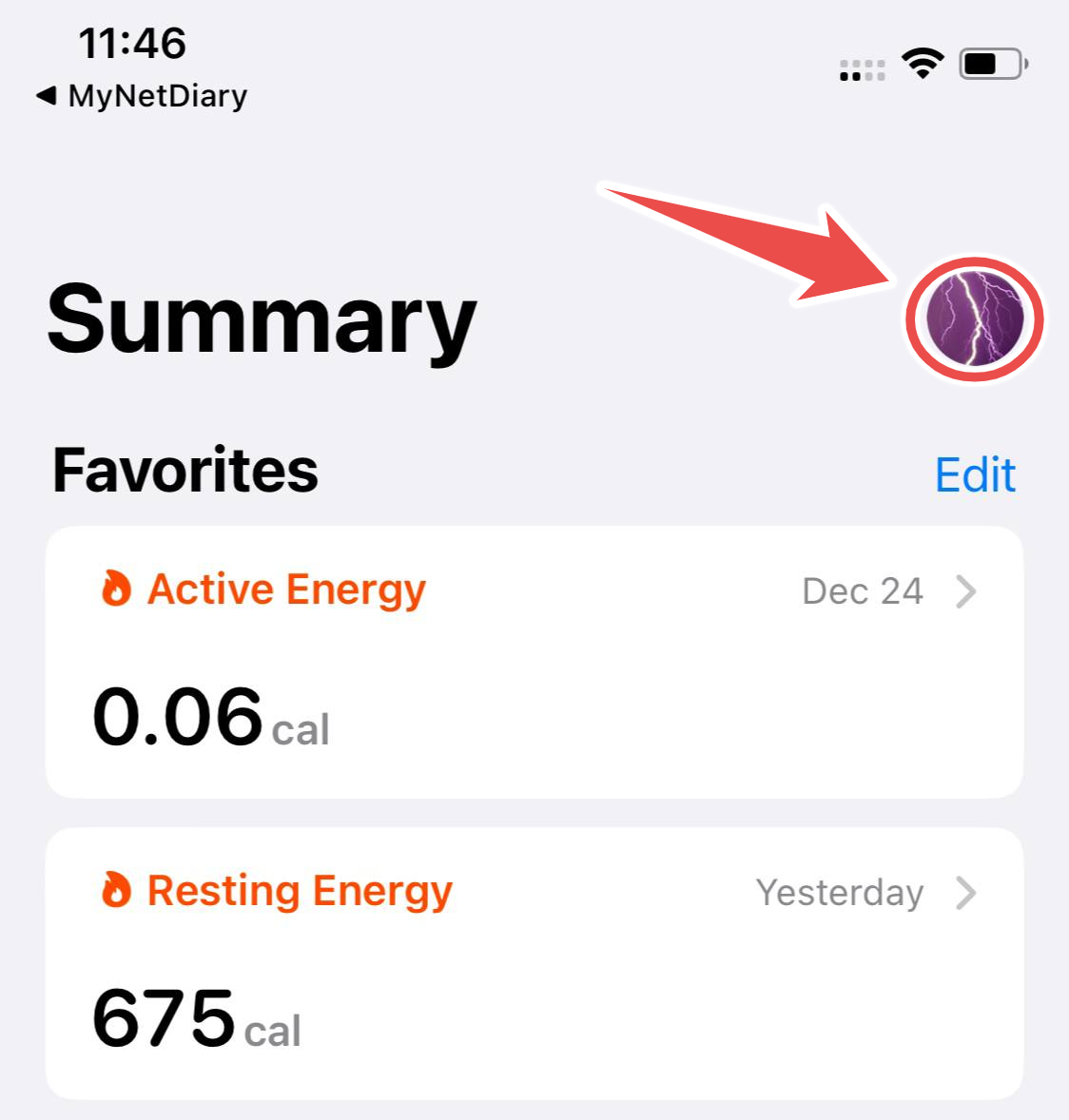
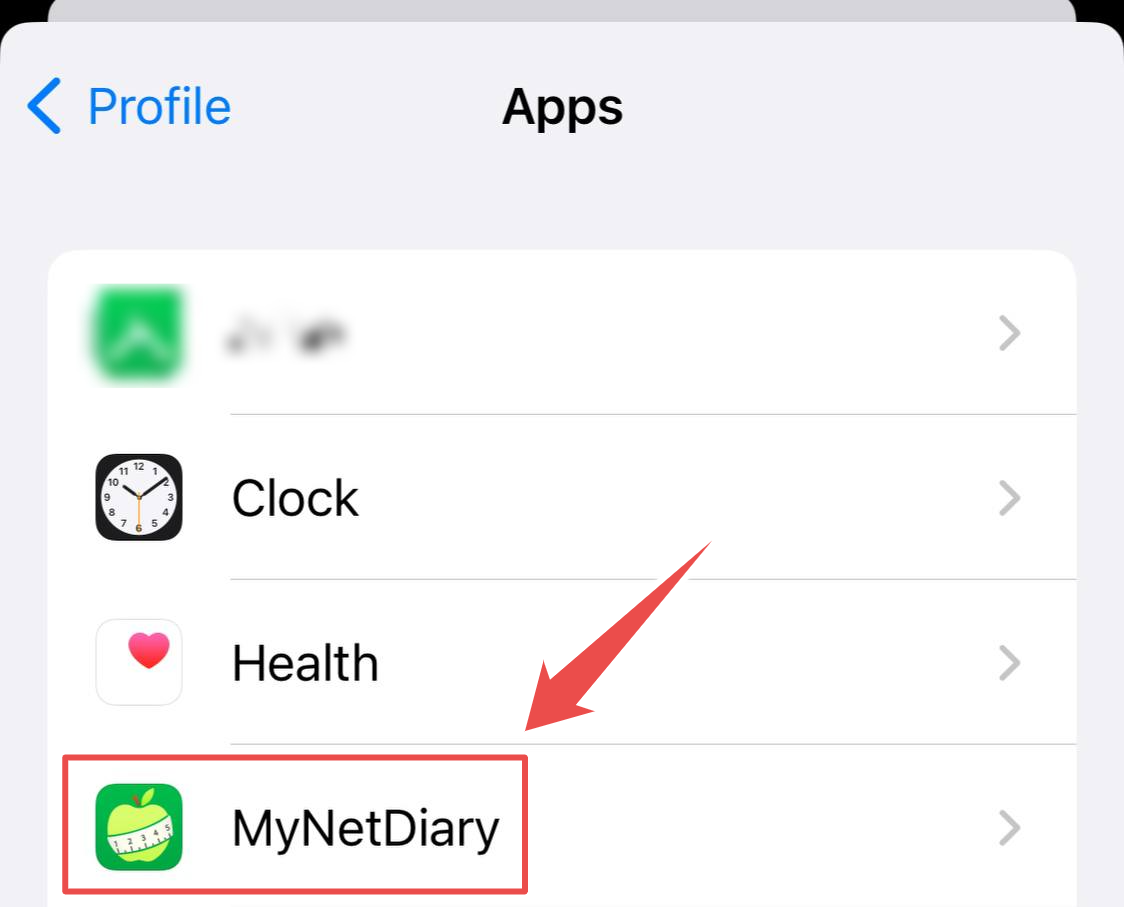
In the Health app, tap your profile icon on the top-right corner of the Summary screen, scroll down and tap the Apps.
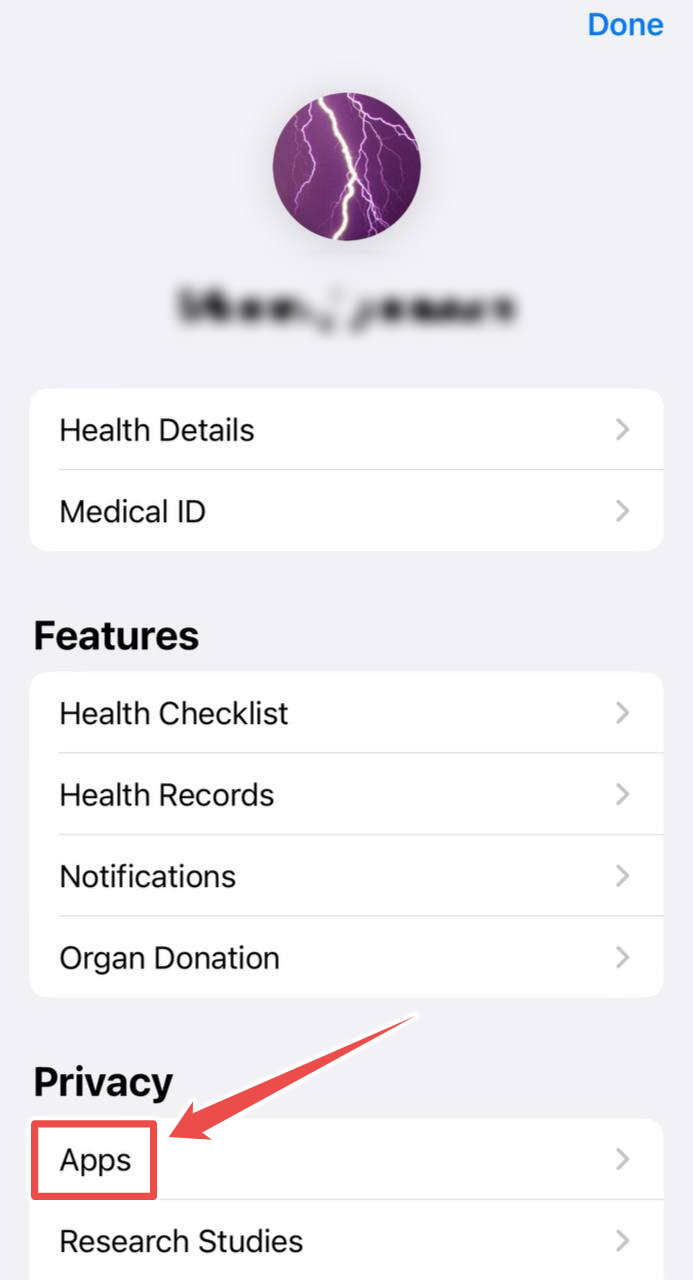
Next, tap the MyNetDiary or PlateAI App item from the app list, scroll down the the app screen of the Health App and disable the "Body Weight" slider under the "Allow To Read Data" section.
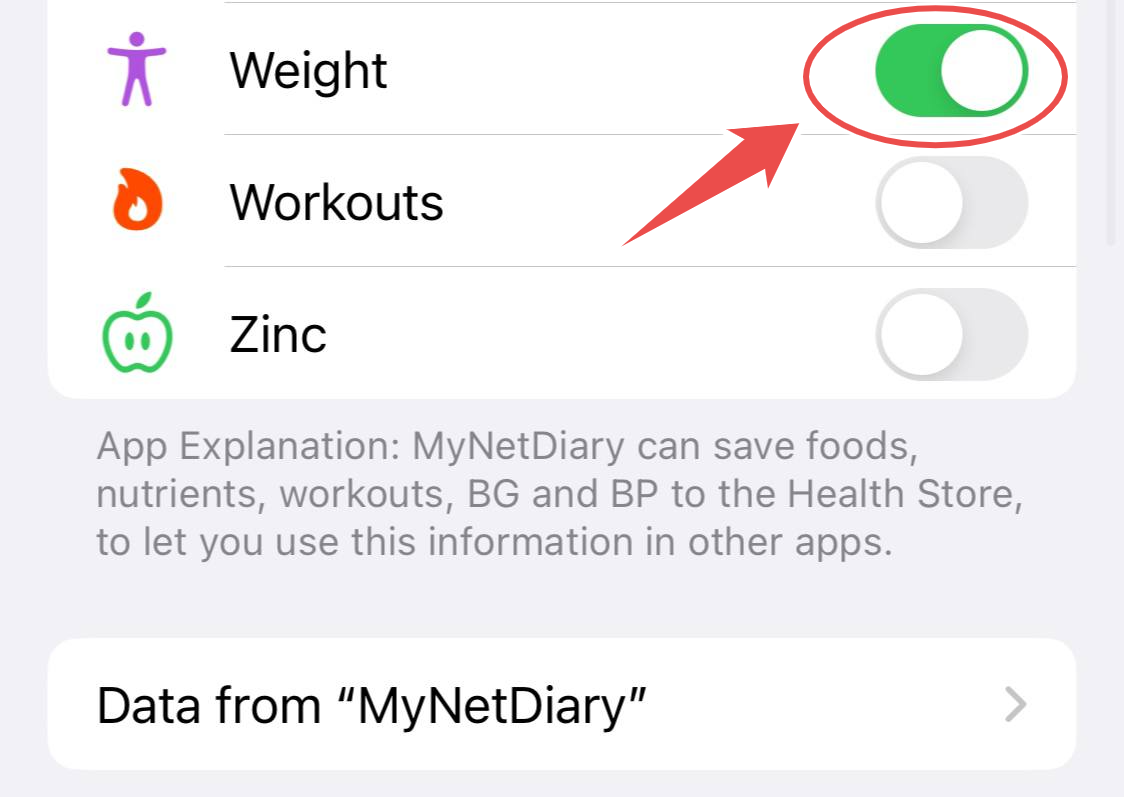
After that, your manual weight input won't be overridden.