Meal Planner is a Premium tool located under Diet Tools tab, designed to help you plan your meals in advance and simplify you diet building even further. On top of planning your meals for 7 days of the week, Meal Planner also provides you with a useful nutrient and macros analysis both located on the Week part of the screen.
You can create your Meal Plan from your Favourite, Custom, Premium, Staple food, as well as using a Search. At any point you can also use the Premium Menus right inside the Meal Planner by tapping Add from Premium Menus on the Week screen, or Premium Menus button next to a + on the Day screen. Please know there is nothing preventing you from mixing the above options, creating your own personal preferred plan.
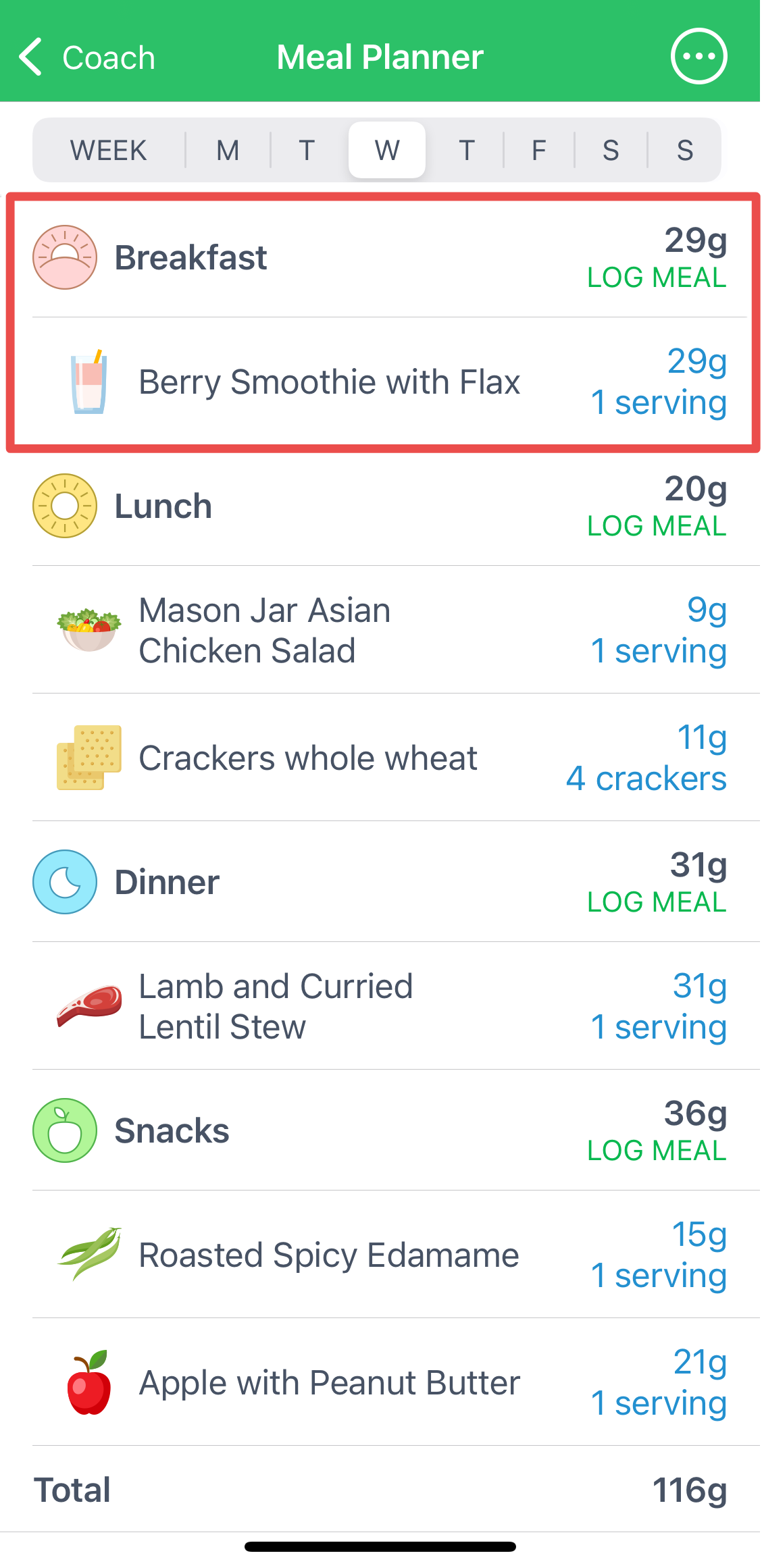
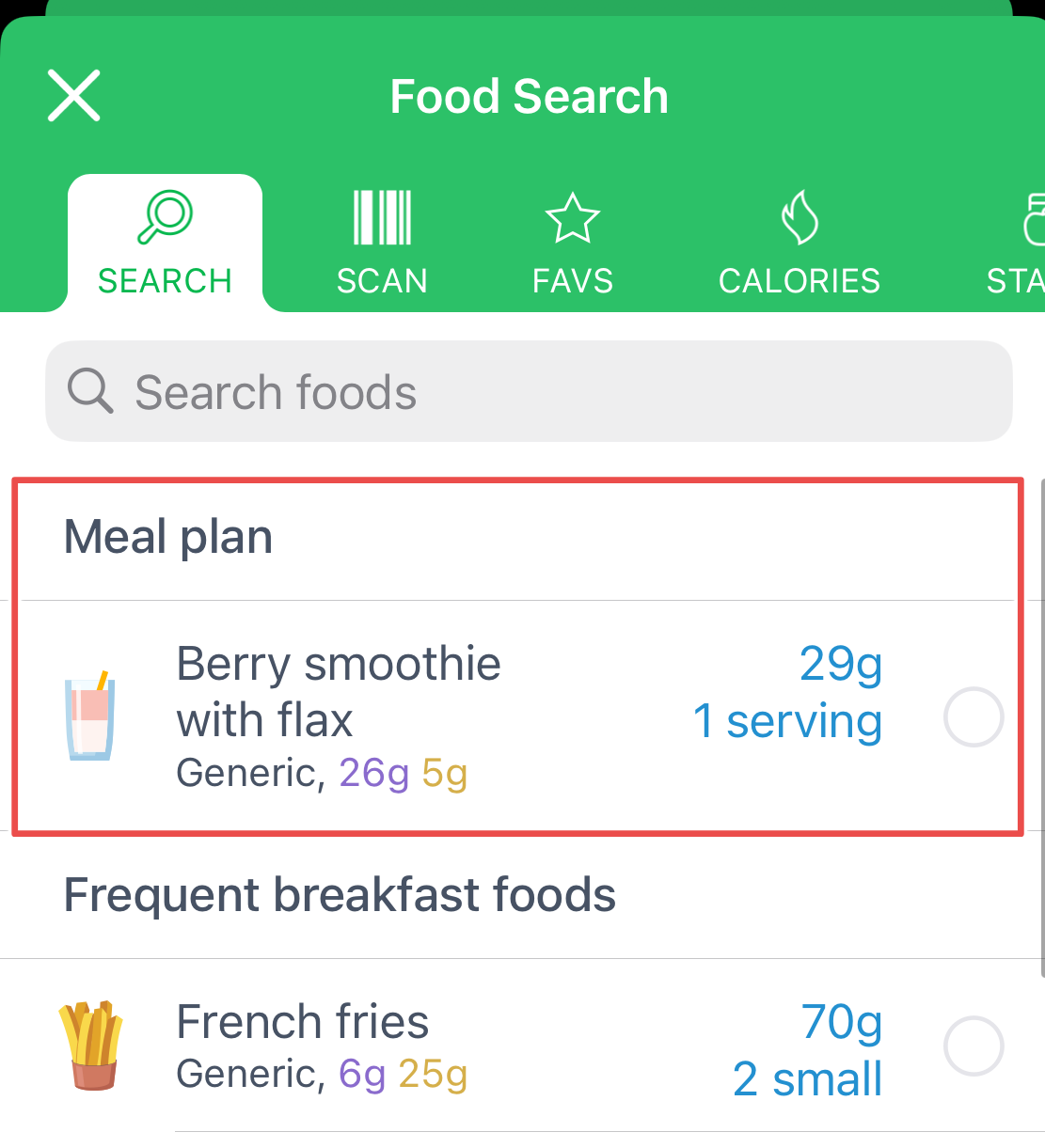
Once you've added your planned meals you have two options: either log them directly by using the Log Meal button or wait before the day comes and find them under Search. All planned meals will be offered first.
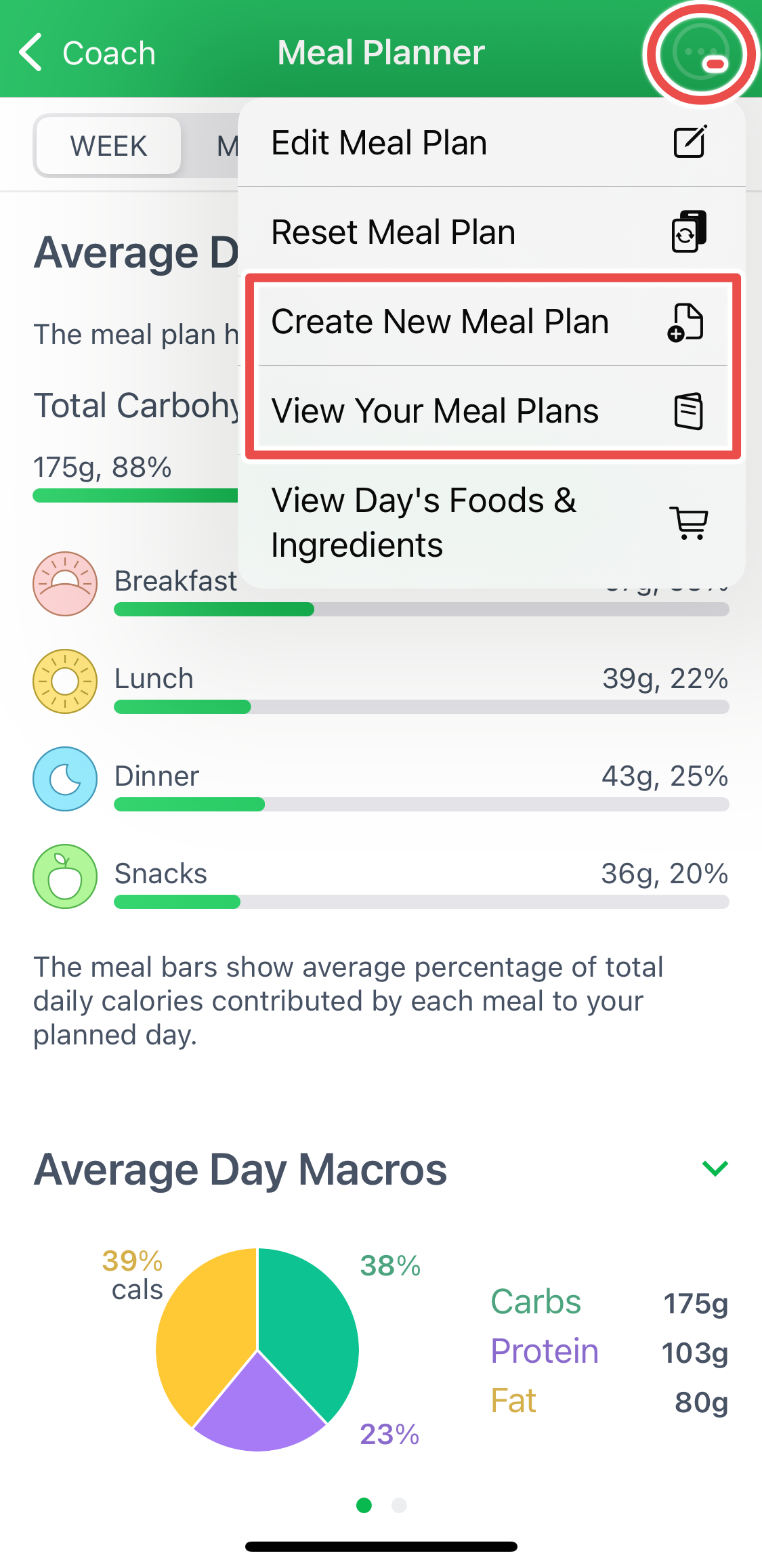
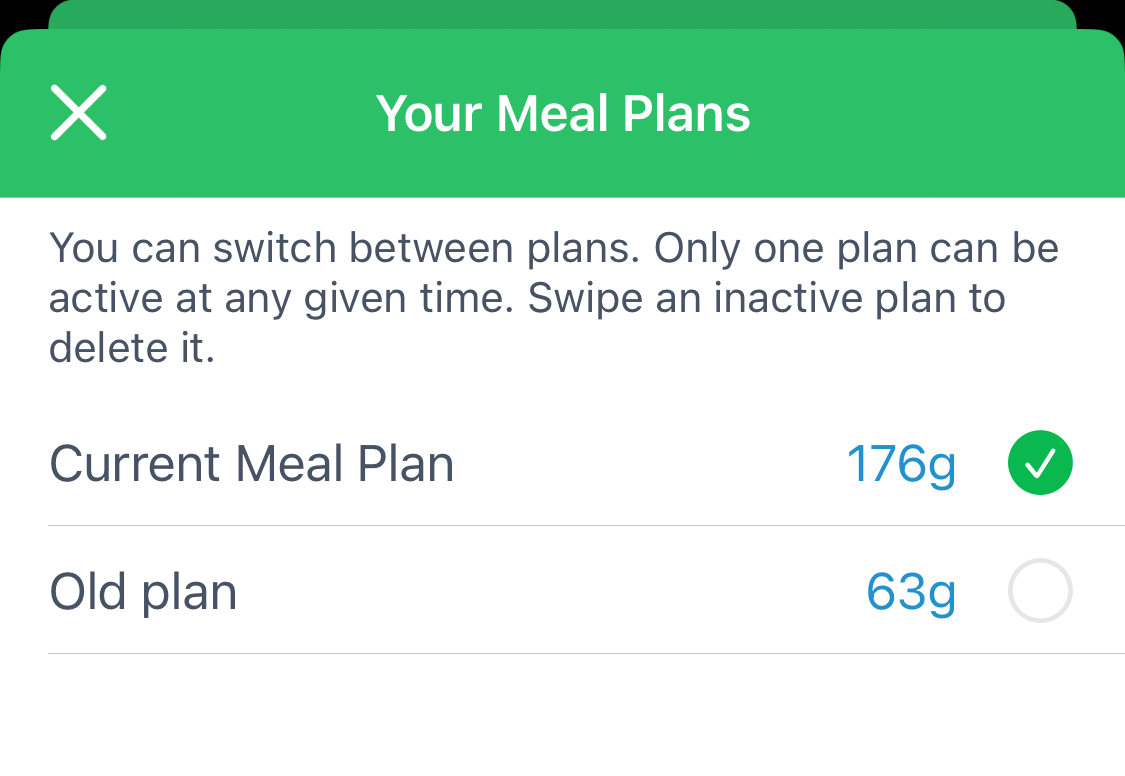
You can Create and Save several meal plans under the Menu button, located in the upper right corner. Moving forward, you will be able to switch between the plans, simplifying the planning process.
Lastly, button View Week's/Day's Food and Ingredients located on every screen of the Meal Planner, will allow you to automatically add the planned food to the Shopping List.
Check out the Meal Planner tutorial video for a more visual guidance.
Make sure to use the Meal Planner to enrich your experience with MyNetDiary or PlateAI and plan your diet in a simple, yet organized way!