Premium Menus are located under Diet Tools tab in the app. They are a collection of meals composed and verified by our dietician team to help you on your diet journey. Feel free to use them as reference to jumpstart your diet or mix and match them with your personal meals.
Each Premium Menu has 7-days worth of meals. You do not have to follow them to the letter and eat specific meals on specific days. In fact, we recommend you choose the ones you like and incorporate them into your diet whenever you feel comfortable.
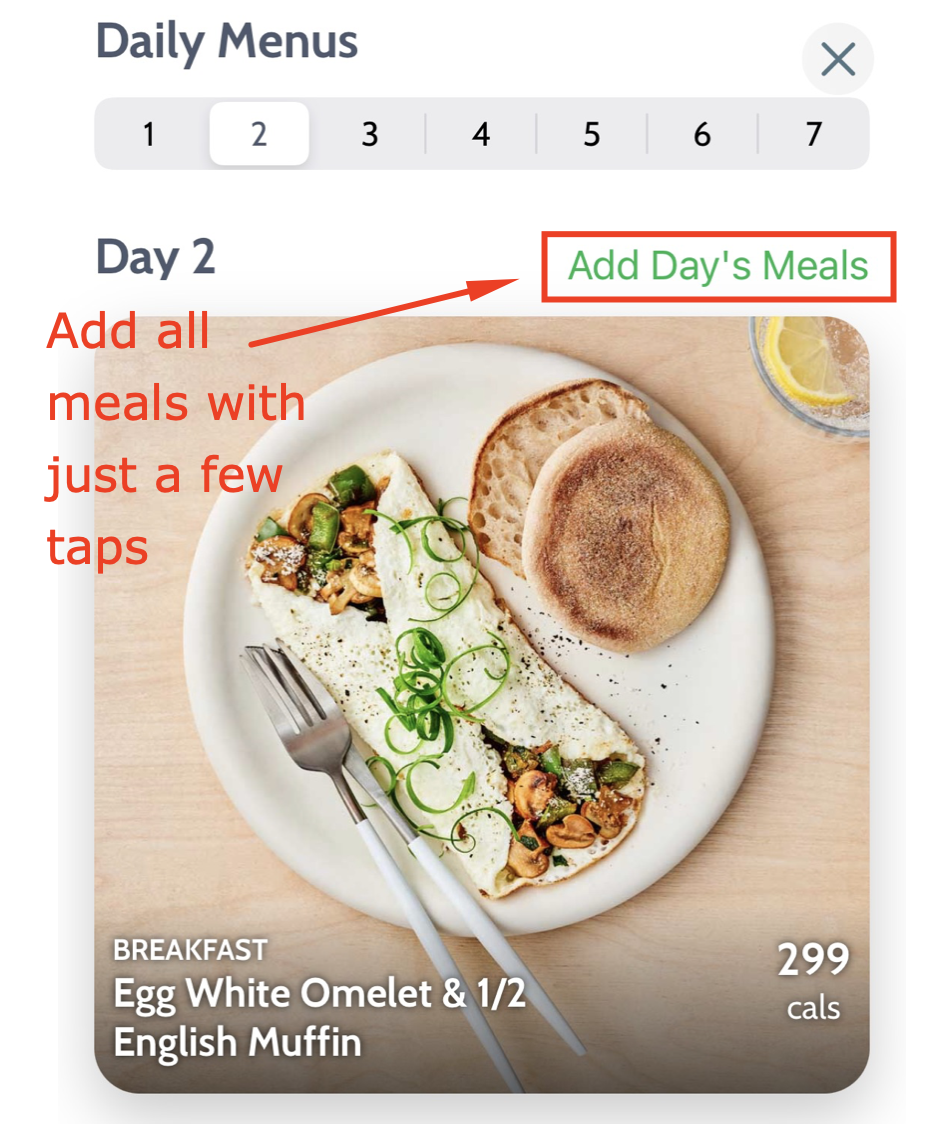
You can add each meal individually or bulk add the meals for a specific day by using Add Day's Meal button.
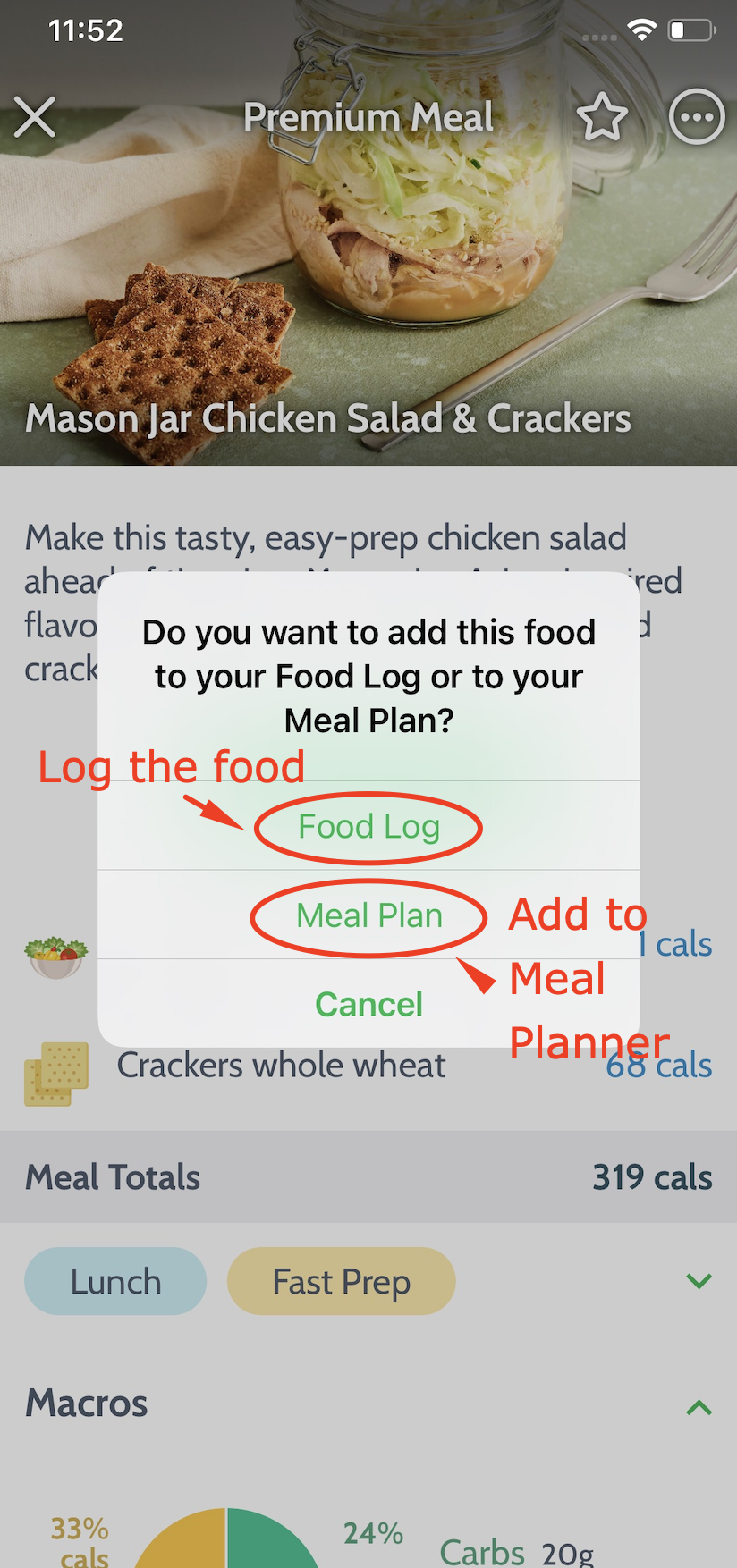
The meals themselves can be logged immediately or added to the Meal Planner tool (which will offer them as the suggested food during the Search for that specific day). Please know there is nothing preventing you from just logging the meals to future days and then adjusting them when the day comes.
Use the Categories button on the main screen of Premium Menus to filter and search the meals according to your current preferences instead of browsing each menu.
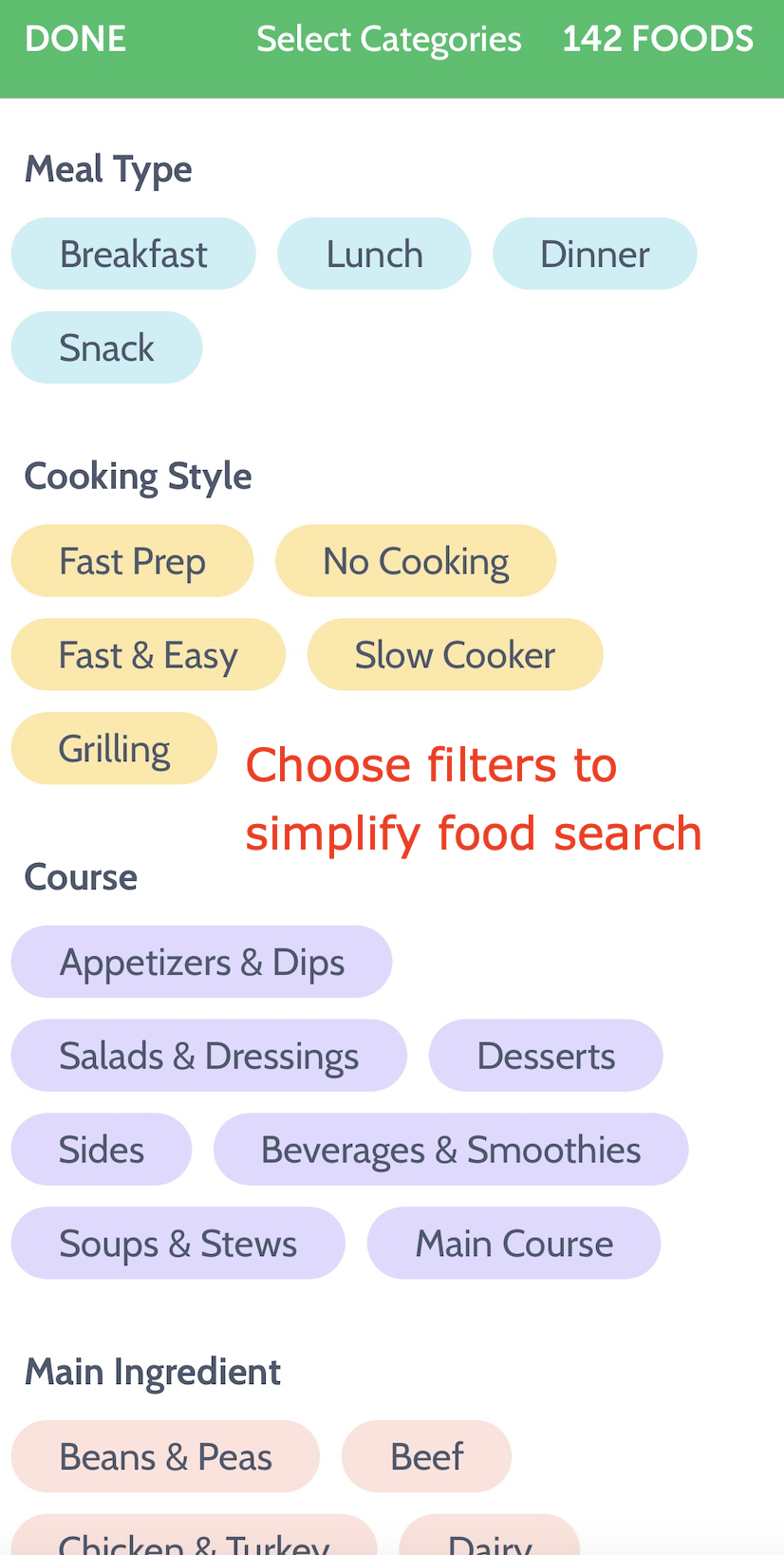
Please know the meals from Premium Menus are available at all times during the Search under the Premium tab. The Categories button is there as well, allowing you to filter.

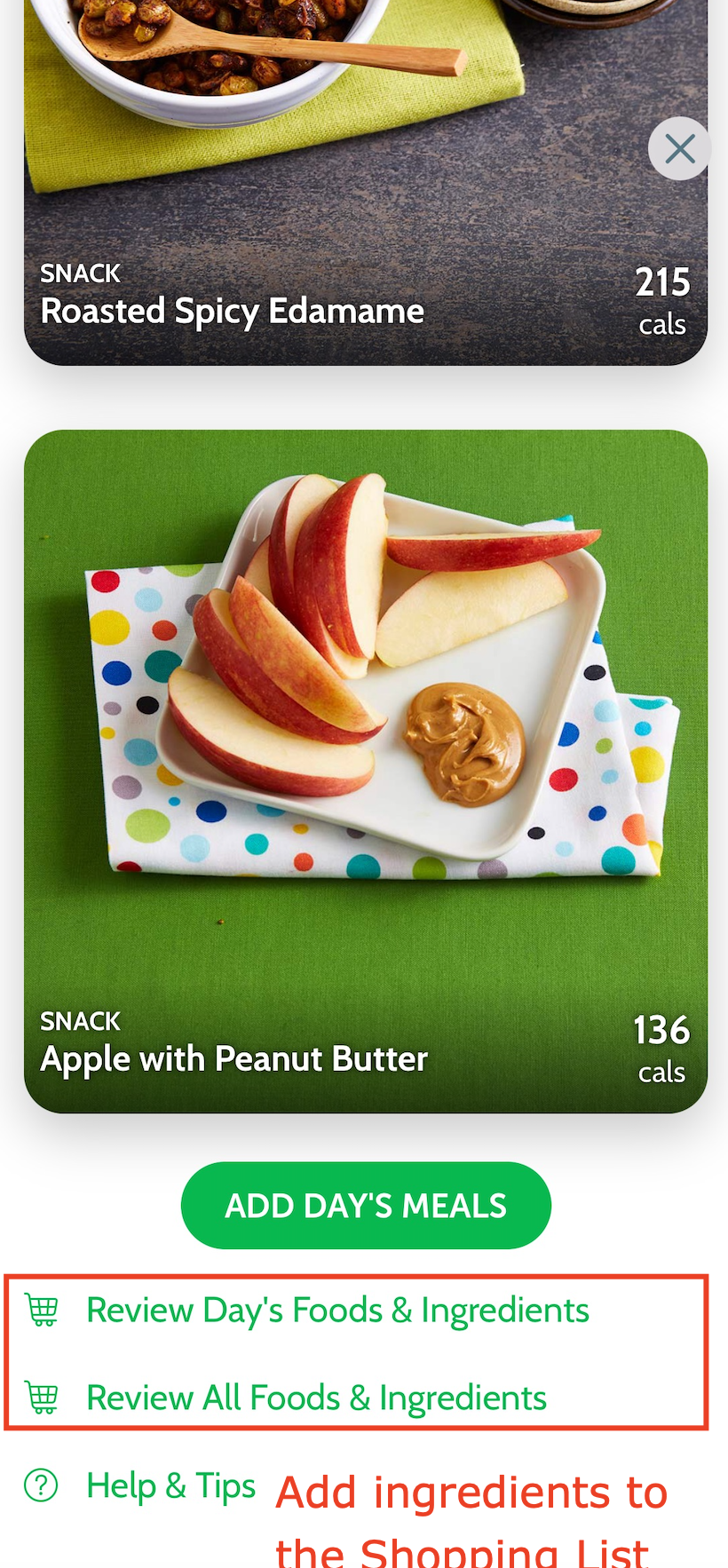
Lastly, ingredients for the meals can be automatically added to your Shopping List by using the Review Day's/All Foods and Ingredients, located at the bottom of each day.
Check out the Premium Menus tutorial video for a more visual guidance.
We hope Premium Menus will become your trusted diet assistant as you progress towards health!