Creating a MyNetDiary or PlateAI account is required to back up your data and to synchronize your data across several devices (such as a smartphone and a tablet) or track your diet at the mynetdiary.com website.
Unlike other diet apps, MyNetDiary and PlateAI value your privacy and do not require account creation. The choice is yours — if you value your privacy more than backing up your data to keep it secure or don't need multi-device or website sync, you can use our apps without an account.
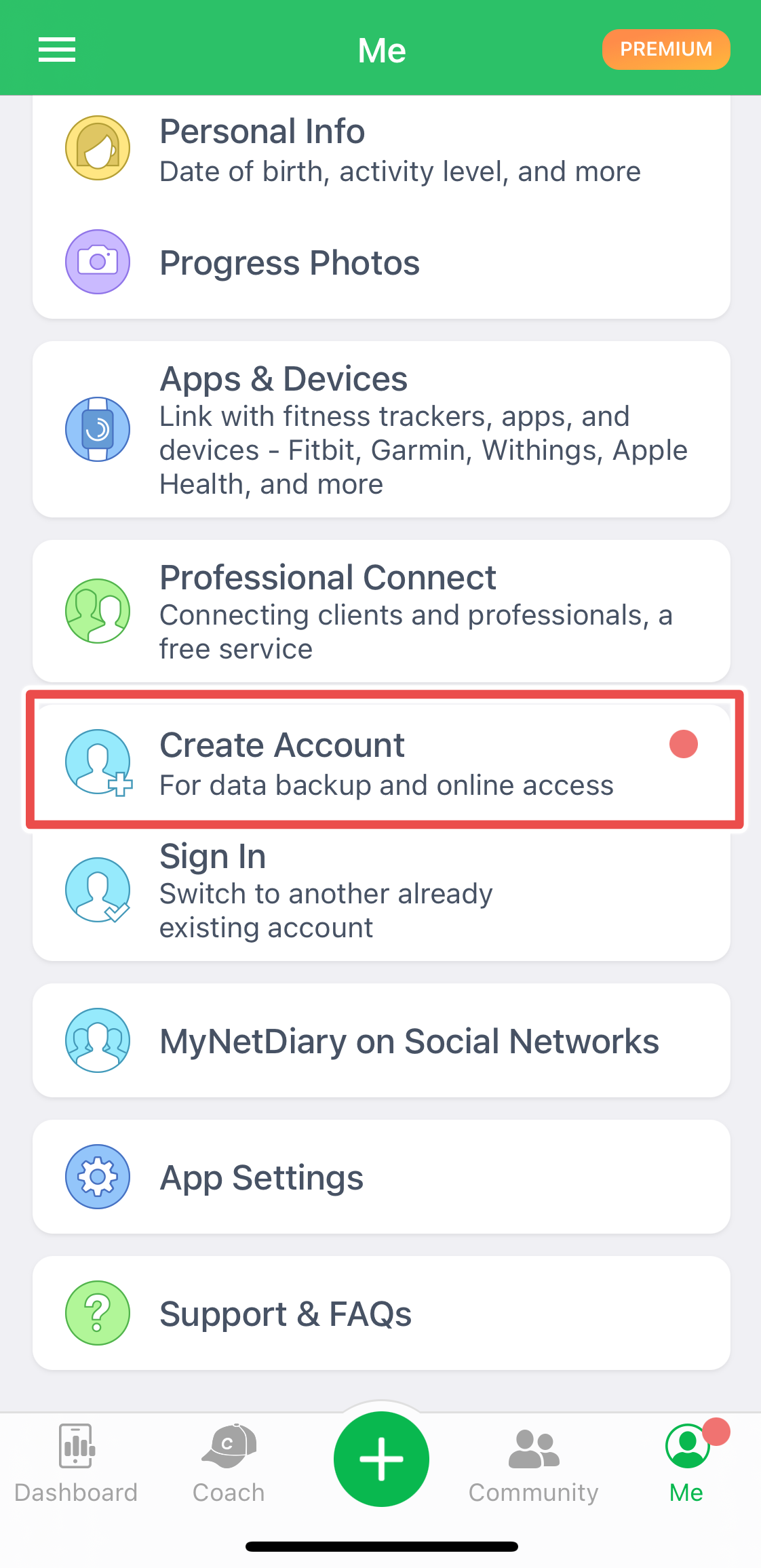
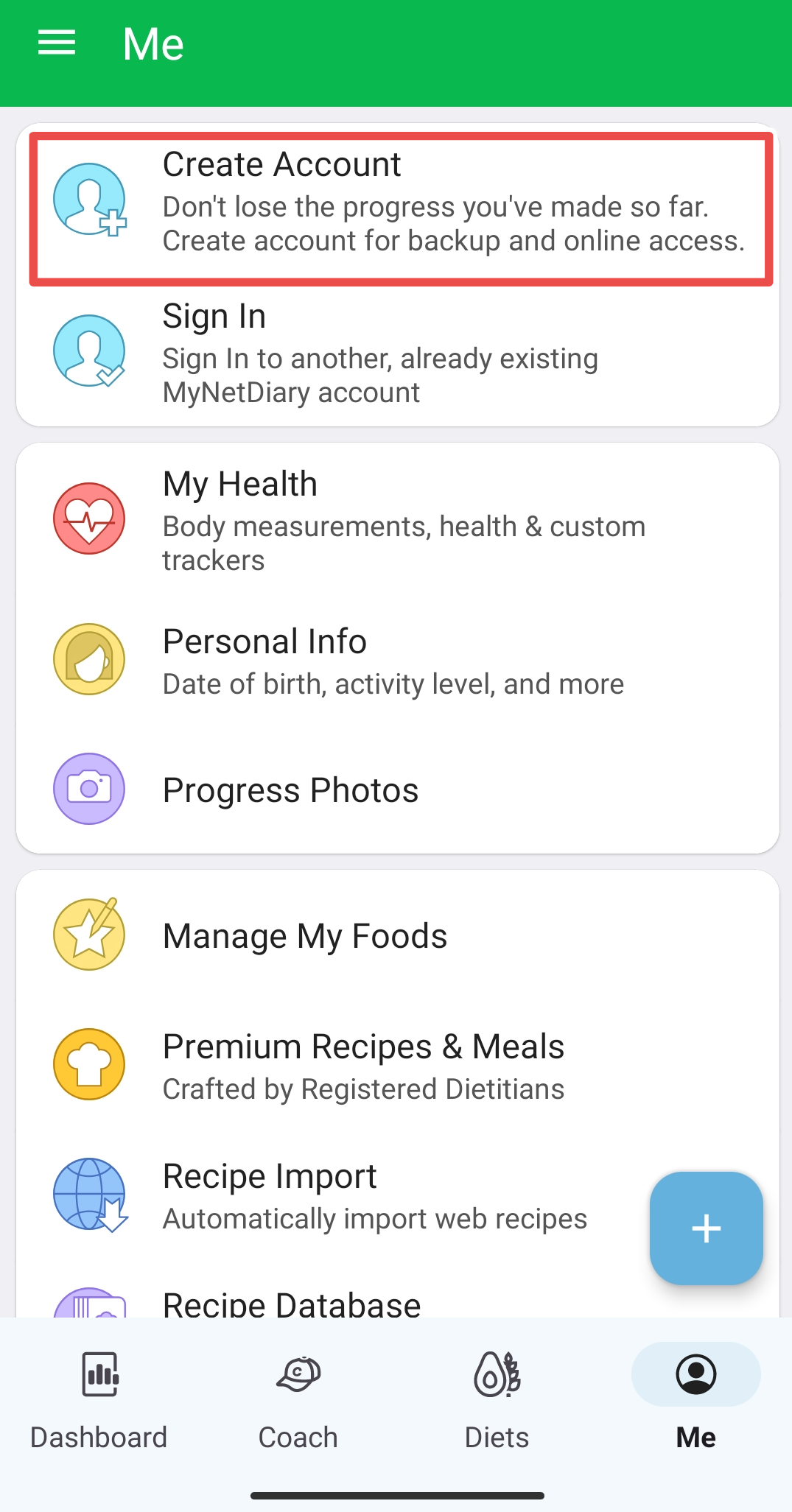
To create an account in a mobile app, you need to go to the Me tab on iPhone and Android, or go to the App Settings screen on iPad.
iOS:
Android:
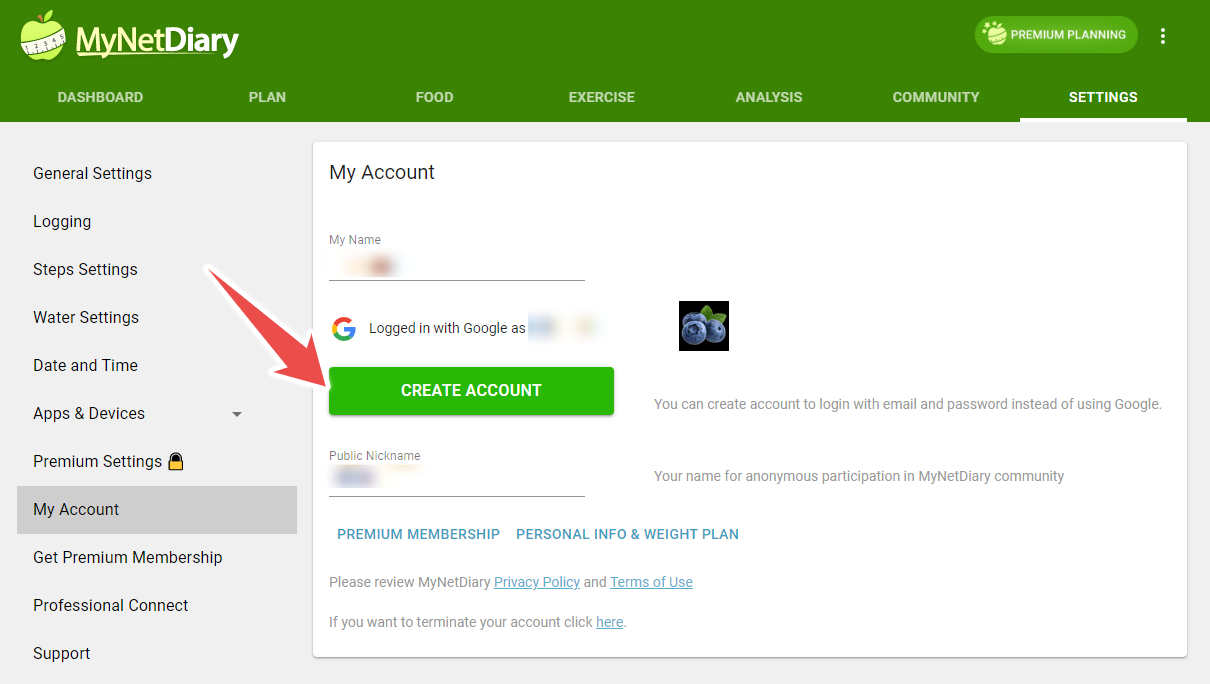
Website:
You can create an account with email and password or use one of the social sign-in options - either Apple ID, Facebook, or Google. In either case, your account is safe - MyNetDiary and PlateAI do not share any user data and do not have email "newsletters."
Please see video Creating an Account for more details.
Creating Account with Email and Password
This is the simplest option. You would not depend on any social sign-in service. You can reset your password via email. Enter your email and password, and you are done!
Creating Account with Social Sign-In
Using a social sign-in is also a good option. It allows you to sign in once with your social service and avoid creating yet another email+password combination. If selected, you will be redirected to the social sign-in screen to enter your credentials. This information will not be available to MyNetDiary or PlateAI.
After Account Creation
Backup is automatic. Once you have created an account, you can completely delete and reinstall any MyNetDiary app and use the "Sign In" option on the Welcome screen to sign in to your account and restore your data.
If you would like to synchronize your account with another device, such as a tablet, or use the mynetdiary.com website, the process is identical. Install the app or go to the website and use the "Sign In" option. Please see How can I sync my app on different devices? for more information.
Please check our Creating MyNetDiary Account video for more guidance.