Using Backup and Restore
Information transfer to the new phone works the same for all apps when you restore the new phone from backup - your data will be there, and no actions are needed.
Transfer without Backup and Restore
Transferring data from your old phone to a new one is only possible with an active mynetdiary.com website account that has been linked with your mobile account.
If you have an active and linked account
Install the app on your new phone, on the Welcome screen tap "I Already Have an Account", and use your account name or email and your password to sign in. If you forgot your password but used an email to create your MyNetDiary or PlateAI account, you can reset your password by email (Forgotten Password or Account).
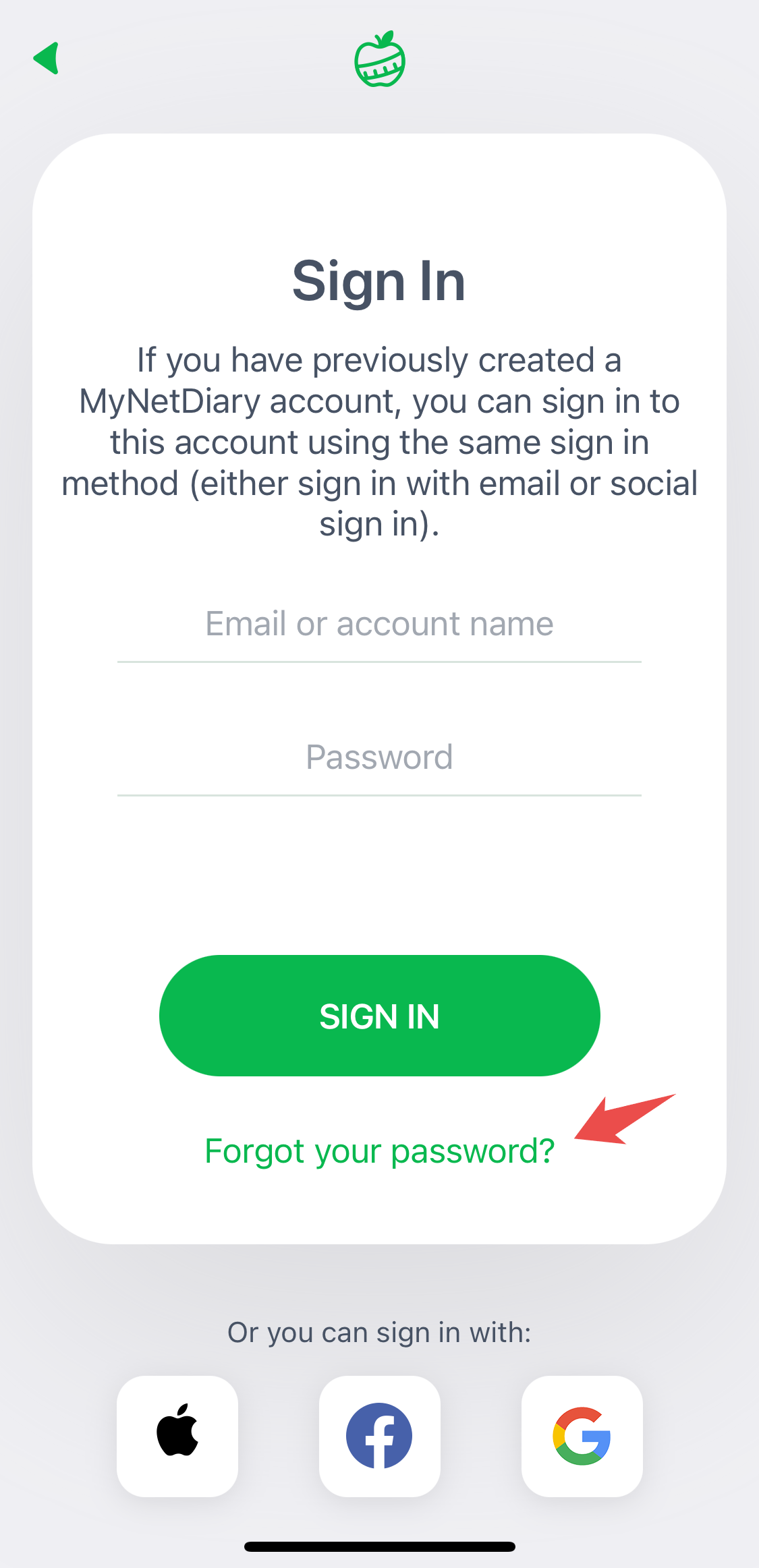
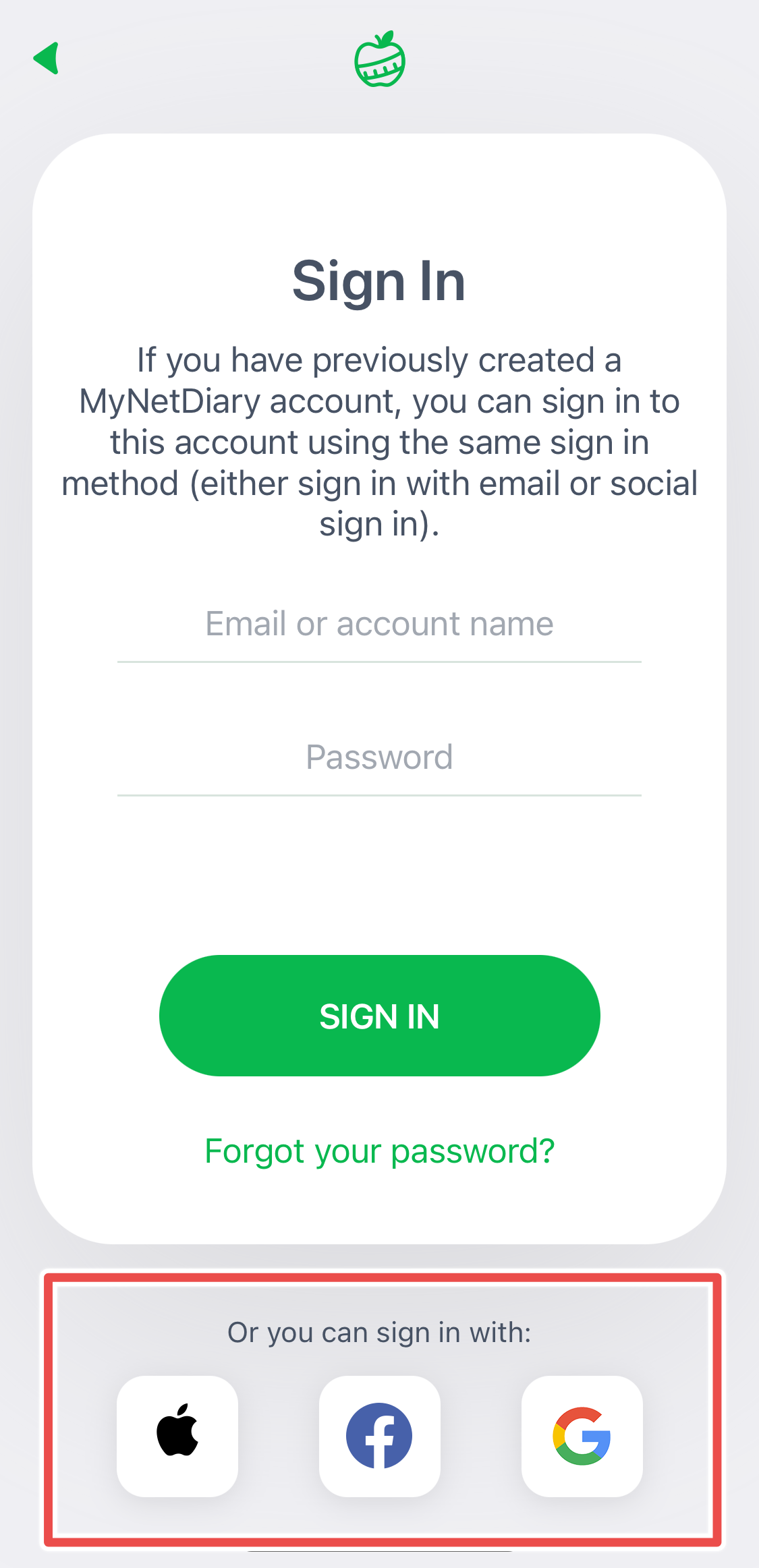
If you've used a social login, such as Apple, Google, or Facebook, use the same social login on your new phone.
If you forgot your password and didn't use an email to create your account, but you have access to your old phone and can launch the app, you need to add your email to your account in the app, then follow these steps to reset your password: Forgotten Password or Account .
Once you have your password, you can use the email and password to sign in to your account on your new phone.
If you forgot your password, didn't use an email to create your account, and you don't have access to your old phone, unfortunately, there is no way to access your old account.
If you do not have an active and linked account
If you have access to your old phone and can launch your MyNetDiary or PlateAI app, you need to create an account from your app on your old phone.
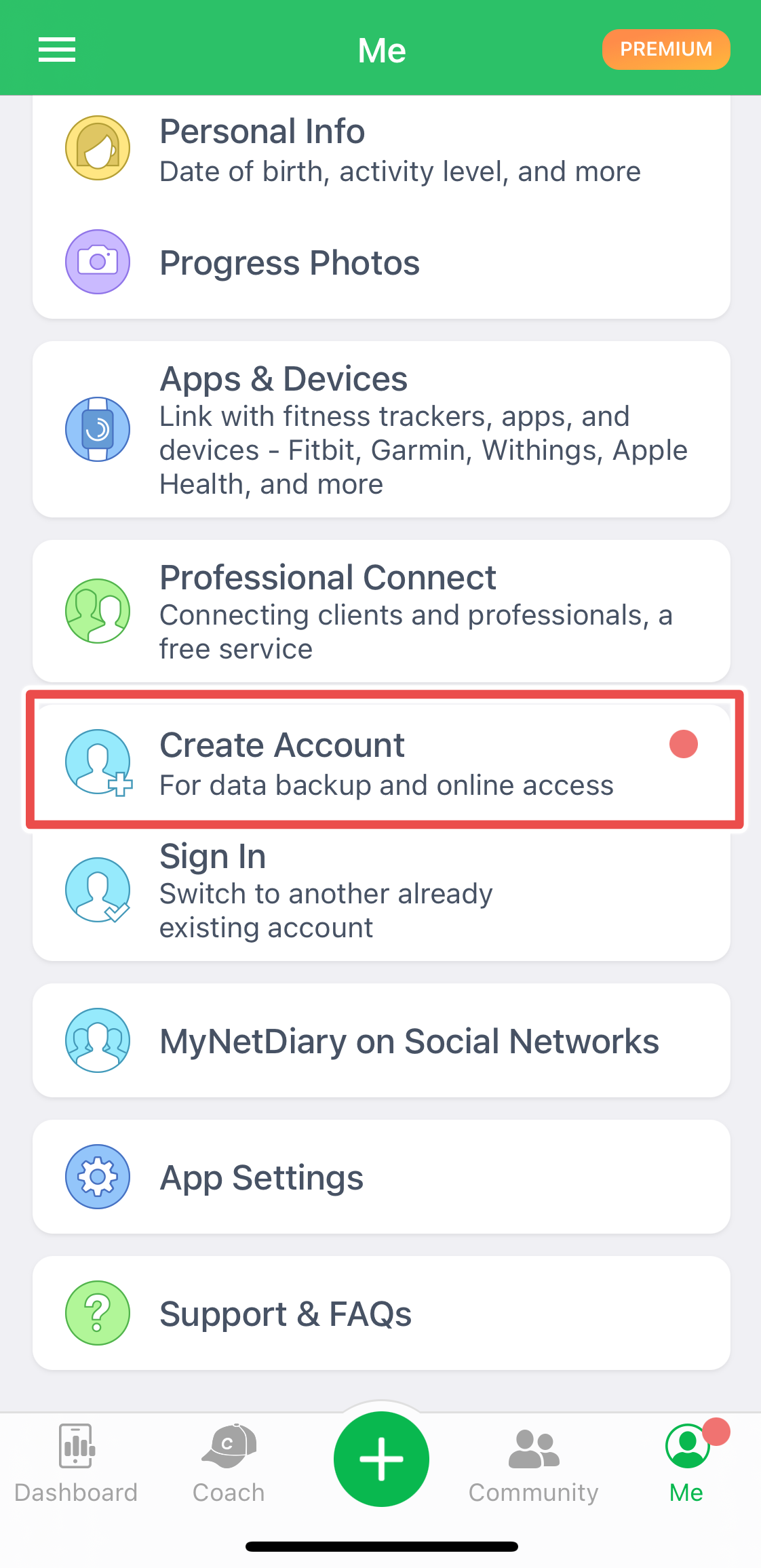
If you haven't created an account and don't have access to your old phone, unfortunately, there is no way to find and access your old account. You will need to start fresh with MyNetDiary or PlateAI. Please create an account this time!
If you previously purchased a subscription, and it is still active, please reach out to us at support@mynetdiary.com - we might be able to help you recover your lost account.