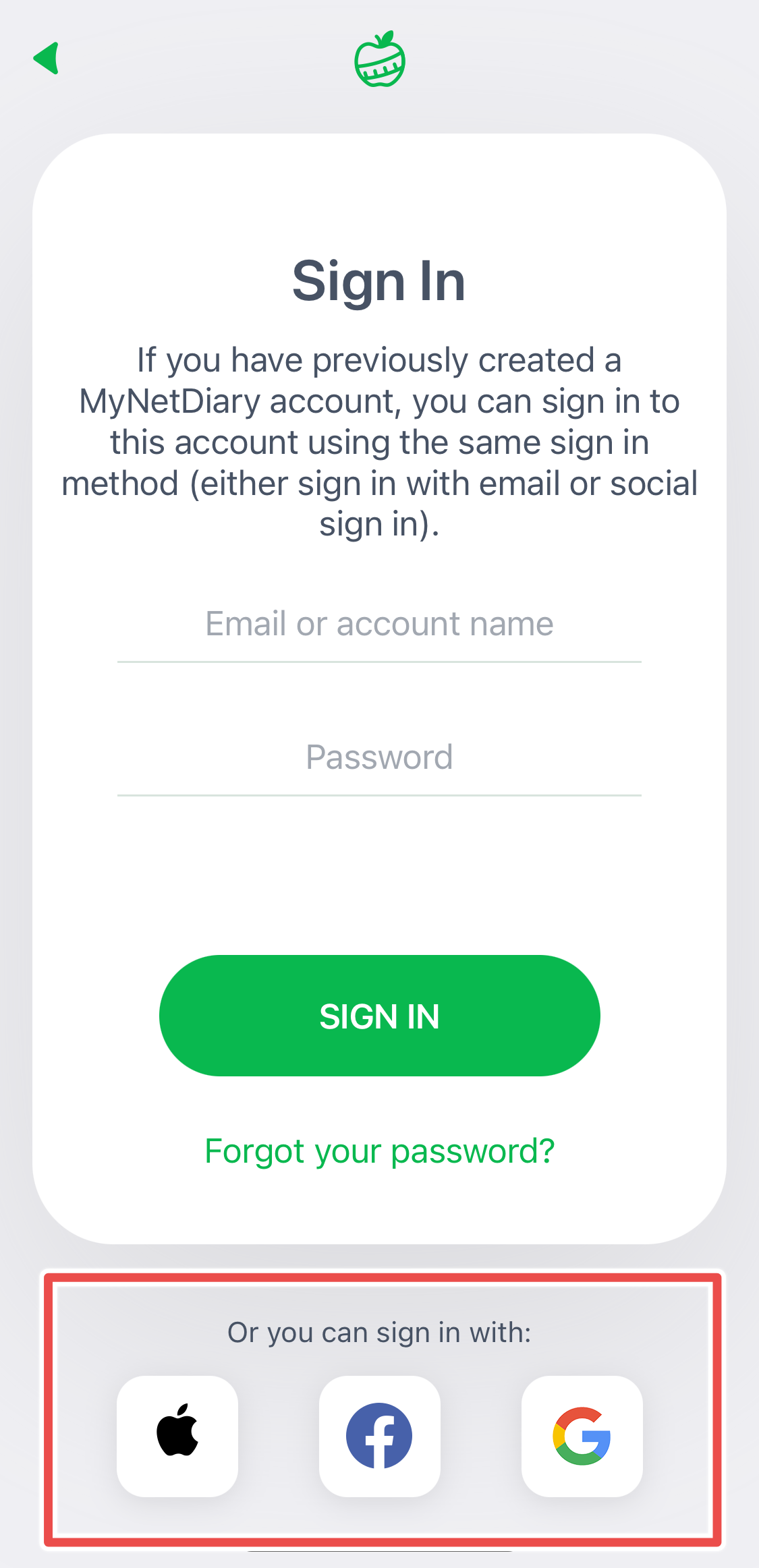
Forgotten Password
If you created a MyNetDiary or PlateAI account using an email and forgot your password, you'll be able to reset your password via email by going to the Password Assistance page.
If you know that you created your MyNetDiary or PlateAI account with an email, and you reinstalled the app on your mobile phone, tap "Forgot Your Password" and provide the email you used to create your account.
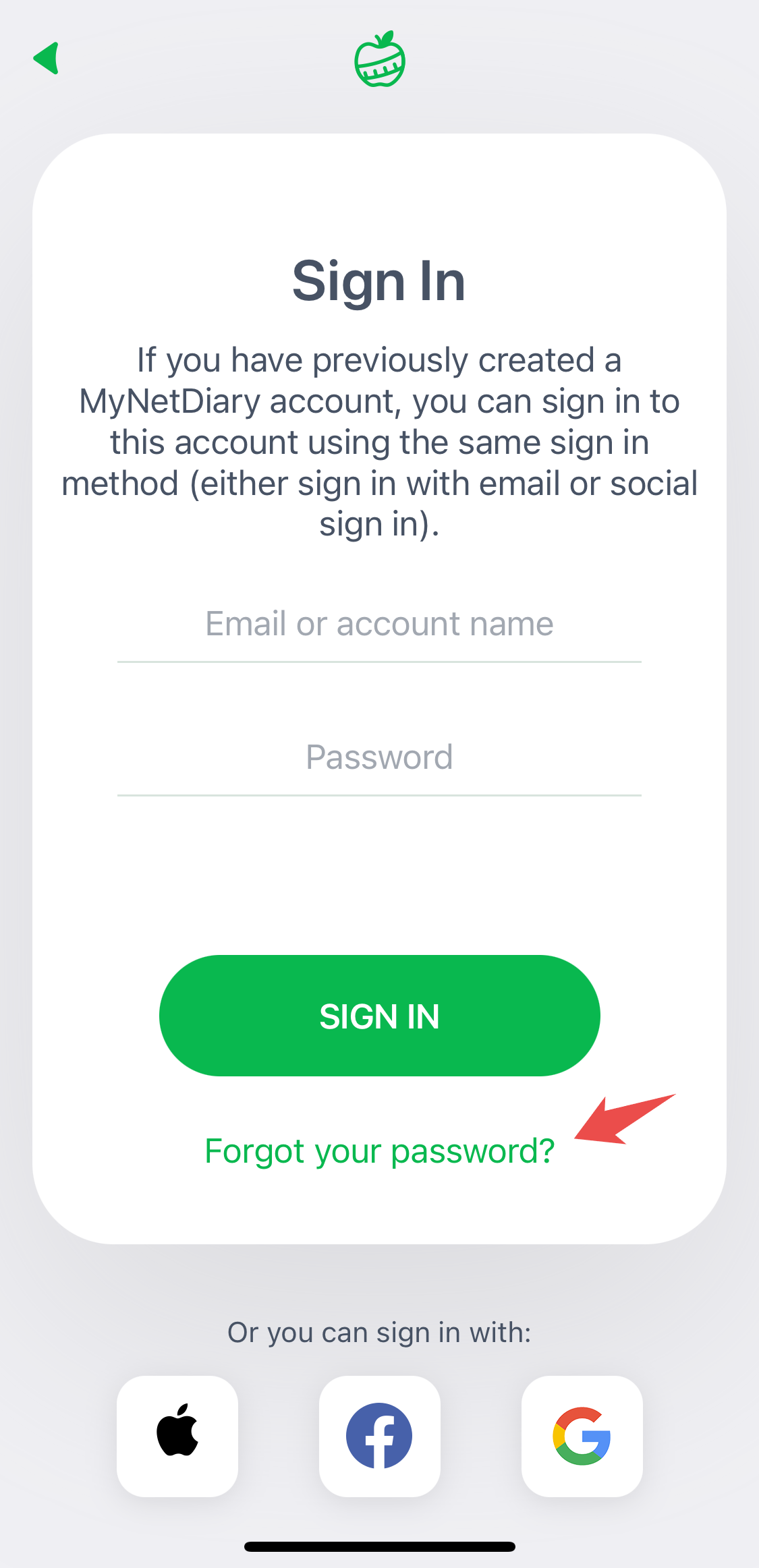
You should receive an email with a link to reset your password.
If you want to access your MyNetDiary or PlateAI account on a web browser, tap Log In and then click on "Forgot Password".
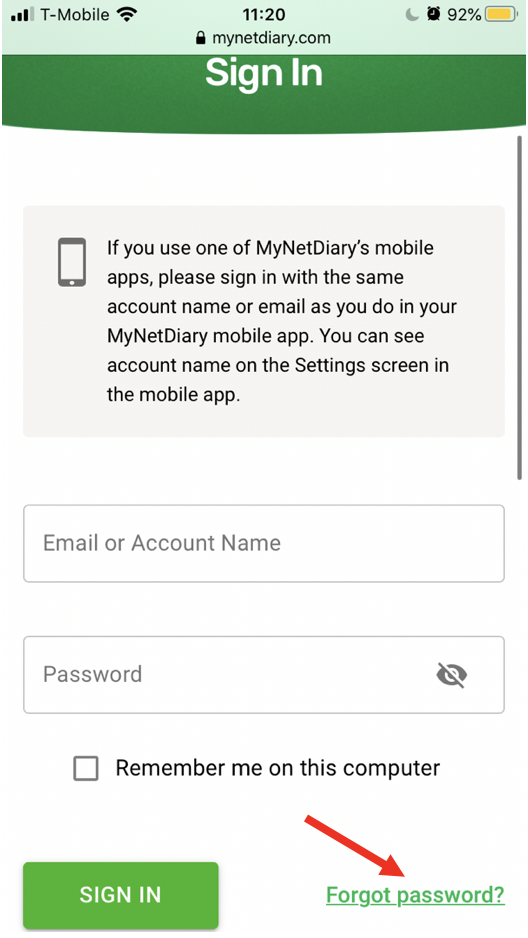
A password reset link will be sent to the email address linked to your account.
If you don't receive the reset password email:
- Check the spam folder in your email. Sometimes, the password recovery email may end up in spam.
- The email does not arrive because you used a different email with MyNetDiary or PlateAI. If you have other email addresses, please try using them to reset your password./li>
If you still don't receive the reset password email, then, most likely, you haven't created an account or created an account using one of the available social sign-in methods, such as sign-in with Facebook, Google, or Apple ID.
Forgotten Account Name or Email
If you forgot your account name or email used, but you have access to your app and information, you can look it up in the mobile app. Please see How can I find the account that I created? for more information and detailed steps.
Using Social Sign-In
Please note that if you used a social sign-in (Apple, Google, or Facebook), you must use the same method to sign in, which will prompt you to enter your Apple, Google, or Facebook credentials. You don't need to reset your password.