The Fresh Start feature allows you to reset your starting date and starting weight—either moving it forward or backward. You can also choose to delete any weight data recorded before the new starting point.
This feature is available in the My Weight Goal & Plan > Weight & Calories section in the app (iOS/Android), and in the Plan > Weight & Calories page on the web.
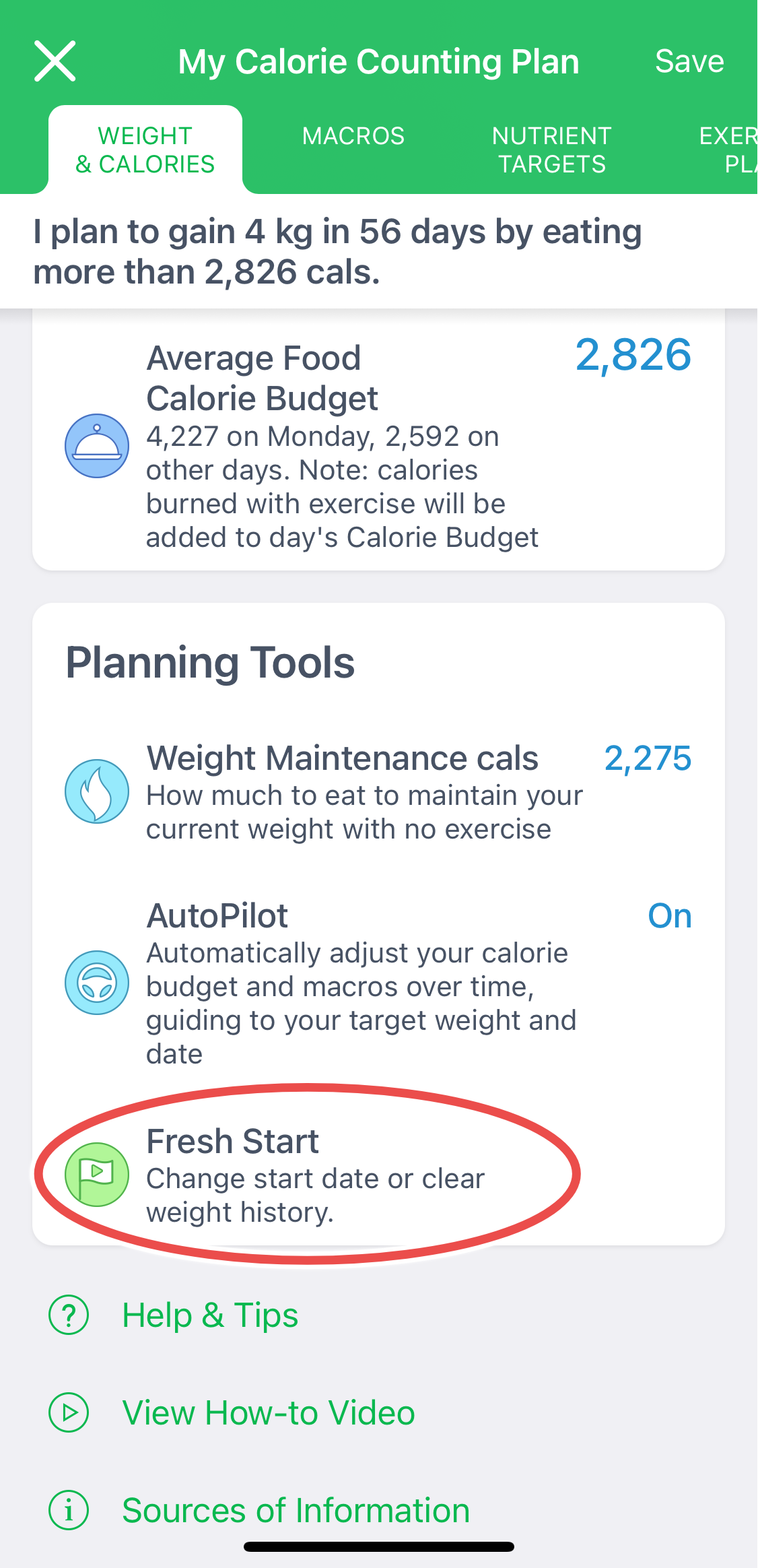
Fresh Start offers two options:
- Change start date only – keeps your weight history intact.
- Change start date and delete weight history – helpful if you'd like to begin with a clean slate.
All other data—like logged foods, exercises, daily notes, and other records—will remain unchanged regardless of the option you choose.
Want a completely fresh diary? If you'd prefer to start completely over, you can:
- Uninstall and reinstall the app, then create a new account, or
- Create a new account online.
That said, in most cases it's best not to delete or reinstall the app. Instead, use Fresh Start and adjust your diet plan settings (target date, target weight, target calories, etc.) to realign your goals. Learn how to adjust your plan here.