If you’ve previously used the MyFitnessPal app, you can transfer your weight and other health data into this app by linking it with Apple Health (iOS) or Health Connect (Android).
Step 1: Enable Export from MyFitnessPal: Open MyFitnessPal, go to the More section (bottom-right corner), then tap Apps and Devices. Select Apple Health or Health Connect.
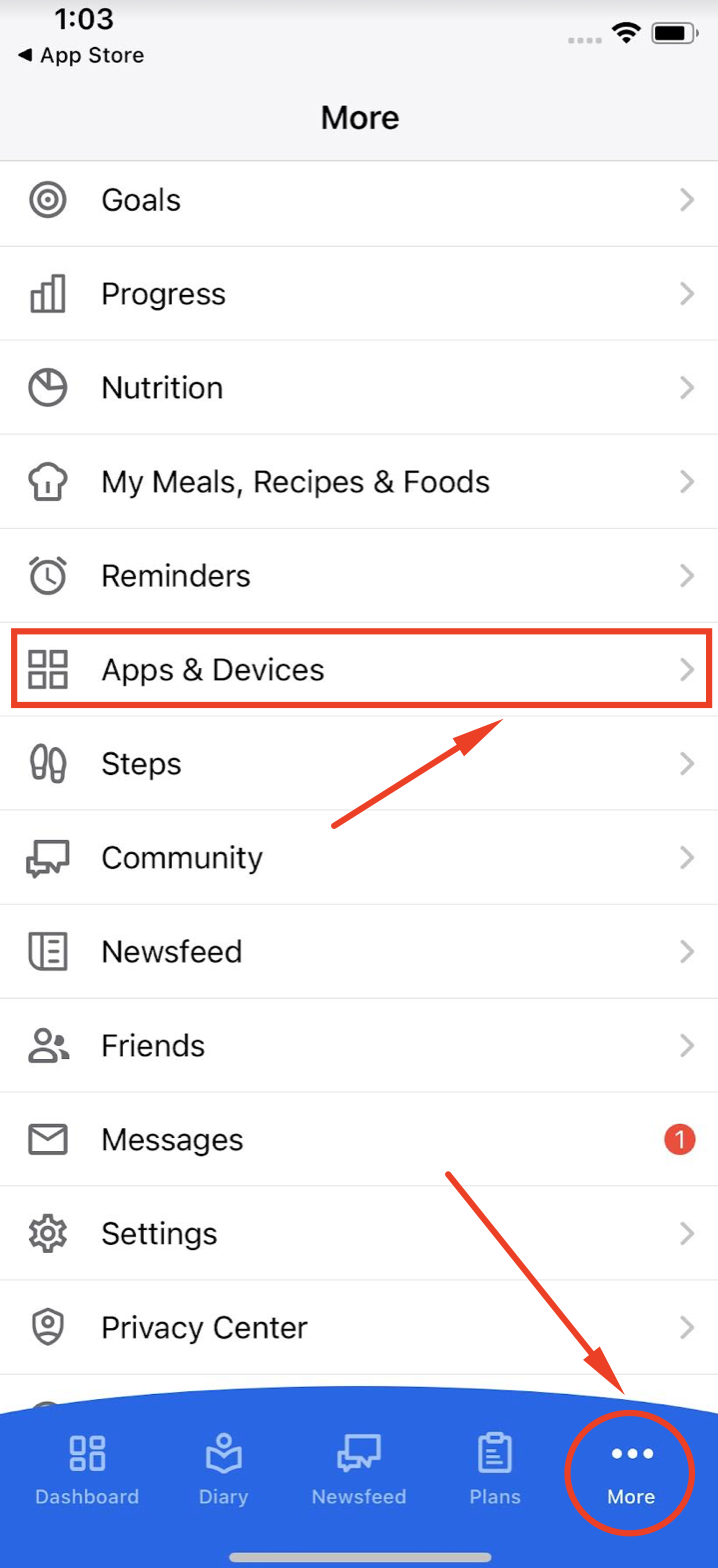
Ensure that MyFitnessPal is allowed to write data to Apple Health or Health Connect. You do not need to enable reading permissions — we actually recommend keeping that off, as it may complicate syncing.
You data from MyFitnessPal should first export into Apple Health or Health Connect app.
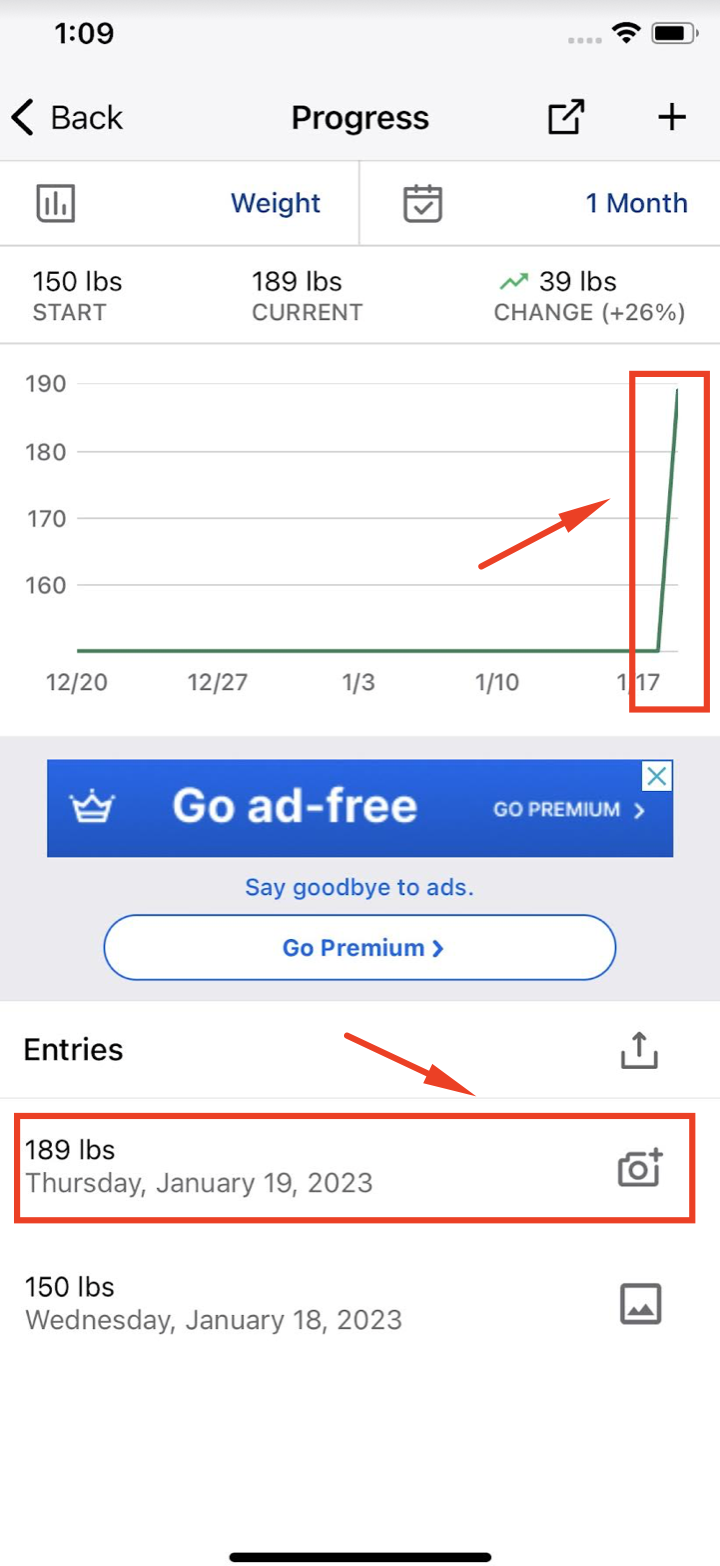
Once enabled, MyFitnessPal will export data like weight and workouts into Apple Health or Health Connect.
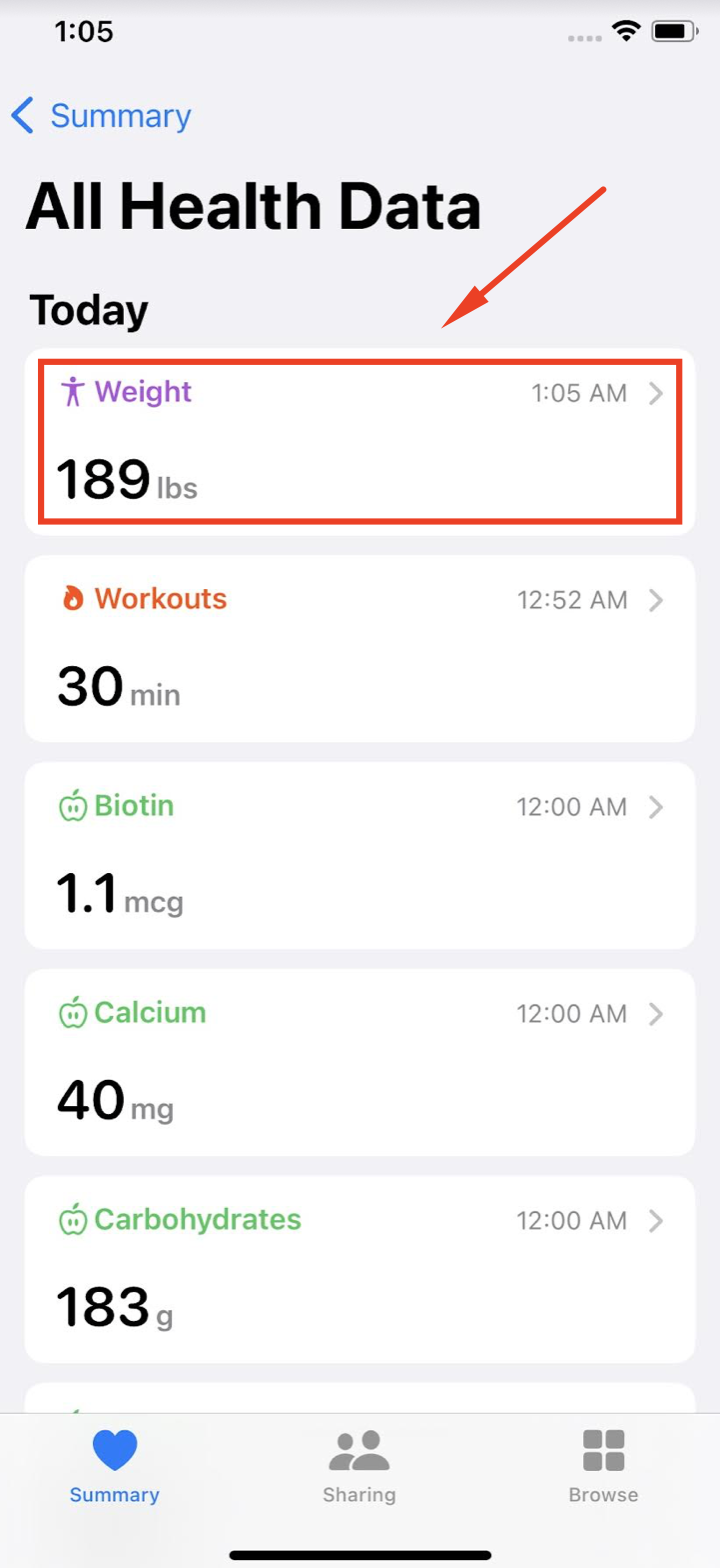
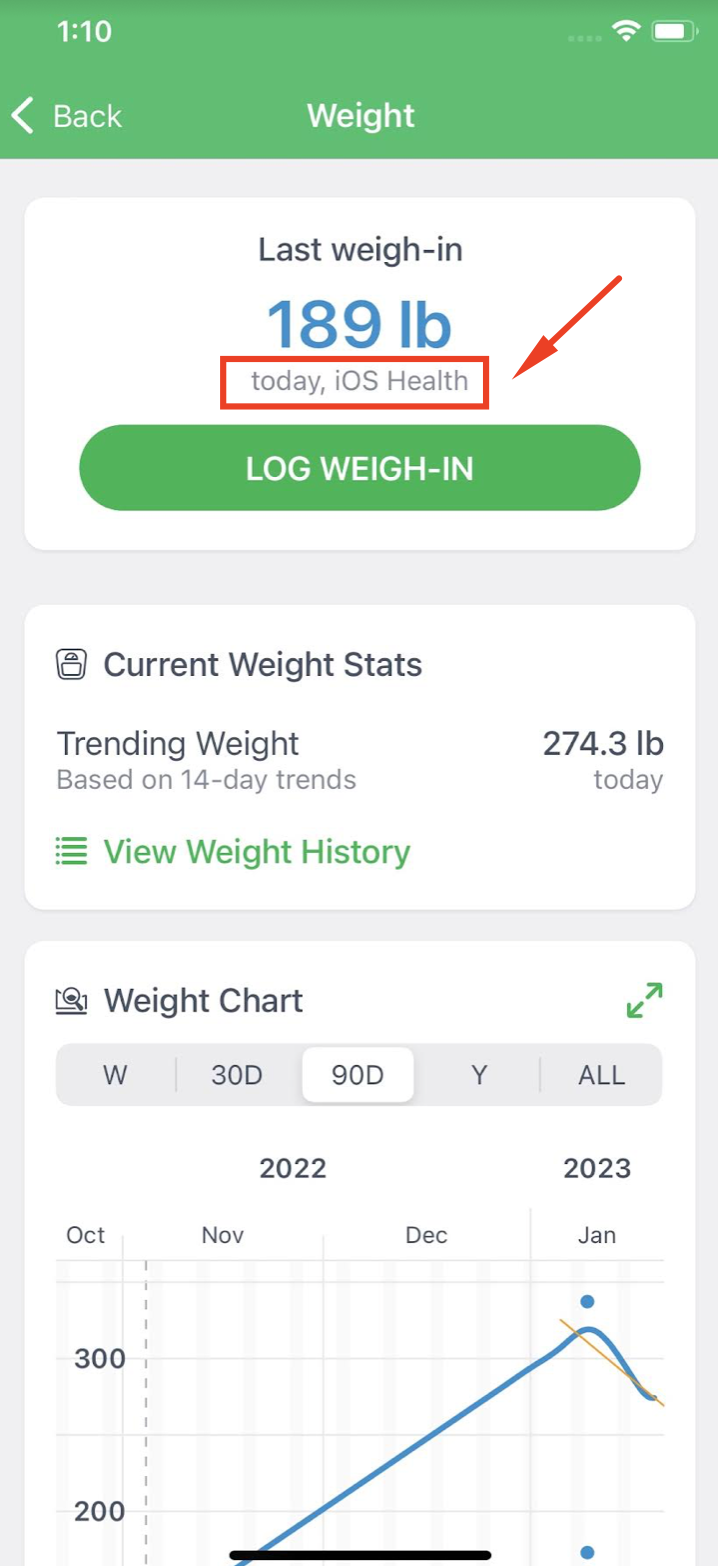
Step 2: Enable Import to This App: If this app is already linked with Apple Health or Health Connect, the exported data should be imported automatically.
Here is an example of exercise data imported from MyFitnessPal through Apple Health into this app:
Unfortunately, MyFitnessPal does not provide a way to share your custom recipes. Also, no other apps can access and import your custom recipes and recipe ingredients stored in MyFitnessPal. However, you can use the MyNetDiary and PlateAI Import the MyFitnessPal system/original recipes, e.g., some of the public recipes available in the MyFitnessPal Blog section (for example, from the following links - breakfast casserole, blueberry muffin, butternut sausage or from other sources.)
Due to technical limitations, the Web Recipe Import may not parse some recipes successfully. In case of a problem with parsing MyFitnessPal ingredients, please create a custom recipe manually; otherwise, you can exchange the invalid ingredients for some of our items taken from the Staple Foods catalog. Please see more details about the Recipe Import feature at: Importing recipes from the web browser and recipe apps
For any issues with syncing between MyFitnessPal and Apple Health or Health Connect, please contact MyFitnessPal Support directly.
Need Help Linking? If you’re not sure how to connect our app with Apple Health or Health Connect, check out our tutorial video for step-by-step guidance.