If you’ve previously used the Cronometer app, you can transfer your weight, exercise, and other health data into this app using Apple Health (for iOS) or Health Connect (for Android).
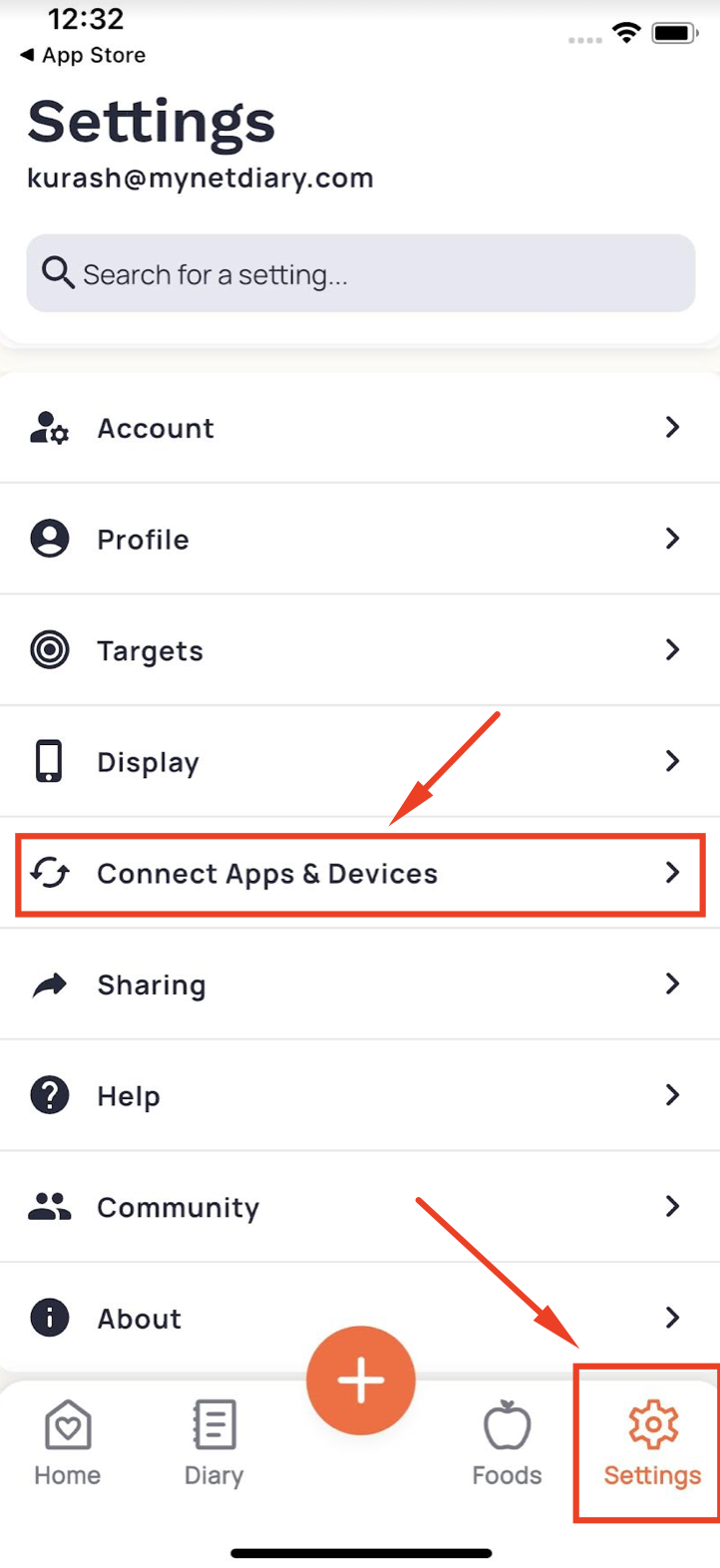
Step 1: Enable Export from Cronometer: Open Cronometer, tap the Settings icon (usually in the lower-right corner), and select Apple Health or Health Connect under the Connect Apps and Devices section.
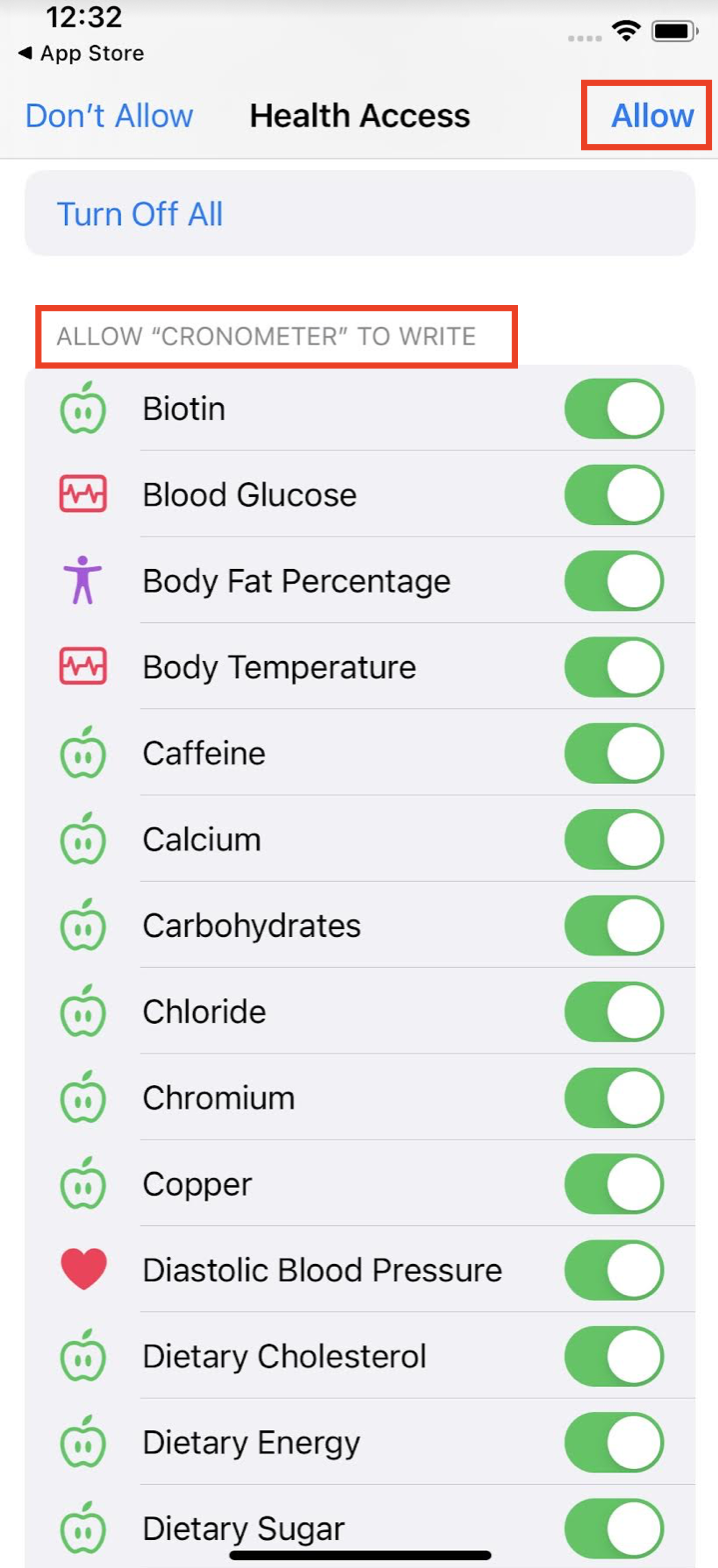
Ensure that Cronometer is allowed to write data to Apple Health or Health Connect. Reading permissions are not necessary — we recommend leaving them off to prevent sync complications.
Step 2: Import into Our App: Once data is exported into Apple Health or Health Connect, and this app is linked with the corresponding hub, the data should be imported automatically.
For questions about Cronometer syncing with Apple Health or Health Connect, please contact Cronometer Support directly.
Need Help Linking? If you’re unsure how to link this app with Apple Health or Health Connect, check out our tutorial video for step-by-step guidance.