Portion Guide
Sometimes food vendors provide confusing or unclear serving descriptions (e.g., "1 container," "1 medium," or "1 piece"). Our service offers multiple tools to help you better visualize and estimate accurate portion sizes for tracking. This guide provides helpful visuals and links to practical strategies you can use.
Estimating and Entering Food Portions: Start by reviewing how food logging works in MyNetDiary. Learn how to log items with unclear descriptions, and how to adjust the portion sizes manually or by weight:
(See example below for how to interpret food portions using visual guides)
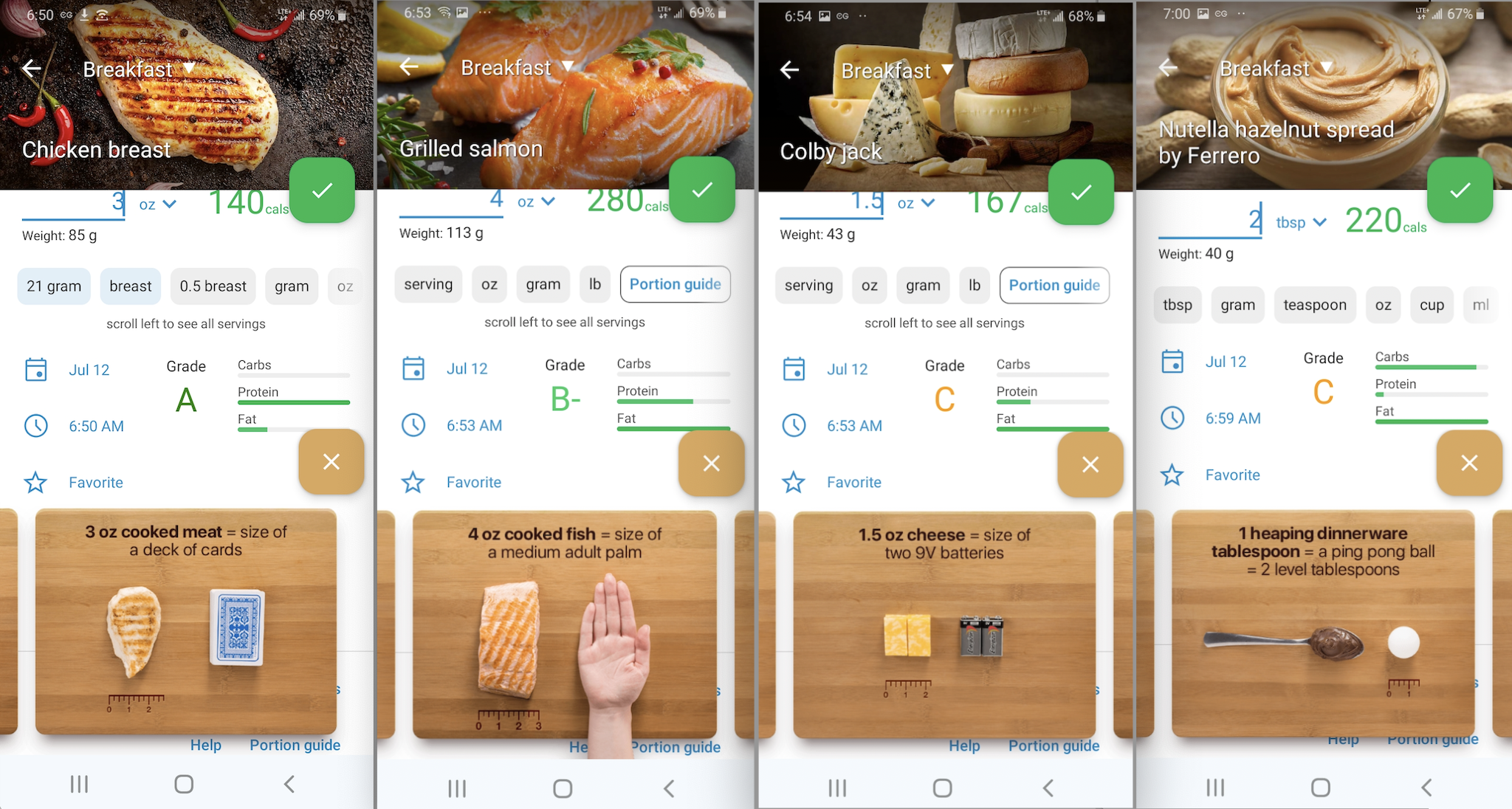
Estimating Portion Sizes with Visual Cues: This guide helps you estimate food portions by comparing them with everyday objects like a deck of cards, tennis ball, or measuring cups. It’s especially useful when packaging isn’t clear.
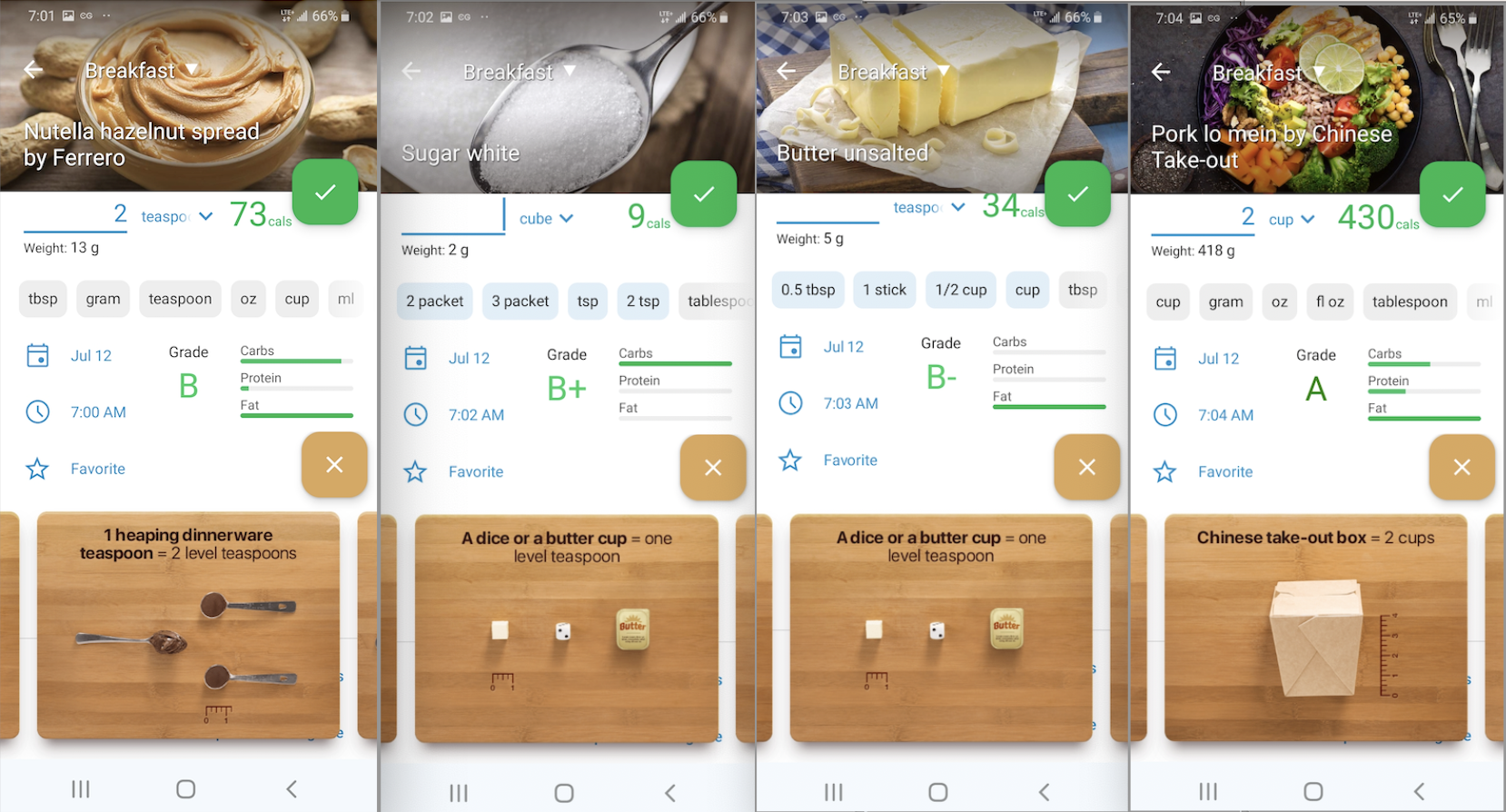
Dietitian-Recommended Portion Ideas for Weight Loss: Explore real-life strategies to stay mindful of your food portions. These tips go beyond the plate — from preparing smaller meals to using smaller plates.
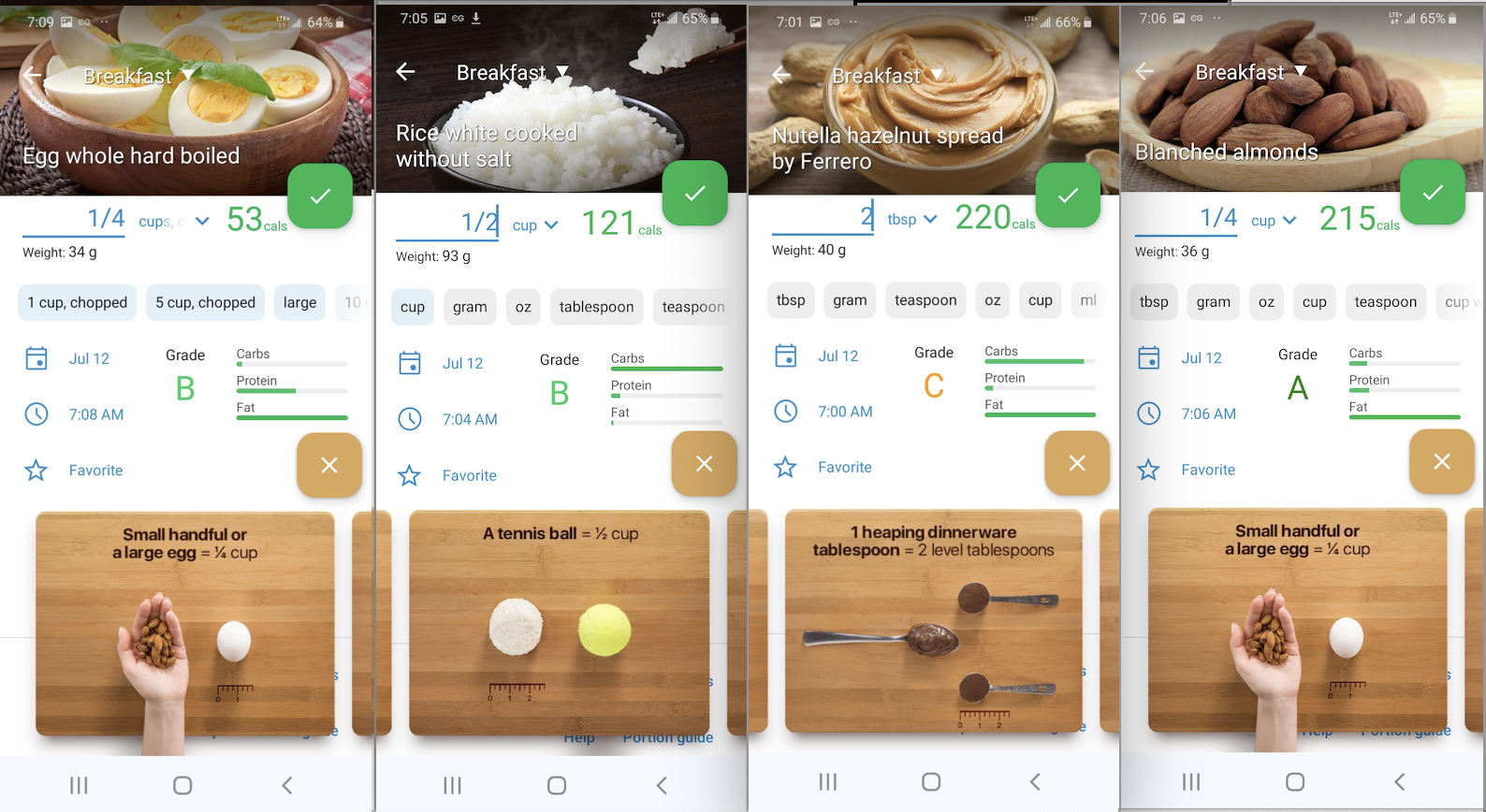
Top Tips for Portion Control from Registered Dietitians: This guide highlights expert-recommended tricks for controlling portion sizes at home and in restaurants. Great for those looking to develop long-term portion awareness.
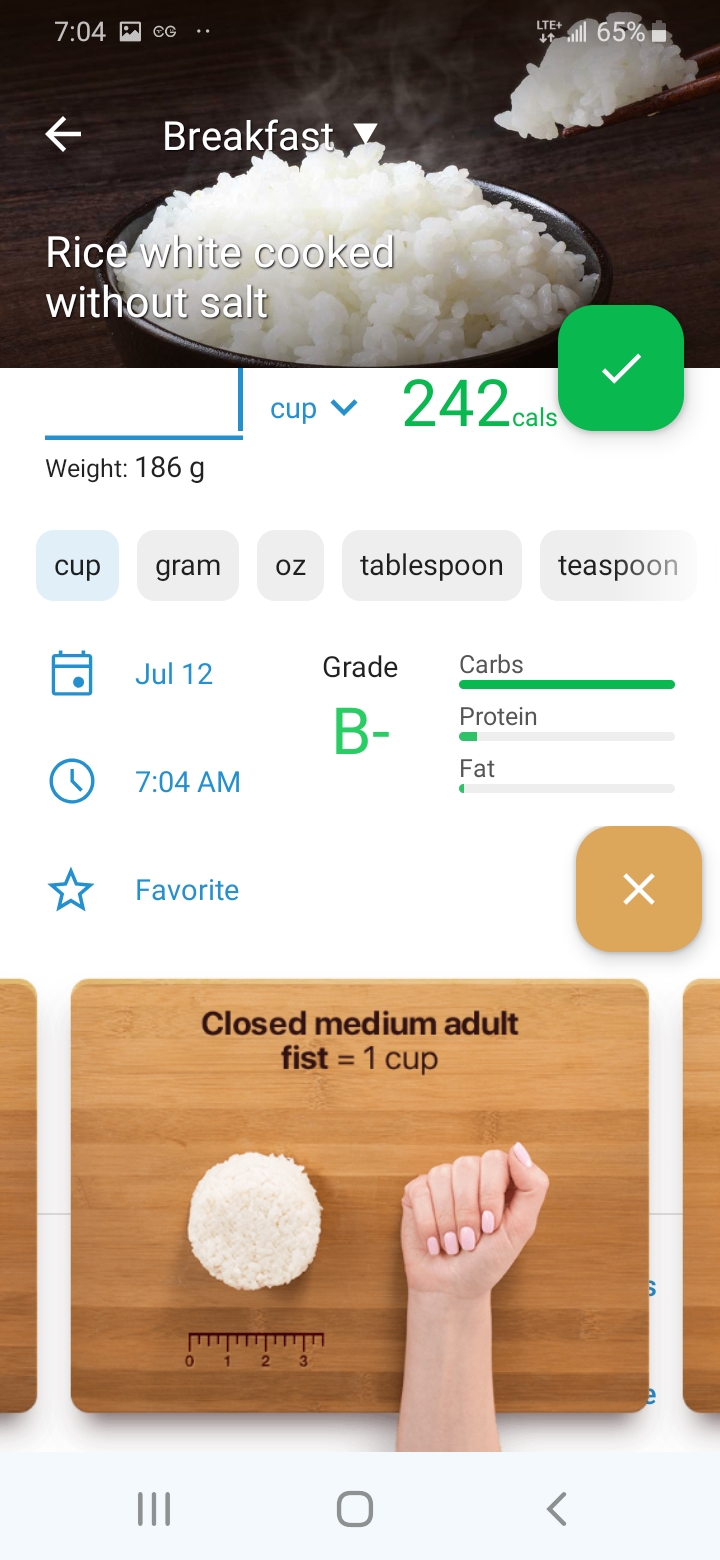
By combining the visual guides, manual food entry tools, and portion control tips, you can more accurately track your intake—even when packaging is unclear or vague.
If you're unsure which measurement to use, aim to select grams or ounces (when available) and refer to visual examples for estimation.